內容簡介
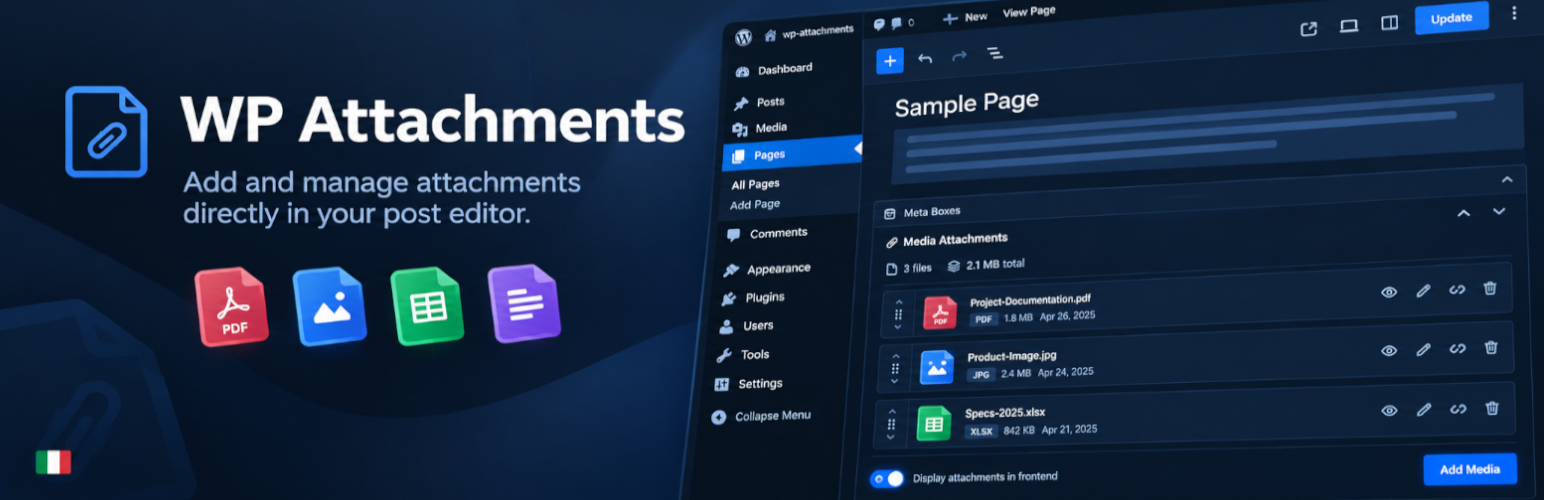
WP Attachments 是一款能將上傳至文章的檔案自動轉換為整潔下載列表的外掛,無需手動添加連結或記憶短碼,提升檔案管理的便利性。
【主要功能】
• 自動在文章內容下方列出附件
• 提供管理、預覽、重新命名和排序檔案的 Metabox
• 媒體庫中可進行附加、取消附加和重新附加操作
• 文章和頁面列表中顯示檔案數量和過濾功能
• 下載計數器可忽略爬蟲和重複點擊
• 支援 WooCommerce,包含高效能訂單儲存
外掛標籤
開發者團隊
② 後台搜尋「WP Attachments – Smarter File Management & Download Lists」→ 直接安裝(推薦)
📦 歷史版本下載
原文外掛簡介
WP Attachments turns the files you upload to a post into a clean, automatic download list. Attach a file while editing, and it shows up under your content — no manual links, no shortcodes to remember.
It also fills the gaps in the WordPress Media Library, letting you attach, unattach and reattach files without leaving the screen you are on.
Key features
🤖 Lists attachments automatically after the post content
ℹ️ Metabox for managing, previewing, renaming and reordering the files of a post
🔃 Attach, Unattach and Reattach actions in the Media Library
🔢 A Files column in the post and page lists: count, visibility and a filter
🔢 Download counter that ignores crawlers, prefetches and repeat clicks
♿ Reordering works with the mouse, the keyboard and screen readers
🧑💻 Filters for developers who want to change the markup
🛍️ WooCommerce compatible, including High-Performance Order Storage
🎨 Modern SVG icons and a Modern Card layout, plus the classic icon packs
📜 Works with posts, pages and custom post types
🎢 Templates with live previews, ready to customise: title, date, size, caption, downloads and more
Video Overview
Contributions
Part of WPGov.it, providing open source solutions for Italian Public Government websites.
Thanks to the Italian community Porte Aperte sul Web for beta testing and ideas.
Metabox based on IJ Post Attachments
Some icons by Yusuke Kamiyamane.