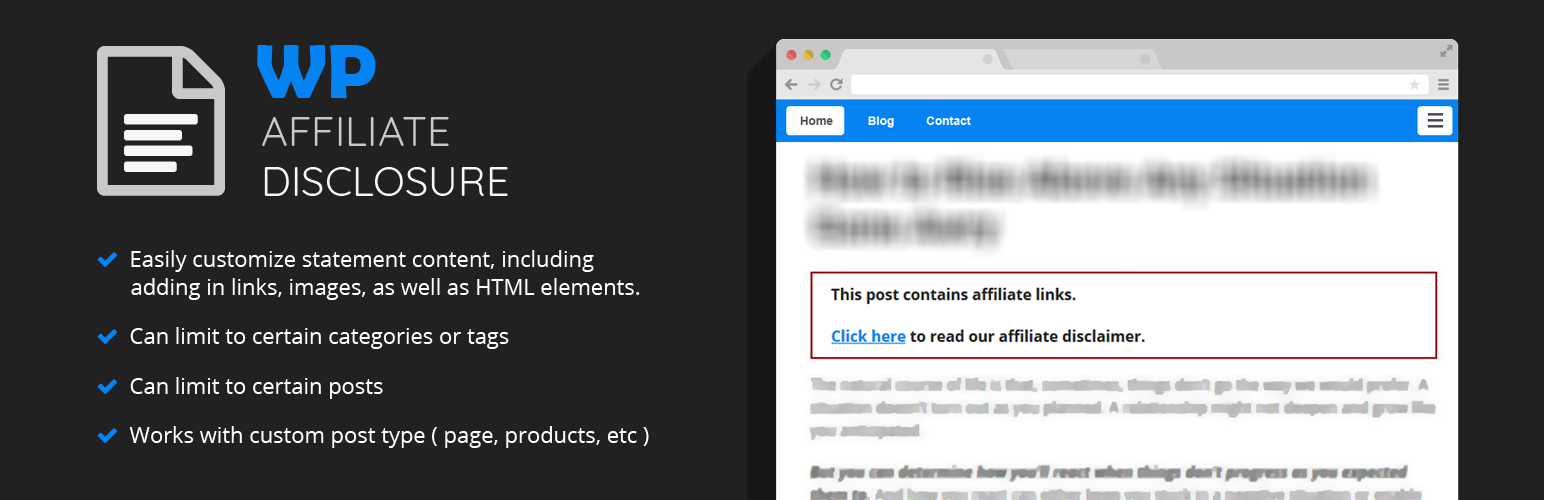
內容簡介
即時示範:https://www.mojofywp.com/wp-affiliate-disclosure/demo
如果你是一位聯盟行銷人員、部落客或網站所有人,你正在推廣美國、英國或加拿大公司的產品,美國聯邦貿易委員會 (Federal Trade Commission) 要求你告知訪客,如果他們透過你的聯盟連結購買商品,你將會得到報酬。
不過,手動在每篇文章中添加這一聲明可能會很麻煩——但不用擔心了……
WP Affiliate Disclosure 可以讓你添加可自訂、符合 FTC 規定的披露聲明,根據你定義的規則自動在 WordPress 網站上顯示。
主要功能:
在文章開頭和/或結尾顯示披露聲明。
輕鬆自訂聲明內容,包括添加連結、圖片以及 HTML 元素。
僅在某些文章中顯示披露聲明。
僅基於其分類 (類別 / 標籤) 顯示披露聲明。
也適用於自定義文章類型。
即時示範:https://www.mojofywp.com/wp-affiliate-disclosure/demo
外掛標籤
開發者團隊
原文外掛簡介
Live Demo: https://www.mojofywp.com/wp-affiliate-disclosure/demo
If you’re an affiliate marketer, blogger, or website owner, and you’re promoting products of companies from US, UK, or Canada, the FTC (Federal Trade Commission) requires you to tell your visitors that you will be compensated if they purchase something through your affiliate link(s).
However, adding the disclosure statement manually into each posts would be a hassle – But worries no more…
WP Affiliate Disclosure allows you to add a customizable, FTC-compliant disclosure statement that will automatically display across your WordPress website based on the rule(s) you define.
Main features:
Show the disclosure statement at the beginning and/or the end of a post.
Easily customize statement content, including adding in links, images, as well as HTML elements.
Only show the disclosure statement on certain posts.
Only show the disclosure statement based on its taxonomies ( categories / tags )
Works on custom post type as well
Live Demo: https://www.mojofywp.com/wp-affiliate-disclosure/demo