
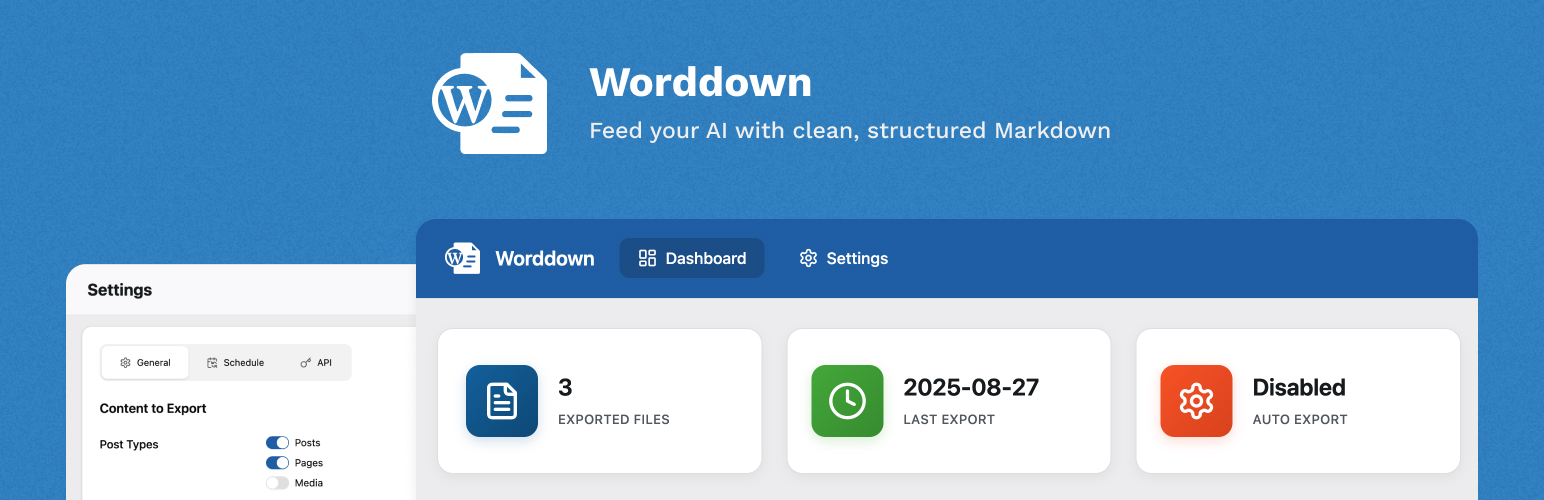
內容簡介
總結:Worddown 是一個功能強大的 WordPress 外掛,可以讓您將頁面和文章匯出至 markdown 文件,非常適合與 AI 聊天機器人和其他基於 markdown 的系統整合。
問題與答案:
1. Worddown 的主要功能有哪些?
- 將頁面和文章匯出至 markdown 文件
- 支持自訂頁面建構器(ACF Flexible Content、Elementor 等)
- 提供 REST API 端點以進行程式化存取
- 使用 WP-CLI 命令進行自動化
- 多語言支持
- 大型網站的背景匯出模式
- 可自訂的 HTML 內容篩選器
2. Worddown 提供哪些匯出方式?
- WordPress 管理員儀表板
- WP-CLI 命令
- REST API 端點
3. 如何在 WP-CLI 支援下從命令列匯出內容?
- 使用以下命令:wp worddown export
- 若要在大型網站上使用背景模式:wp worddown export --background
4. 透過哪些 REST API 端點可以程式化存取匯出功能?
- GET /wp-json/worddown/v1/files:列出所有匯出的 markdown 文件
- GET /wp-json/worddown/v1/files/{post_id}:獲取特定文件內容
- POST /wp-json/worddown/v1/export:觸發匯出
5. 如何使用自訂 HTML 內容篩選器來自訂 markdown 輸出?
- 使用 WordPress 篩選器:add_filter('worddown_custom_html_content', function($content, $post_id, $post_type) {...}
6. Worddown 提供哪些可用翻譯?
- 英文
- 瑞典文(sv_SE)
7. 在開發方面,Worddown 使用了哪些技術和編譯要求?
- 使用 Vite 進行資產編譯
- 開發要求:Node.js 16.0 或更高版本,npm 8.0 或更高版本
外掛標籤
開發者團隊
原文外掛簡介
Worddown is a powerful WordPress plugin that enables you to export your pages and posts to markdown files, making them perfect for integration with AI chatbots and other markdown-based systems.
Key Features
Export pages and posts to markdown files
Support for custom page builders (ACF Flexible Content, Elementor, etc.)
REST API endpoints for programmatic access
WP-CLI commands for automation
Multilingual support
Background export mode for large sites
Customizable HTML content filters
Export Methods
WordPress Admin Dashboard
WP-CLI Commands
REST API Endpoints
WP-CLI Support
Export your content directly from the command line:
wp worddown export
For large sites, use background mode:
wp worddown export --background
REST API
Access export functionality programmatically through REST API endpoints:
GET /wp-json/worddown/v1/files – List all exported markdown files
GET /wp-json/worddown/v1/files/{post_id} – Get specific file content
POST /wp-json/worddown/v1/export – Trigger export
Custom HTML Content Filters
Customize your markdown output using WordPress filters:
add_filter('worddown_custom_html_content', function($content, $post_id, $post_type) {
if ($post_type === 'page') {
$content .= '
';
}
return $content;
}, 10, 3);
Available Translations
English
Swedish (sv_SE)
Development
For development instructions and advanced usage, please visit the plugin repository.
Build Process
The plugin uses Vite for asset compilation. Development requirements:
Node.js 16.0 or higher
npm 8.0 or higher






