內容簡介
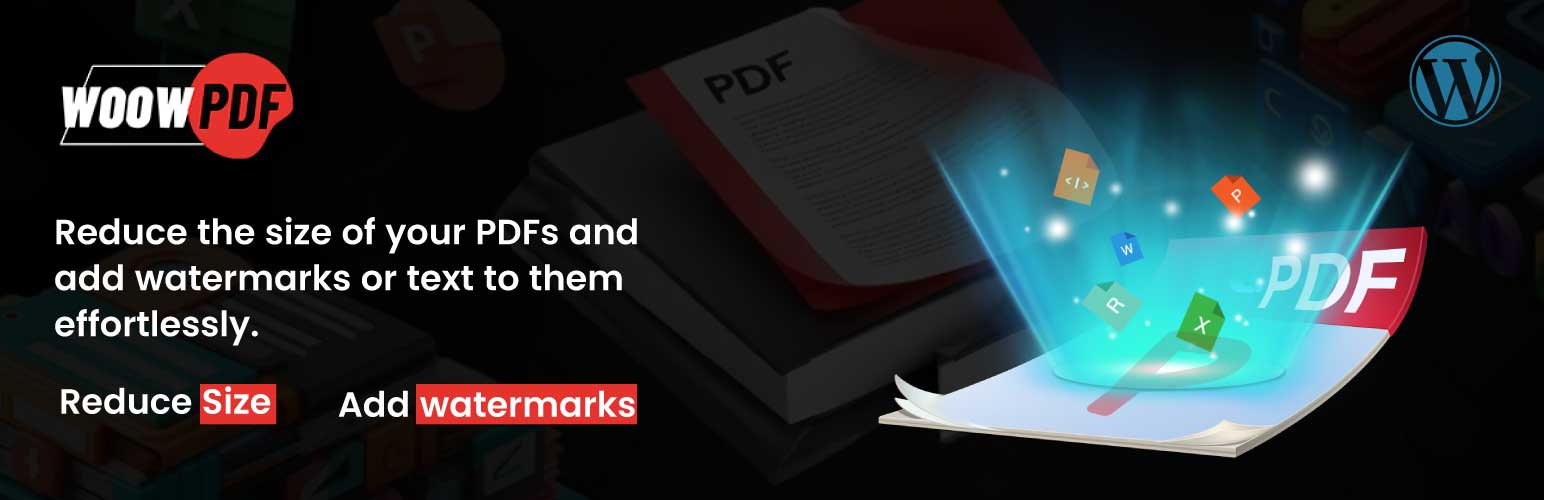
總結:Official WoowPDF 外掛可壓縮PDF檔案並新增圖像或文字浮水印,自動優化PDF,無需手動處理。
1. 這個外掛是如何運作的?
- 外掛目前在單一自動模式下運作。
- 壓縮PDF:每當PDF檔案上傳到您的媒體庫時,將使用WoowPDF API對其進行壓縮,並以優化的形式保存在WordPress網站中,協助您節省磁碟空間。如果需要,可以停用此功能。
- 浮水印PDF:每當PDF文件上傳到您的媒體庫時,將使用WoowPDF API對其進行浮水印,並保存在您的WordPress中。此功能亦可停用。
2. 如何設定WoowPDF外掛?
- 安裝這個外掛並轉到"設置"->"WoowPDF"->"通用"選項卡,選擇"是"或"否"來配置是否備份原始PDF檔案。
- 透過"設置"->"WoowPDF"->"壓縮PDF"選項卡,您可以啟用或停用PDF壓縮,並設定優化PDF檔案的壓縮級別。我們強烈建議使用"預設壓縮",因為它提供了壓縮和質量之間的理想平衡。啟用此選項卡後,新上傳的PDF文件將自動進行壓縮。
- 透過"設置"->"WoowPDF"->"新增浮水印"選項卡,您可以自訂PDF文件的各種浮水印偏好設定,包括浮水印(文字、圖像)以及方式。啟用此選項卡後,新上傳的PDF文件將自動添加浮水印。
3. 使用WoowPDF API服務
- 這個外掛使用他們自己的API URL來對用戶上傳的PDF檔案進行壓縮或添加浮水印。
- 相關的信息:
API網址:WoowPDF (https://stagingapis.woowapis.online/pdftools/)
條款與條件:WoowPDF條款與條件 (https://woowpdf.com/terms-and-conditions)
隱私政策:WoowPDF隱私政策 (https://woowpdf.com/privacy-policy)
- 在使用此外掛時,上傳的PDF檔案將被發送到WoowPDF API URL進行處理。這包括根據用戶的指定進行檔案壓縮和添加浮水印。發送的數據包括檔案本身以及任何處理任務所需的相關元數據。
外掛標籤
開發者團隊
② 後台搜尋「PDF Compression & Watermarking – WoowPDF」→ 直接安裝(推薦)
原文外掛簡介
Compress your PDF files and add image or text watermark with the Official WoowPDF plugin for WordPress. Optimize and watermark your PDFs automatically, just like on woowpdf.com.
How it works
Currently, the plugin operates in a single, automatic mode.
Compress PDF: Whenever a PDF file is uploaded to your Media Library, it is compressed using our WoowPDF API and saved on your WordPress site in an optimized form, helping you save disk space. This feature can be disabled if desired.
Watermark PDF: Whenever a PDF file is uploaded to your Media Library, it is watermarked by our WoowPDF API and saved in your WordPress. This feature can be disabled.
Automatic process
All tools are automatically applied when a PDF file is uploaded, so you no longer need to apply them manually.
Configure WoowPDF Settings
Install this plugin and go to Settings -> WoowPDF -> ‘General’ tab, select ‘Yes’ or ‘No’ if you want to backups the original pdf files.
By going to Settings -> WoowPDF -> ‘Compress PDF’ tab, you can enable or disable PDF compression and set your preferred compression level to optimize your PDF files. We strongly recommend using ‘Default Compress,’ as it provides the ideal balance between compression and quality. By enabling this tab, it will automatically compress newly uploaded PDF files.
By going to Settings -> WoowPDF -> ‘Add Watermark’ tab, You have the flexibility to customize various watermark preferences for your PDF files, including what to watermark(text, image) and how. By enabling this tab, it will automatically watermarked newly uploaded PDF files.
Use of WoowPDF API Service
This plugin uses their own API URL to compress or add watermark to PDF files uploaded by users.
The following information is relevant to this service:
API URL: WoowPDF (https://stagingapis.woowapis.online/pdftools/)
Terms & Conditions: WoowPDF Terms & Conditions (https://woowpdf.com/terms-and-conditions)
Privacy Policy: WoowPDF Privacy Policy (https://woowpdf.com/privacy-policy)
When using this plugin, the uploaded PDF files are sent to the WoowPDF API URL for processing. This includes file compression and watermarking as specified by the user. The data sent includes the file itself and any associated metadata necessary for the processing task.