內容簡介
WP All Import 的 WooCommerce 擴充套件,可快速將 XML、CSV、Excel 或 Google Sheets 檔案中的商品資料批次匯入 WooCommerce,支援拖放對應欄位,操作直覺簡單,大幅節省商品上架時間。
【主要功能】
• 支援 CSV、XML、Excel 等多種檔案格式匯入
• 拖放式欄位對應,操作如同手動新增商品
• 自動分割大型檔案,支援 200MB 以上目錄匯入
• 不限定檔案結構,任何格式皆可匯入
• Pro 版支援可變商品、外部聯盟商品及組合商品
• Pro 版可從 URL 匯入,支援 Google Sheets 及外部網站
外掛標籤
開發者團隊
② 後台搜尋「WP All Import – Product Import for WooCommerce」→ 直接安裝(推薦)
📦 歷史版本下載
原文外掛簡介
“I’ve been doing eCommerce sites for almost a decade. The combination of WP All Import and WooCommerce is a game changer! I can now get clients into eCommerce sites that could never afford the time/energy or money it took to administrate a site. It has opened up a whole new client base for me.”
Mike Tidmore -Founder, Successful Online Stores
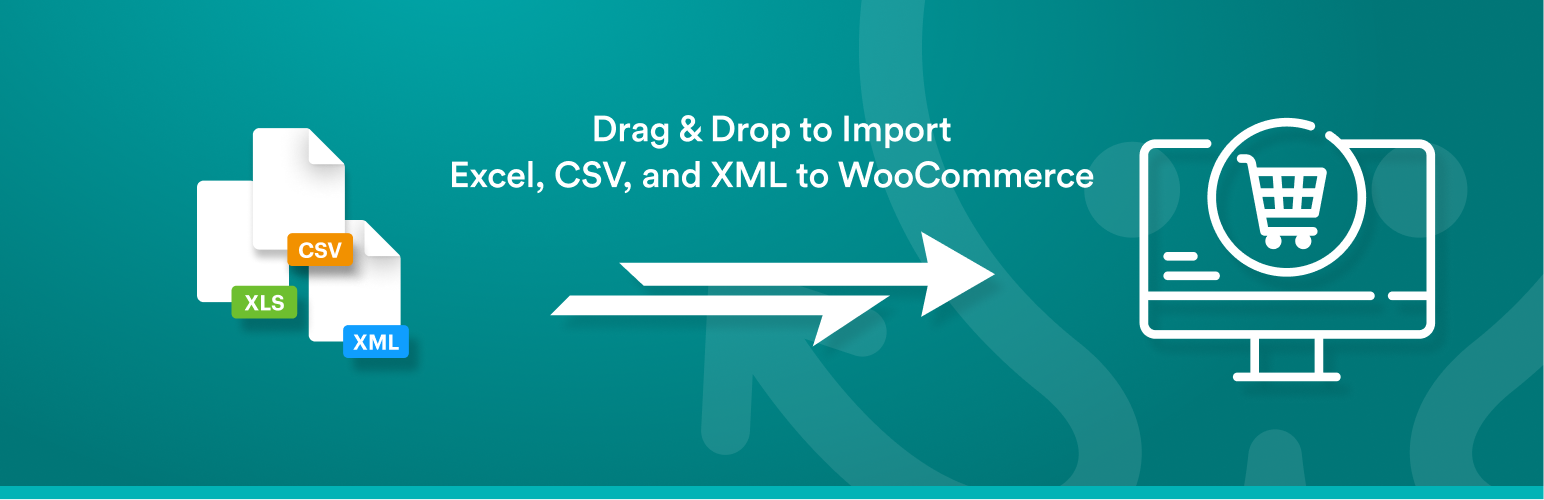
Whether you’re working with XML, CSV, Google Sheets, or Excel files, the WooCommerce add-on for WP All Import makes it easy to bulk import your products to WooCommerce in less than 10 minutes.
The left side of the plugin looks just like WooCommerce, and the right side displays product details in a table from your XML/CSV/ Excel file.
Drag & drop the data from your XML, CSV, or Excel into the WooCommerce fields to import it.
The importer is so intuitive it is almost like manually adding a product in WooCommerce.
WooCommerce CSV imports? WooCommerce XML imports? WooCommerce Excel Import? They are EASY with WP All Import.
Here’s why you should use the WooCommerce add-on for WP All Import:
Supports files in any format and structure. There are no requirements that the data in your file be organized in a certain way. WooCommerce CSV imports are easy, no matter the structure of your file. WooCommerce XML imports are flexible and work with any XML file.
Supports files of practically unlimited size by automatically splitting them into chunks. Import 200Mb+ product catalogs with ease, even on shared hosting.
WooCommerce Add-On Pro
The Pro edition of WP All Import + the WooCommerce add-on is a paid upgrade that includes premium support and adds the following features:
In-depth support for Variable products – example CSV and Excel files, ability to import variations from properly formatted XML, and much more.
Import External/Affiliate products
Import Grouped products
Import files from a URL – Download and import WooCommerce data from Google Sheets and external websites, even if they are password protected with HTTP authentication.
Cron Job/Recurring Imports – WP All Import Pro can periodically check a file for updates, and add, edit, delete, and update the stock status of the imported products accordingly.
Execution of Custom PHP Functions on data, i.e. use something like [my_function({xpath/to/a/field[1]})] in your template, to pass the value of {xpath/to/a/field[1]} to my_function and use whatever it returns.
Get access to our customer portal with documentation and tutorials, and e-mail technical support.
Upgrade to the Pro edition of WP All Import + the WooCommerce add-on now.
You need the WooCommerce add-on if you need to:
Import XML to WooCommerce
Import CSV/Excel to WooCommerce
Import Google Sheets to WooCommerce
Are frustrated with the limitations of the official WooThemes Product CSV Import Suite
WooCommerce CSV Imports
Of course, XML files can have complex structures, but for CSV files, you can easily edit them and change the column names.
When importing CSV files, you should use UTF-8 encoding (which is very standard) if you are having any trouble with CSV imports containing special characters. But other than that, there are no special requirements.
This importer is the best option for WooCommerce CSV import tasks – our importer is extremely flexible when doing CSV imports because you don’t need to edit your CSV files to import them to WooCommerce. WP All Import can import ANY CSV file to WooCommerce. You don’t need to layout your data in a specific way, and you don’t need your CSV to have specific column names. WP All Import’s drag & drop interface provides you with a visual way to map the columns in your CSV file to the appropriate fields in WooCommerce.
WooCommerce Excel Import / Google Sheets Import
Don’t want to convert your Excel or Google Sheets data to CSV? WP All Import also works as a Google Sheets and Excel importer for WooCommerce. Simply upload your Excel file as you would for CSV and WP All Import will automatically detect the columns in your file.
For Google Sheets, use the ‘Download a file’ option and paste your sheet’s public URL to import data to WooCommerce.
Related Plugins
Export any WordPress data to XML/CSV
Import any XML or CSV File to WordPress
Export Products to CSV/XML for WooCommerce
Custom Product Tabs for WooCommerce WP All Import Add-on
Export Orders to CSV/XML for WooCommerce
Export WordPress Users to CSV/XML
Related Tutorials
How to Import Product Types Including Simple, Grouped, Virtual, Downloadable, Bookable, Subscriptions, and Product Bundles
How to Sync WooCommerce Product Stock Levels
How to Import Product Customers
How to Import Product Image Galleries and Metadata
How to Import Product Categories, Tags, and Other Taxonomies
How to Schedule Product Imports
How to Migrate WooCommerce Products
Support
You can submit the support form on our website or email us at [email protected]. While we try to assist users of our free version, please note that support is not guaranteed and will depend on our capacity. For premium support, purchase WP All Import Pro.