
內容簡介
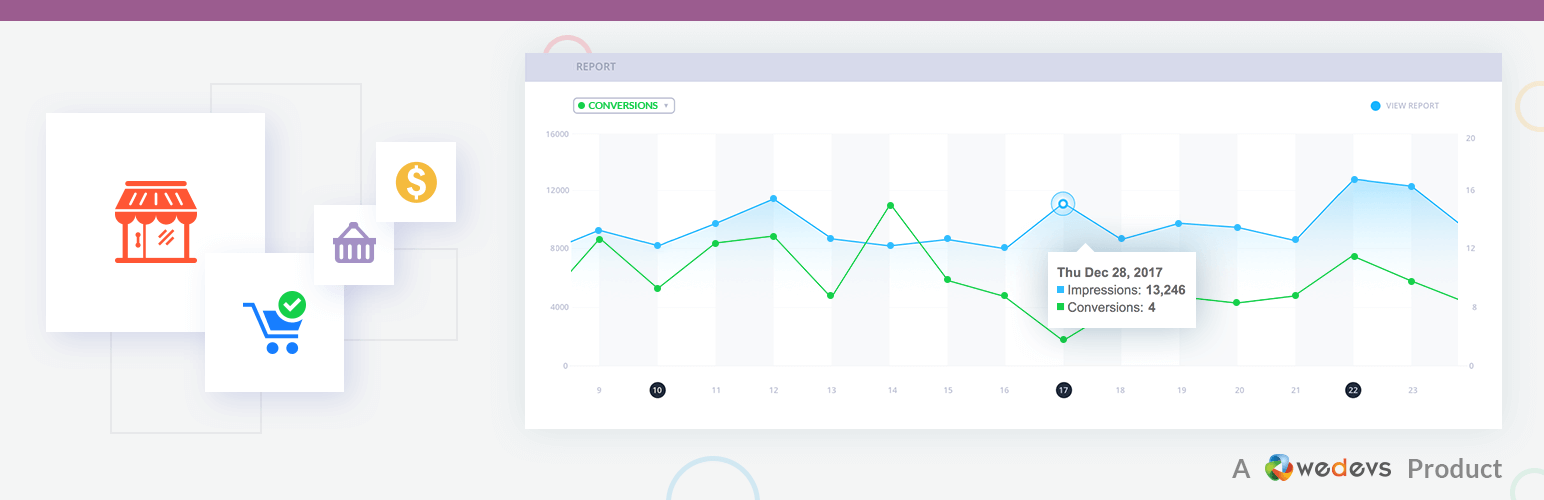
當你整合任何廣告活動時,它們會提供各種追蹤代碼(主要為 JavaScript)並將其插入站點的不同頁面,以便追蹤轉換是如何發生的。
此外掛在 WooCommerce 購物車頁面、結帳成功頁面和用戶註冊後插入這些代碼。因此,您可以追蹤哪些人將產品添加到購物車、誰購買了它們以及誰在您的站點上註冊。
支援的整合
Facebook
Twitter
Google Adwords
自訂追蹤
專業版功能
更多的 Facebook 事件
多個 Facebook 像素
Facebook 產品目錄
Perfect Audience
Bing Ads
更多 Twitter 和 Google Adwords 事件
獲取專業版
視頻
所有視頻
貢獻
GitHub
作者
Tareq Hasan
隱私政策
woocommerce-conversion-tracking 使用 Appsero SDK 在用戶確認後收集一些遙測數據,這有助於我們更快地排除問題並進行產品改進。
Appsero SDK 默認不收集任何數據。只有在用戶透過管理員通知允許時,SDK 才會開始收集基本遙測數據。我們收集數據,以確保所有用戶都有良好的用戶體驗。
在任何情況下,只有在用戶確認後,整合 Appsero SDK 才會立即開始收集數據。
了解更多有關 Appsero 收集和使用此數據 的信息。
此外,閱讀 weDevs 的隱私政策以獲取更多信息。
外掛標籤
開發者團隊
② 後台搜尋「Conversion Tracking for WooCommerce」→ 直接安裝(推薦)
📦 歷史版本下載
原文外掛簡介
When you are integrating any advertising campaigns, they provide various tracking codes (mainly JavaScript) to insert them various pages of your site so that it can track how the conversion is happening.
This plugin inserts those codes on WooCommerce cart page, checkout success page and after user registration. So you can track who are adding your products to cart, who are buying them and who are registering to your site.
Supported Integrations
Facebook
Twitter
Google Adwords
Custom Tracking
Pro Features
More Facebook Events
Multiple Facebook Pixels
Facebook Product Catalog
Perfect Audience
Bing Ads
More Twitter and Google Adwords Events
Get Pro Version
Videos
All Videos
Contribute
Github
Author
Tareq Hasan
Privacy Policy
woocommerce-conversion-tracking uses Appsero SDK to collect some telemetry data upon user’s confirmation. This helps us to troubleshoot problems faster & make product improvements.
Appsero SDK does not gather any data by default. The SDK only starts gathering basic telemetry data when a user allows it via the admin notice. We collect the data to ensure great user experience for all our users.
Integrating Appsero SDK DOES NOT IMMEDIATELY start gathering data, without confirmation from users in any case.
Learn more how Appsero collects and uses this data.
Additionally, read weDevs privacy policy for more.














