外掛標籤
開發者團隊
② 後台搜尋「Wizehawk Store Discovery Audit」→ 直接安裝(推薦)
原文外掛簡介
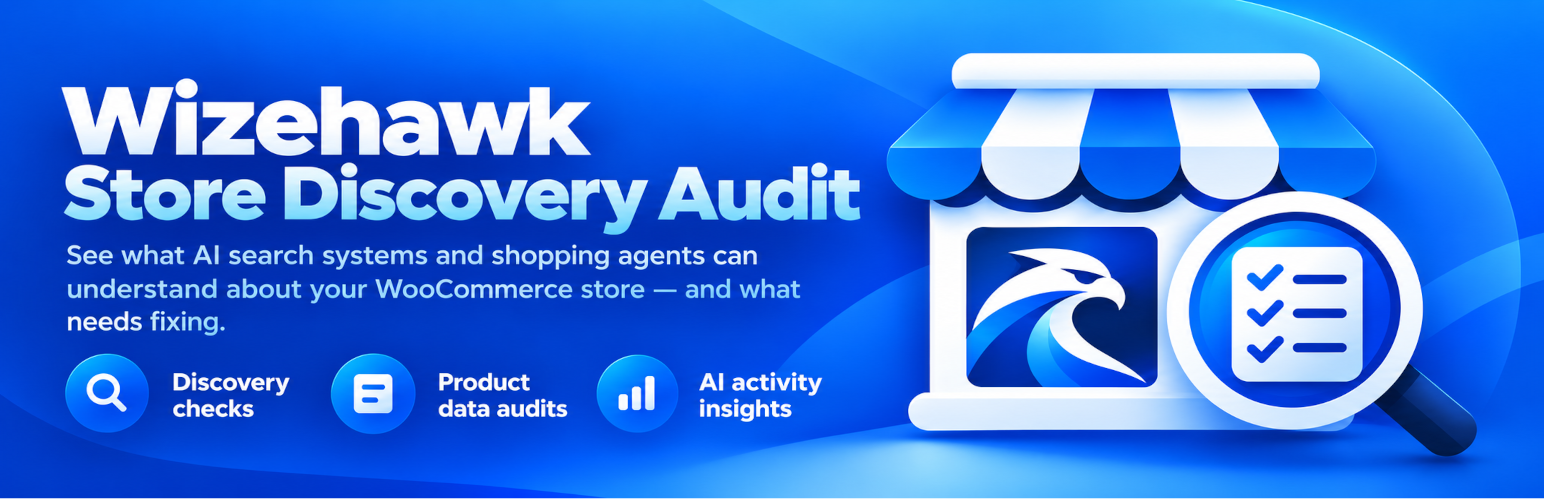
Wizehawk Store Discovery Audit helps WooCommerce merchants see whether their public store is understandable and accessible to AI search and shopping systems.
Current checks include:
robots.txt reachability and OpenAI crawler directives
WordPress search visibility and sitemap availability
WooCommerce product data quality
WooCommerce-generated Product JSON-LD, including offers, price, currency, availability, image, SKU, GTIN, and brand when applicable
optional per-product Live Page Deep Test on public stores
final rendered page indexability and canonical URL
final rendered Product JSON-LD and duplicate Product schema detection
local scan history stored in the WordPress database
live-page results stored locally as product metadata
No Wizehawk account or Wizehawk cloud service is required for manual scanning. The plugin does use the external services disclosed below for crawler verification and optional licensing/usage services.
Privacy and activity monitoring
AI activity monitoring is disabled by default. An administrator must explicitly enable it in Store Discovery Audit > Settings before real crawler/referral activity is recorded.
When monitoring is enabled, the plugin stores recognized event type/source, requested path, related WooCommerce product ID (when applicable), verification result, and event time in the site’s own WordPress database. Visitor IP addresses are never stored. User-agent strings and referrer URLs are used only during the current request to recognize a supported crawler/referral and are not stored.
For supported crawlers, the visitor IP is compared locally against official published crawler IP ranges. The visitor IP is not sent to OpenAI, Anthropic, or Perplexity by this plugin.
External services
This plugin uses the following external services. These requests are limited to the purposes described here.
OpenAI
For recognized OpenAI crawler requests, the plugin may download OpenAI’s publicly published crawler IP-range JSON files so it can verify the crawler locally.
Data sent: a normal HTTPS request from the WordPress server to OpenAI’s published JSON endpoint. The request identifies this plugin in its user-agent. No WooCommerce product data, visitor IP address, referrer URL, or visitor user-agent is sent by the plugin.
When: only when verification is needed for a recognized supported OpenAI crawler and a cached list is not available.
Terms: https://openai.com/policies/terms-of-use/
Privacy: https://openai.com/policies/privacy-policy/
Anthropic / Claude
For recognized Anthropic/Claude crawler requests, the plugin may download Anthropic’s publicly published crawler IP-range JSON file so it can verify the crawler locally.
Data sent: a normal HTTPS request from the WordPress server to Anthropic’s published JSON endpoint. The request identifies this plugin in its user-agent. No WooCommerce product data, visitor IP address, referrer URL, or visitor user-agent is sent by the plugin.
When: only when verification is needed for a recognized supported Anthropic crawler and a cached list is not available.
Terms: https://www.anthropic.com/legal/consumer-terms
Privacy: https://www.anthropic.com/legal/privacy
Perplexity
For recognized Perplexity crawler requests, the plugin may download Perplexity’s publicly published crawler IP-range JSON files so it can verify the crawler locally.
Data sent: a normal HTTPS request from the WordPress server to Perplexity’s published JSON endpoint. The request identifies this plugin in its user-agent. No WooCommerce product data, visitor IP address, referrer URL, or visitor user-agent is sent by the plugin.
When: only when verification is needed for a recognized supported Perplexity crawler and a cached list is not available.
Terms: https://www.perplexity.ai/hub/legal/terms-of-service
Privacy: https://www.perplexity.ai/hub/legal/privacy-policy
Freemius
This plugin uses the Freemius SDK for optional usage analytics, upgrade/checkout links, licensing, and paid add-on management.
On activation, Freemius presents an opt-in choice before optional usage data is shared. If the administrator opts in, Freemius may receive site/admin and environment information such as the administrator name/email, site URL, WordPress/PHP/plugin versions, and diagnostic environment information. If the administrator skips the opt-in, optional usage analytics are not sent.
When a paid add-on is purchased or a license is activated/managed, the information needed for checkout, licensing, account management, and updates is sent to Freemius as part of that requested operation.
Terms: https://freemius.com/terms/
Privacy: https://freemius.com/privacy/
Free and Pro
The Free version provides the complete manual AI-commerce audit: manual store scans, crawler/discovery checks, product readiness, AI-readable Product JSON-LD checks, live-page testing, basic 7-day AI activity counts, and the three most recent scan summaries.
Pro adds automatic daily scans, regression monitoring, hosted email alerts, longer scan history and automatic comparisons, bulk product fixes, and advanced AI activity reporting.
How to upgrade to Pro
Store Discovery Audit Pro is a separate add-on plugin. Keep the Free plugin installed and active.
Open Store Discovery Audit and click Upgrade to Pro.
Choose the yearly plan and finish checkout.
Download the Store Discovery Audit Pro ZIP. Do not unzip it.
Go to Plugins > Add Plugin > Upload Plugin.
Choose the Pro ZIP, click Install Now, then Activate Plugin.
Leave both Store Discovery Audit and Store Discovery Audit Pro active.
If asked for a license, use the Activate License button shown by Store Discovery Audit.
Open Store Discovery Audit again. The badge beside the version should say Pro.
Do not delete or replace the Free plugin. Free is the core plugin; Pro adds the paid features.