內容簡介
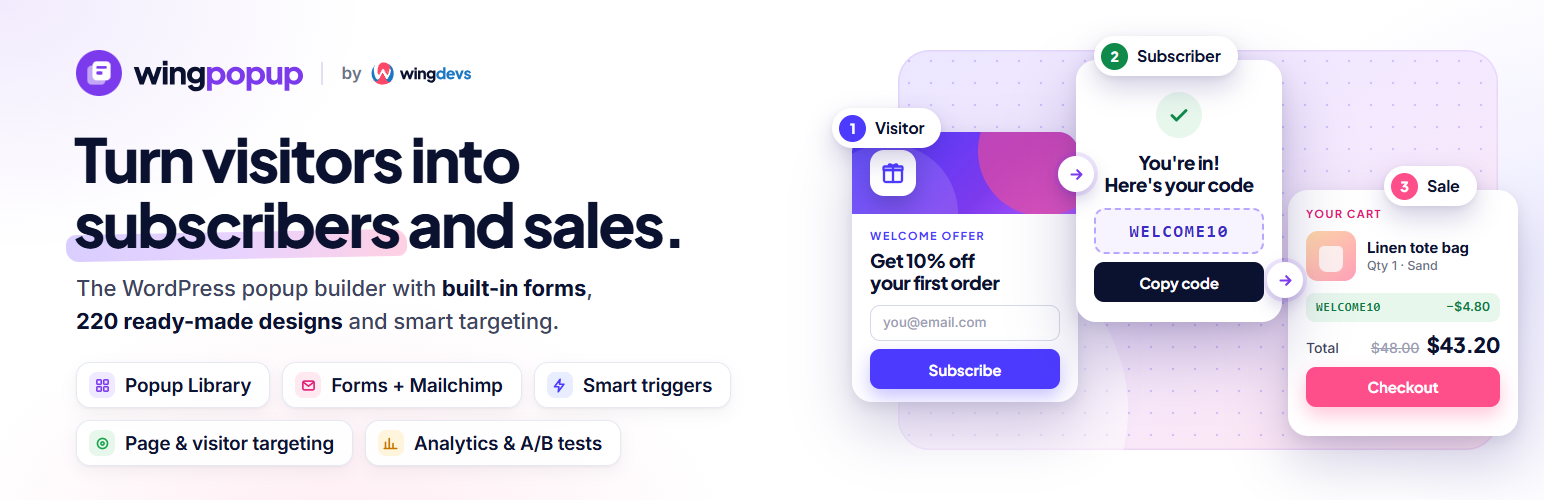
Wing Popup 是一款強大的彈出視窗建構器,能將網站訪客轉化為訂閱者和銷售。使用者可以在幾分鐘內建立彈出視窗、電子報訂閱、聯絡表單及優惠,無需編碼,並在適當的時機顯示。
【主要功能】
• 220 種現成彈出視窗設計可供選擇
• 四種彈出視窗類型:圖片、內容、表單及模板
• 內建電子報及聯絡表單功能
• Mailchimp 整合,輕鬆管理訂閱者
• 內容鎖定功能,提升互動性
• 垃圾郵件防護,無需 CAPTCHA
外掛標籤
開發者團隊
② 後台搜尋「Wing Popup – Powerful Popup Builder, Opt-in Forms, Mailchimp and Smart Triggers」→ 直接安裝(推薦)
原文外掛簡介
Wing Popup turns website visitors into subscribers and sales. Build popups, newsletter signups, contact forms and offers for your WordPress site in minutes, without code, and show them at exactly the right moment.
Start from a ready-made design in the Popup Library, connect your form to Mailchimp, choose when and where the popup appears, and switch it on. Wing Popup works with any theme and loads its files only on pages where a popup can appear.
Free features
Popup Library: 220 ready-made popups you can filter by type, category, season and display mode. 67 of them work in the free plugin: insert one with a click, edit the words and image, and switch it on. The Pro designs are shown too, so you can see what Pro adds.
Four popup types: Image, Image and Content, Form, and Template (a design you build in the block editor or Elementor).
Image layouts: image on top, inline, on the left or right, or as a background. Two-column layouts stack on phones.
Built-in forms: newsletter signup and contact forms under Wing Popup → Forms. Show a form in a popup, anywhere with the [wing-popup-form id="…"] shortcode, or with the Wing Popup Form block. Each form has its own fields, messages, follow-up and colours, and an optional consent checkbox.
Mailchimp: new subscribers go straight to the audience you pick from a synced list, with double opt-in and update-existing options.
Contact forms: messages are e-mailed to you with smart tags, with an optional auto-reply and newsletter signup.
Follow-up message with a coupon: after a signup, say thank you and reveal a discount code with a copy button.
Content locker: blur the page behind a form until the visitor answers.
Spam protection without captcha puzzles: a hidden trap field, a request token that works on cached pages, a minimum time to submit, per-visitor and per-address limits and your site’s Disallowed Comment Keys protect every form. Optional extra layer: ALTCHA (built in, no account, nothing sent to third parties) or Cloudflare Turnstile.
Triggers: open a popup a few seconds after the page loads, or when someone clicks any button, link or element you choose.
Page targeting: include or exclude the home page, pages, posts, archives, categories, tags, search, 404 and any custom post type or taxonomy.
Frequency and suppression: a cooldown after a popup is shown or closed, once per session, once ever, a cap on views per visitor and a minimum number of page visits.
Size, position and style: centred modals or inline popups, five widths or your own, fullscreen, nine screen positions, force interaction, close-button options and Custom CSS for every popup. Library designs keep the colours and type they were designed with.
Cache-safe and fast: everything that differs per visitor is decided in the browser, so page caches and CDNs keep working, and the plugin’s files load only where a popup can appear.
Watch the tutorial
A three-minute walkthrough: installing the plugin, a popup from the Library, triggers and display rules, Mailchimp and contact forms, settings, and what Wing Popup Pro adds. Prefer reading? The documentation covers every screen.
Wing Popup Pro
Every Pro setting is already visible in the free popup editor, marked (Pro), so you can see exactly what you get. Wing Popup Pro unlocks:
17 more popup types: countdown timer, coupon, spin to win, pick a gift, yes/no question, multi-step, cookie notice with preference toggles, age verification, video, social share, file download, Google Map, ad-block notice, push notification opt-in, product upsell, recent sales, and Contact Form 7 or WPForms forms.
Floating bars and slide-in panels, entrance and exit animations, full style panels (overlay, container, typography, buttons), mobile overrides and custom JavaScript.
Behaviour triggers: scroll depth, hover, inactivity, exit intent, number of page visits, end of a video and custom JavaScript events, plus WooCommerce triggers such as add to cart and leaving the checkout.
Audience targeting: date schedules and weekly hours, devices, browsers and operating systems, logged-in state and user roles, country, referrer and URL parameters, new or returning visitors, and cart contents.
WooCommerce and Easy Digital Downloads: upsell and cross-sell popups, recent-sales notifications, cart rules and consent-based cart-abandonment reminder e-mails.
More forms: pre-sale, login and registration forms, custom fields on contact forms, and stored submissions with filters, CSV export and privacy tools.
More e-mail services: Brevo, Kit (formerly ConvertKit), ActiveCampaign, MailerLite, AWeber, FluentCRM, HubSpot and a webhook for anything else.
Analytics: impressions, clicks, signups and conversion rates for every popup, with breakdowns by device, page, country, browser, referrer, trigger and hour, and Google Analytics forwarding.
A/B tests between popups, push notifications, and import and export of your popups, forms and settings.
Perfect for
Growing your e-mail list
Welcome discounts, seasonal sales and limited-time offers
Announcements and notices
Contact, quote and feedback forms
Cookie consent and age verification (Pro)
Cart recovery and upsells in WooCommerce (Pro)
External services
Wing Popup connects to the services below only when you set them up. Nothing is sent anywhere by default.
Mailchimp (subscribe forms): when a form uses Mailchimp, the visitor’s e-mail address and the form fields you mapped are sent to the Mailchimp API (api.mailchimp.com) on each signup, together with your API key. The plugin also reads your audiences when you click Sync. Terms of use, privacy policy.
Cloudflare Turnstile (optional spam protection): only when you choose Turnstile under Settings → General → Spam Protection. Forms that use it load Cloudflare’s script from challenges.cloudflare.com, which runs a check in the visitor’s browser, and on submit your site sends the resulting token, your secret key and the visitor’s IP address to Cloudflare’s verification endpoint. Each time you save the settings, your secret key is sent to Cloudflare once to check it. Terms, privacy policy.
ALTCHA, the default spam challenge, runs entirely on your own site and contacts no outside service. The template catalogue can be pointed at a remote address by a developer through the wdpop_template_catalogue_url filter; it is empty by default, so no request is made.