內容簡介
總結:Websync Builder for Contact Form 7將傳統基於shortcode的表單編輯轉變為現代視覺體驗,讓您無需記住字段語法或在預覽間切換 - 即時構建和預覽表單。
問題與答案:
1. Websync Builder for Contact Form 7如何轉變表單編輯體驗?
- Websync Builder for Contact Form 7將傳統基於shortcode的表單編輯轉變為現代視覺體驗。
2. 這個外掛的主要功能有哪些?
- 拖放式表單生成器UI
- 即時表單預覽
- 支援所有CF7字段類型
- 輕鬆排序和分組字段
- 兼容默認的CF7樣式和行為
3. 使用Websync Builder for Contact Form 7可幫助哪些人?
- 無論您是開發人員還是站點所有者,這個外掛將使使用Contact Form 7創建表單變得快速和直觀。
4. 這個外掛的注意事項是什麼?
- 該外掛需要安裝和啟用Contact Form 7。
5. 如何聯繫相關人員或獲取更多信息?
- Credits部分有提供聯絡方式。
外掛標籤
開發者團隊
② 後台搜尋「Websync Builder for Contact Form 7」→ 直接安裝(推薦)
原文外掛簡介
Tired of the tedious shortcode editor in Contact Form 7? Websync Builder replaces it with a modern, intuitive drag-and-drop visual form builder featuring a live preview.
Build complex, powerful forms in minutes. Add conditional fields to show or hide questions, and most importantly, save all form submissions to your database so you never lose a lead again. Manage entries right from your WordPress dashboard—all while maintaining 100% compatibility with the lightweight Contact Form 7 plugin.
Key Features
Visual Drag & Drop Builder
Build forms visually with a live preview. What you see is what you get.
Full support for all standard CF7 fields: text, email, dropdown, checkbox, file upload, and more.
Easily reorder, edit, and configure fields without touching code.
Save All Form Submissions
Submissions page: Never lose a lead. Save every CF7 form entry directly to your WordPress database.
View, manage, and search all submissions from a dedicated admin area.
Export: Unlock the ability to export entries to CSV or XLSX for reporting.
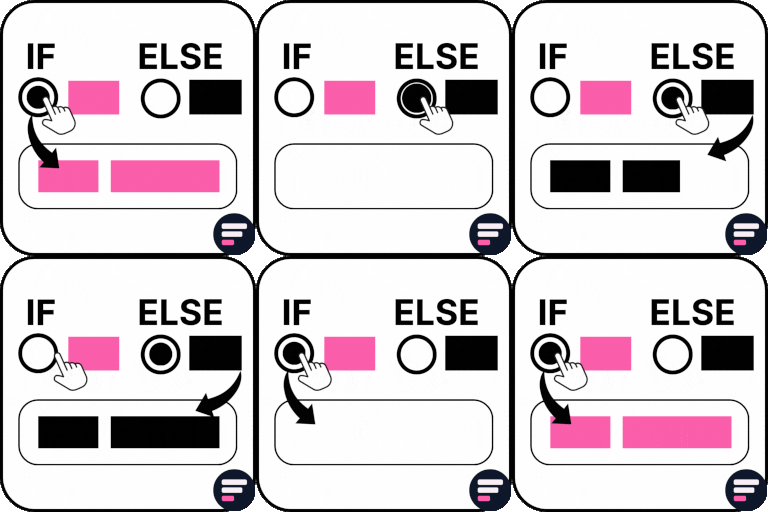
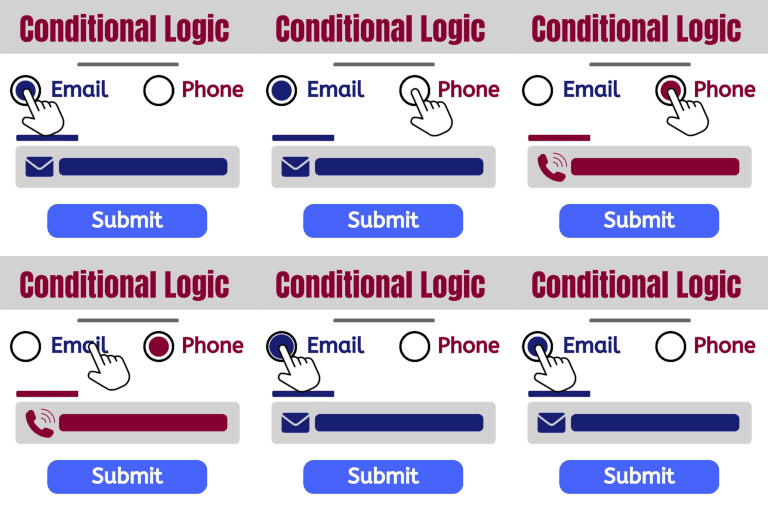
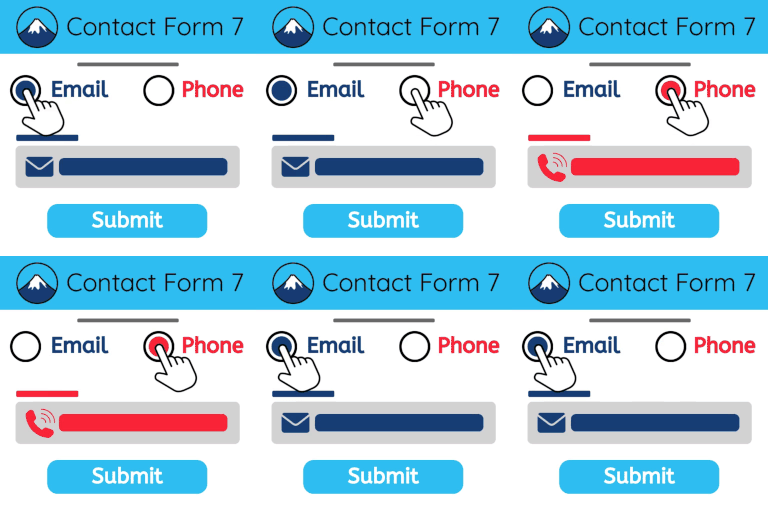
Conditional Logic (Show/Hide Fields)
Create smart forms that show or hide fields based on user selections.
Unleash unlimited conditional rules and groups for complex forms.
Multi-Step Forms
Break long forms into beautiful, manageable steps to improve user experience.
Perfect for surveys, applications, and lengthy contact forms.
Seamless Integration
Works with your existing Contact Form 7 forms and most CF7 add-ons.
Styled to look great with any modern WordPress theme.
Note: This plugin requires the free Contact Form 7 plugin to be installed and active.
External Services
Deactivation Feedback Endpoint
This plugin optionally sends deactivation feedback when the user chooses to submit it during plugin deactivation.
-Domain: https://whistleblowing-form.de/
-Purpose: To receive voluntary plugin deactivation feedback from the admin user.
-Data Sent:
Admin email (or custom email provided in the feedback form)
Selected deactivation reason
Optional message entered by the user
Site URL
-Conditions:
Data is sent only if the user submits the feedback form.
No data is sent when the user clicks “Skip”.
Credits
Built by the team at Websync. Contact us for support.