內容簡介
WProofreader 是一款專為 WordPress 設計的拼寫與文法檢查外掛,能即時掃描網站內容,檢查拼寫、文法、標點及風格問題,適合個人部落格及專業團隊使用。
【主要功能】
• 支援 20 多種語言的拼寫檢查
• 即時檢查與建議功能
• 自訂字典功能,適用於個人及組織
• 雲端同步的個人字典
• 風格檢查與指南建立功能
外掛標籤
開發者團隊
② 後台搜尋「WProofreader spell & grammar check plugin for WordPress」→ 直接安裝(推薦)
📦 歷史版本下載
原文外掛簡介
WProofreader plugin for WordPress scans and checks your website content for spelling, grammar, punctuation and style issues. No banner ads on your website!
Compatible with the latest WordPress versions.
WProofreader Free is ideal for a small personal blog or lightweight use:
Add instant spell checking to your WordPress site with support for 20+ languages. The free version comes with a daily word limit and applies to a single website, with a per-browser personal dictionary for storing custom words. Basic spelling and grammar check. No cloud sync. A straightforward, no-cost tool for basic proofreading needs.
WProofreader Pro for professional sites and teams:
A full-featured writing assistant for WordPress with unlimited websites, and no daily limits. Includes spell and grammar checking in dozens of languages, AI-powered text rephrasing and proofreading, text autocomplete, and a cloud-synced personal dictionary accessible from any device or browser. Subscription owners can also set up organization-wide custom dictionaries shared across all connected sites for keeping terminology consistent everywhere.
Check more differences between the WProofreader plugin free and Pro versions on the website.
User functionality
Proofreading modes
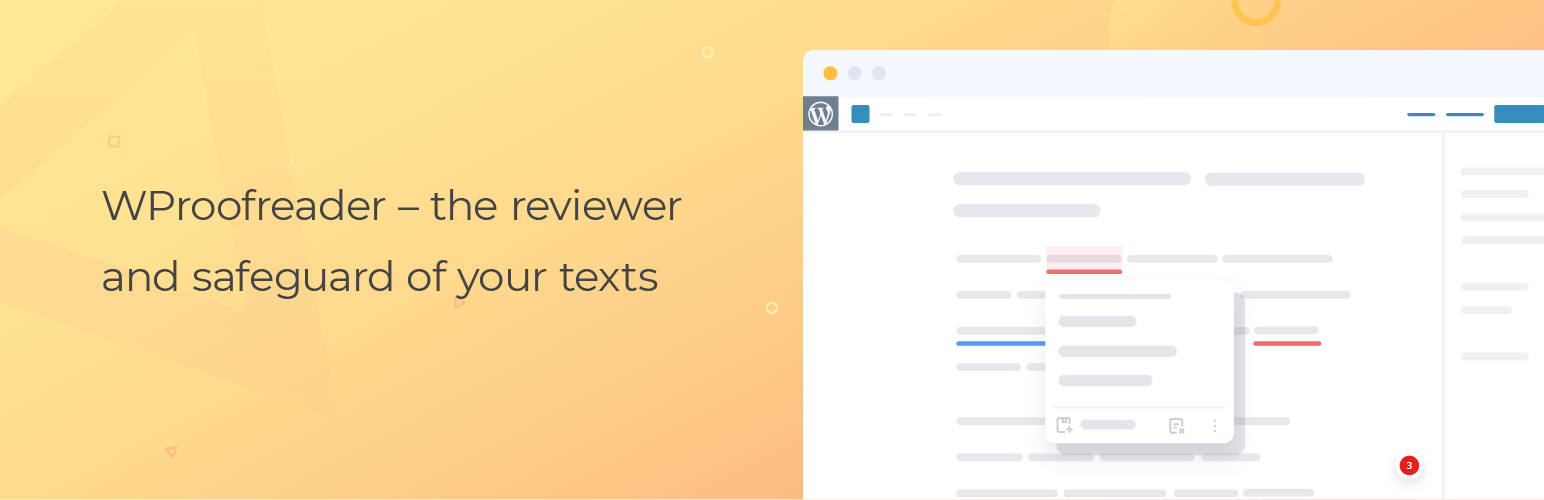
The check-as-you-type mode instantaneously detects writing mistakes and provides suggestions on-hover.
The proofread-in-dialog mode aggregates all the issues detected and suggestions provided.
Customizable dictionaries
The Pro version includes:
User-level custom dictionary allows end users to create personal dictionaries with specific words and terms (complex words, acronyms, proper names, etc.) and use them while working with WordPress. Once a word is added to a personal dictionary, it will not be considered as a misspelling, and will appear in the suggestions list. All words you add are stored either in the browser local storage or on our cloud and are accessible from the browser.
Organization-level custom dictionary allows creating dictionaries that extend the vocabulary of the standard dictionary with custom words specific to your organization culture, industry, domain, etc. All the words added to a dictionary by the admin will be available to all users within your organization. This type of dictionary is available only under the Pro version.
Specialized medical spelling dictionaries for English, German, French and Spanish, and legal dictionaries for English. Available for both, Free and Pro versions of the plugin.
Feature-rich
Multi-language support
Spelling autocorrect functionality for instant correction of common typos
Text autocomplete suggestions functionality for faster writing
Style check functionality with pre-defined non-inclusive and profanity language check for professional writing
Style guide builder for creating language rules
User-level and organization-level dictionaries
User-friendly and up-to-date
Straightforward plugin configuration (check the video tutorial)
Visible and intuitive text check with different colors used for spelling, grammar, and style guide issues
Easily toggle on/off the plugin button
Support the latest version of WordPress
Seamlessly integrates with the WordPress editor (Gutenberg) and compatible with the classic editor. Supported browsers: Chrome, Firefox, Safari, Microsoft Edge.
Content elements supported: pages, posts, tag descriptions, category descriptions, WooCommerce, WP eCommerce product descriptions, any custom post types, meta description fields of Yoast SEO plugin, all fields in the Admin panel and user-facing editable fields (disabled by default).
Benefits of WProofreader plugin for WordPress
It saves time proofreading in any of the two modes, check-as-you type and proofread-in-dialog.
You can create and maintain quality posts in different languages without being worried about possible mistakes.
Advanced functionality for spelling autocorrect, autocomplete suggestions and style guide for faster and more productive writing.