
內容簡介
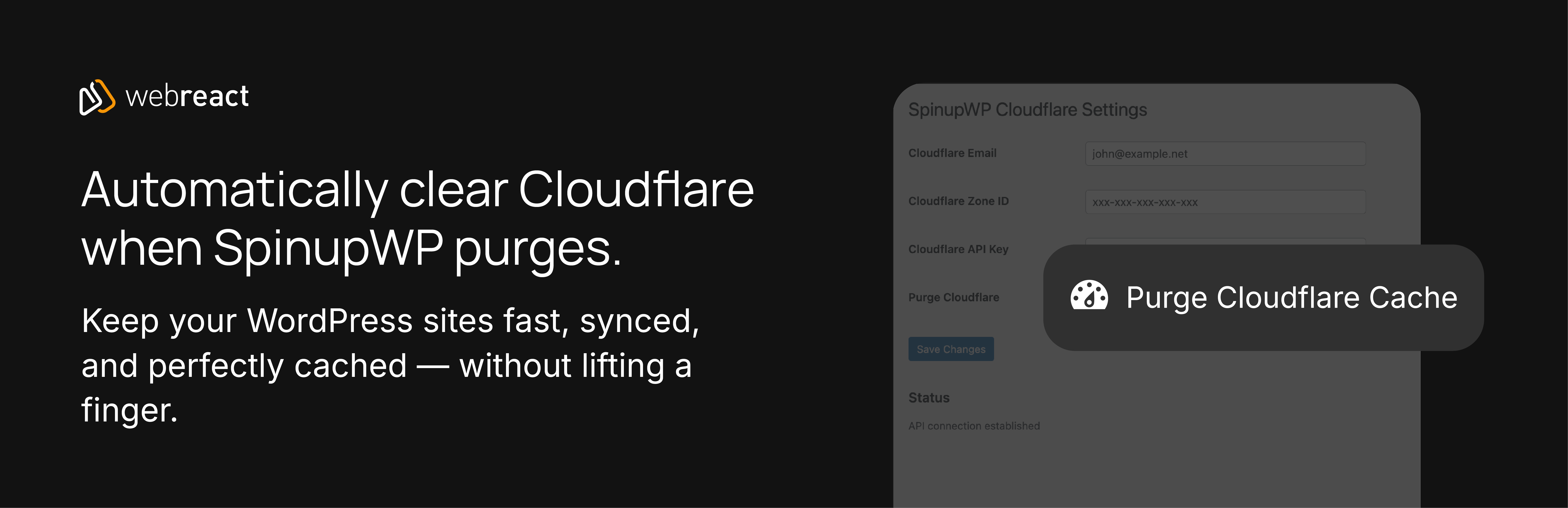
總結:這個外掛將您的 SpinupWP 管理網站與 Cloudflare 連接,當您在 SpinupWP 中清除網站、文章或 URL 時,會自動清除快取。
問題與答案:
1. 這個 WordPress 外掛的主要功能是什麼?
- 將 SpinupWP 管理的網站與 Cloudflare 連接,並在在 SpinupWP 中清除網站、文章或 URL 時自動清除快取。
2. 這個外掛提供了哪些清除快取的功能?
- 能夠一次清除整個區域或特定的 URL。
- 可以從管理工具列手動進行清除。
3. 這個外掛的授權是什麼?
- GPLv2 或更新版本。
外掛標籤
開發者團隊
② 後台搜尋「Webreact integration for SpinupWP and Cloudflare」→ 直接安裝(推薦)
原文外掛簡介
This plugin connects your SpinupWP-managed sites to Cloudflare, automatically purging cache when you purge sites, posts, or URLs in SpinupWP. It supports both modern API tokens and legacy API keys for flexible authentication.
Features:
Automatic cache purging on SpinupWP site purges
Purge specific URLs from Cloudflare cache
Manual purge button in WordPress admin bar
Support for Cloudflare API tokens (recommended) and legacy API keys
Clean, intuitive settings interface
Full nonce verification for security
PSR-12 compliant code with strict typing
Configuration
Authentication Type:
– API Token (Recommended): Modern, scoped authentication method. More secure with granular permissions.
– Only requires your API token and Zone ID
– API Key (Legacy): Original authentication method
– Requires email, Zone ID, and global API key
Finding Your Cloudflare Zone ID:
1. Log in to Cloudflare
2. Select your domain
3. In the right sidebar, copy the Zone ID
Creating an API Token:
1. Go to Cloudflare Profile > API Tokens
2. Create Token with “Cache Purge” permissions
3. Copy the token and paste into plugin settings
Using API Key (Legacy):
1. Go to Cloudflare Profile > API Tokens
2. Find Global API Key (or create one)
3. Copy your email and API key to plugin settings
Security
This plugin stores Cloudflare credentials in the WordPress options table. Ensure your WordPress installation is properly secured:
– Use strong admin passwords
– Keep WordPress and plugins updated
– Consider using a Web Application Firewall
All API requests use HTTPS and verify SSL certificates. All output is properly escaped and all nonces are verified.
Support
For issues or feature requests, please visit the plugin repository or contact Webreact.
License
GPLv2 or later













