
外掛標籤
開發者團隊
② 後台搜尋「WebQuicky – Employee Time Clock」→ 直接安裝(推薦)
原文外掛簡介
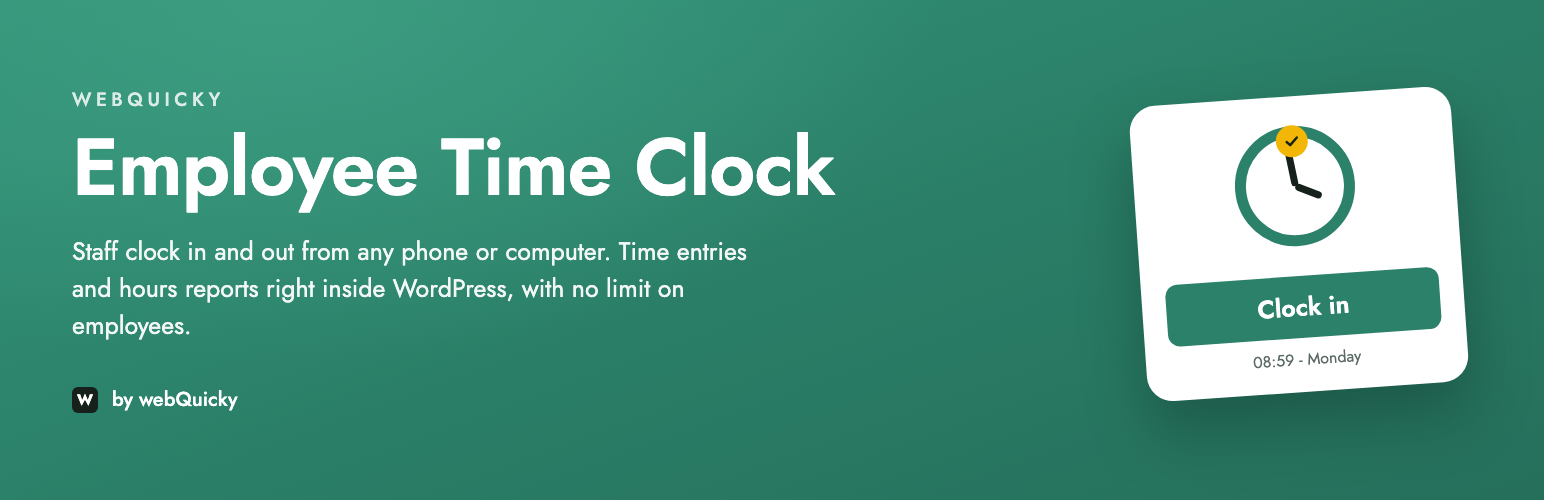
WebQuicky – Employee Time Clock turns your WordPress site into the employee time clock and attendance system of your business. Employees clock in and out from a phone, tablet or computer, and you get their hours, ready to review.
The plugin is complete on its own, with no limits on employees or report periods. It never contacts any external server and stores everything in your own WordPress.
Features
Clock in and out, with automatic calculation of hours
Unlimited employees
Time entries screen with manual entries and corrections, including night shifts
Hours reports for any period, per shift
Change history of every correction: who changed what, and when
Personal dashboard for every employee
Time Clock Admin role for the people who run the time clock
Login protection: 5 wrong passwords lock a time clock account for 15 minutes
Works on phones, tablets and computers
Translation-ready
Optional Pro add-on
WebQuicky – Employee Time Clock Pro is a separate plugin, sold at webquicky.com. It is not needed for anything listed above; it adds features of its own:
Mandatory breaks, a company rule and a rule per employee, deducted automatically
GPS location, captured at clock in and clock out
Hourly rates, overtime and earnings, with payroll-ready figures
Email notifications, including a reminder when somebody forgets to clock out
Reports grouped by employee or by day, and CSV export
A dedicated HR Manager role and team dashboard
Shortcodes
[wqtc_clock] – the clock in / clock out screen, with a login form for visitors
[wqtc_dashboard] – hours for the employee, or the team view for a manager
Privacy
The plugin stores in your own database: employee accounts, clock in and clock out times, hours worked and the change history of corrected records. It does not contact any external server and collects no data.
The plugin is connected to the WordPress privacy tools: Tools > Export Personal Data includes an employee’s time records and the change history, and Tools > Erase Personal Data removes their records where the law allows. Hours worked are kept, because they are records an employer has to retain.


