
內容簡介
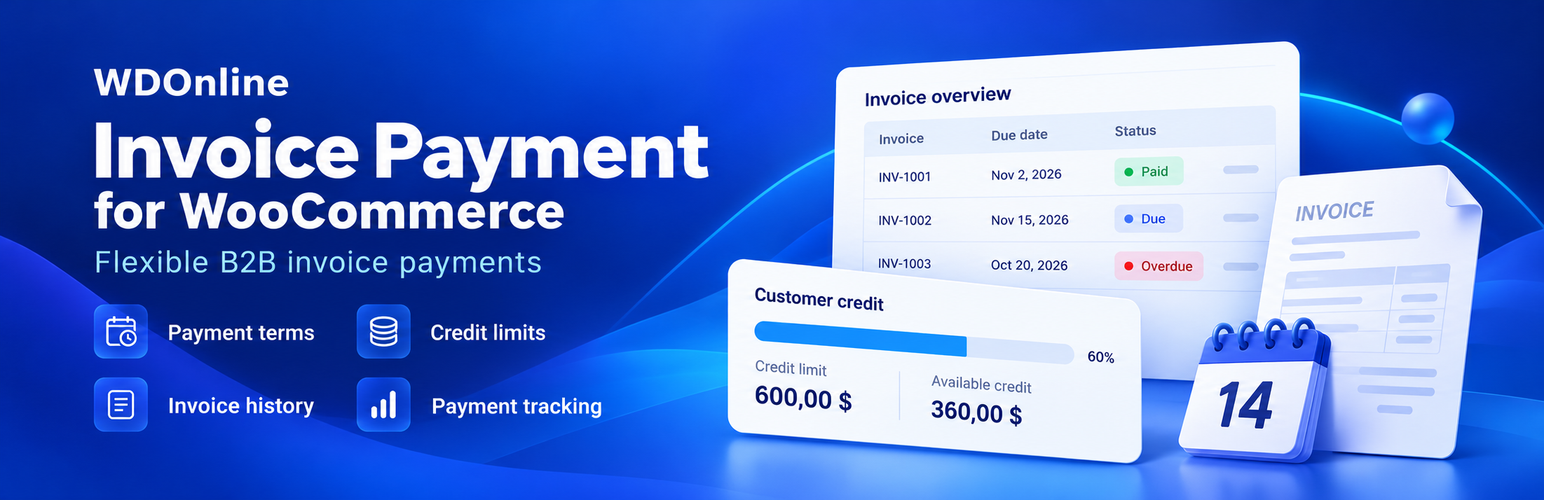
WDOnline Invoice Payment for WooCommerce 為 WooCommerce 提供一個適合 B2B 的發票支付閘道,讓客戶可以根據自己的支付條件進行付款,而非依賴訂單日期。
【主要功能】
• 全球啟用或禁用發票支付功能
• 設定全球預設支付條件
• 根據使用者角色配置發票資格和支付條件
• 上傳外部生成的 PDF 發票
• 獨立標記發票為已支付或未支付
• 支援 WooCommerce HPOS 和 Checkout Blocks
外掛標籤
開發者團隊
② 後台搜尋「WDOnline Invoice Payment for WooCommerce」→ 直接安裝(推薦)
原文外掛簡介
WDOnline Invoice Payment for WooCommerce adds a B2B-friendly invoice payment gateway where payment terms belong to the customer rather than the order date.
Core behavior:
Enable or disable invoice payment globally.
Configure a global default payment term.
Configure invoice eligibility and payment terms by WordPress user role.
Create new user roles from the User roles tab by safely copying permissions from an existing role.
Review all user roles and safely delete unused roles created through this plugin.
Override invoice eligibility and payment terms for individual customers.
Show a dynamic checkout title such as “Invoice – 30 days”.
Save the customer’s payment terms on the order at checkout.
Keep invoice date and due date separate from the order date.
Calculate the due date only after an invoice date has been entered or the order has been marked as invoiced.
Store an optional invoice number on the order.
Upload an externally generated PDF invoice to an order and make it available through a protected customer download.
Keep invoice PDFs outside the WordPress Media Library under random internal filenames with server access-deny rules.
Mark invoices as paid or unpaid independently of the WooCommerce order status.
Display payment terms, invoice date and due date in order emails and My Account.
Display invoice due information in the WooCommerce order list.
Supports WooCommerce HPOS and Checkout Blocks.
Set global, role-based, or individual customer credit limits.
Treat a credit limit of 0 as unlimited credit.
Track each customer’s open invoice balance, available credit, and overdue balance.
Include not-yet-invoiced invoice orders in credit exposure to prevent customers from exceeding their limit before invoicing.
Optionally block invoice payment when overdue invoices exist.
Configure an overdue grace period and override overdue blocking by role or individual customer.
Show a clear checkout notice when invoice payment is unavailable because the credit limit is exceeded or overdue invoices block new invoice orders.
Let the store customize the credit-limit checkout message with credit limit, available credit, and order total placeholders.
Show invoice payment status directly in the customer My Account order list.
Show paid, due, and overdue messages on individual order pages.
Add a dedicated My Account > Invoice payments page with credit summary, overdue balance, and invoice order history.
Optionally hide the customer’s credit-limit and available-credit values independently from the My Account invoice summary without changing credit enforcement.
Customize the customer My Account menu label and invoice-page heading without changing the endpoint URL.
Review invoice-payment orders from the dedicated, paginated Invoice orders tab with WooCommerce order-status filtering.
Fully translatable with standard WordPress gettext translation files and Loco Translate.
Includes a translation template in the plugin languages folder.
Add a WordPress Dashboard widget with key invoice-payment KPIs for store managers.
Filter dashboard sales statistics by Today, Yesterday, week, month, year, all time, or a custom date range.
Show invoice sales, order count, customer count, average invoice order value, paid invoices, and largest customer for the selected period.
Show Top 5 invoice customers for the selected period.
Track payment dates for newly marked paid invoices and calculate average payment time.
Show current outstanding balance, overdue balance, and invoices due within the next 7 days.
Store daily balance snapshots and show outstanding-balance development when enough history is available.
Cache dashboard statistics for performance and automatically refresh them when WooCommerce orders change.
Optional integration with WD Online Support Diagnostics for read-only health checks and temporary privacy-safe error logging.
The due date is intentionally not calculated when the customer places the order. For example, an order placed on September 1 with 30-day terms and invoiced on September 5 will be due on October 5.
Developer Notes
Available filters:
wdonline_ipw_customer_eligible
wdonline_ipw_terms_days
wdonline_ipw_due_date
wdonline_ipw_credit_limit
wdonline_ipw_block_overdue
wdonline_ipw_account_summary
wdonline_ipw_credit_decision
wdonline_ipw_dashboard_stats














