內容簡介
總結:Low Stock Alert for WooCommerce 通過向管理員發送自動電子郵件警報,幫助您管理商店庫存,每當產品庫存低於定義的閾值時,該插件會為您跟踪並即時通知您,讓您能夠快速採取行動。
問題與答案:
1. 這個 WordPress 外掛的作用是什麼?
- 答:這個 WordPress 外掛可以幫助您管理商店庫存,通過向管理員發送自動電子郵件警報,每當產品庫存低於定義的閾值時。
2. 這個外掛有哪些關鍵功能?
- 答:它包括:
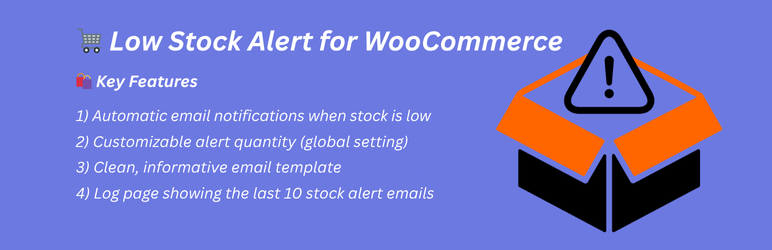
- 當庫存低時自動發送電子郵件通知
- 可自定義的警報數量(全局設置)
- 乾淨、資訊豐富的郵件模板
- 顯示最近 10 封庫存警報郵件的日誌頁面
3. 這個外掛是如何運作的?
- 答:它運作方式如下:
- 監控所有 WooCommerce 產品的庫存變化
- 如果庫存低於警報數量,則向管理員發送電子郵件
- 管理員可以從外掛設置頁面配置警報閾值
- 日誌頁面顯示最近發送的 10 封警報郵件
4. 這個外掛的開發者是誰?
- 答:這個外掛由 tarikulalways 開發。
5. 這個外掛的授權是什麼?
- 答:這個外掛是根據 GPLv2 或更新版本的許可。
外掛標籤
開發者團隊
② 後台搜尋「Low Stock Alert for WooCommerce」→ 直接安裝(推薦)
原文外掛簡介
Low Stock Alert for WooCommerce helps you manage your store inventory by sending automatic email alerts to the admin whenever a product’s stock goes below a defined threshold.
Forget about manually checking your product stock levels — this plugin keeps track for you and notifies you in real time so you can take action fast.
🛍️ Key Features
✅ Automatic email notifications when stock is low
🛠️ Customizable alert quantity (global setting)
📬 Clean, informative email template
📄 Log page showing the last 10 stock alert emails
⚙️ How It Works
The plugin monitors all WooCommerce products for stock changes.
If stock falls below the alert quantity, an email is sent to the admin.
Admins can configure the alert threshold from the plugin settings page.
A log page shows the 10 most recent alert emails sent.
Credits
Developed with ❤️ by tarikulalways
License
This plugin is licensed under the GPLv2 or later.