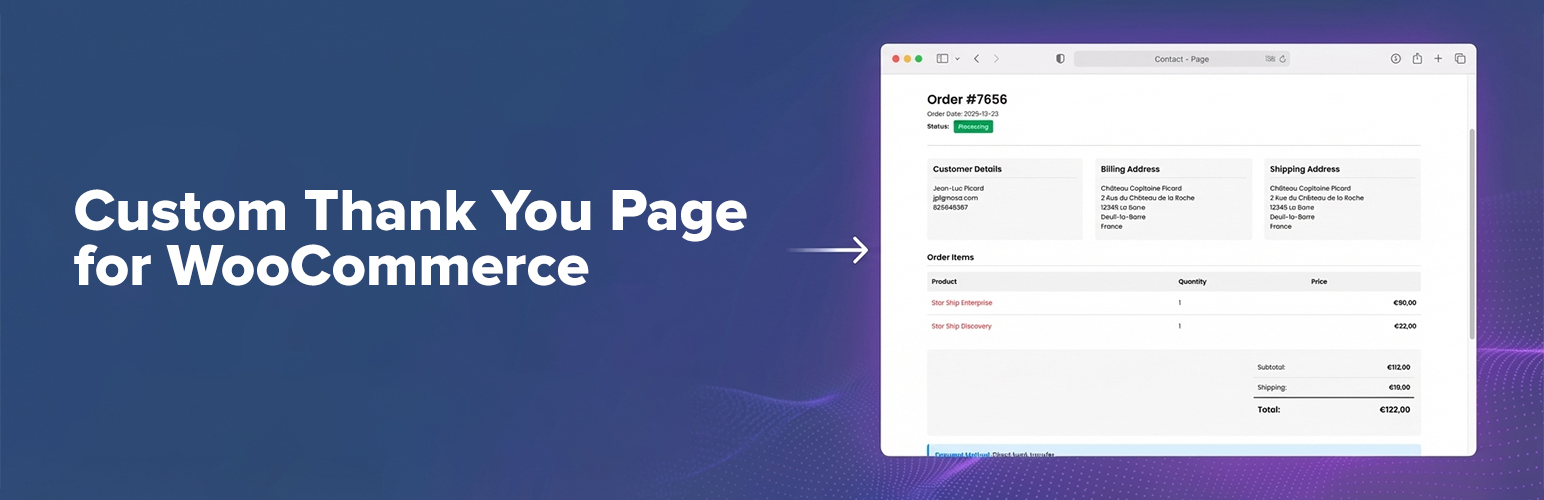
內容簡介
這個免費的 WooCommerce 外掛允許你為你的顧客定義一個特定且自訂的感謝頁面。
購買後,你的顧客會被重定向到自訂的感謝頁面,而不是預設的 WooCommerce 感謝頁面。
這樣可以讓你創建專門適用於你的商店和目標的感謝訊息。
設定
啟用後,到 WooCommerce > 設定 > 進階,並在底部找到感謝頁面配置下拉選單。選擇你要用作自訂感謝頁面的頁面。
支援
我會盡可能地為這個外掛提供支援。如果你有任何問題或需要任何幫助,在論壇中開啟一個新主題。
如果你需要緊急幫助,請標記“@nicolamustone”,因為我不經常檢查論壇。
參與其中
如果你想提供幫助,可以考慮將插件翻譯為你的語言!
外掛標籤
開發者團隊
② 後台搜尋「Custom Thank You Page for WooCommerce」→ 直接安裝(推薦)
原文外掛簡介
The WooCommerce “thank you” page (order confirmation / order received page) is one of the most important pages in your store: it’s where customers look for confirmation, next steps, downloads, shipping info, and payment instructions.
Custom Thank You Page for WooCommerce lets you replace the default WooCommerce Thank You page with a page you fully control — so you can deliver a branded order confirmation experience that matches your store and your audience.
Attribution
This plugin was originally created and maintained by Nicola Mustone. You should definitely check out his blog “But. Honestly.
Why you’ll love it
Choose any WordPress page as your custom WooCommerce Thank You page.
Automatic redirect after checkout (customers land on your custom order confirmation page).
Block-based order confirmation: add the included Order Confirmation block (Gutenberg / Site Editor / FSE) to show complete order details.
Shortcode support: use [wc_custom_thankyou] if you prefer explicit placement (classic editor, templates, builders, etc).
Compatible by design: uses WooCommerce core logic and the default checkout/thankyou.php template when needed, so it stays aligned with WooCommerce updates.
Modern WooCommerce compatibility: declared compatible with HPOS (High-Performance Order Storage) and Cart & Checkout blocks.
Use cases (what you can build)
Turn your custom thank you page into a conversion, support, and retention asset:
Add a personalized thank you message and “what happens next”
Upsell/cross-sell related products after purchase
Display delivery timeframes, FAQ, support links, and onboarding steps
Add download instructions, community invites, or account setup links
Add custom tracking scripts or conversion snippets (where appropriate)
How it works
Customer completes checkout.
WooCommerce redirects to its standard Order Received page.
This plugin safely redirects them to your configured custom Thank You page (keeping the required order context).
Your page can display the order confirmation details automatically, via shortcode, or via the block.
Configuration (2 minutes)
Go to WooCommerce → Settings → Advanced
Find Custom Thank You
Select your Thank You Page and save
Block + Shortcode options
Block (recommended for block themes / Site Editor): On your custom Thank You page, add the Order Confirmation block.
Shortcode: Add [wc_custom_thankyou] where you want the order confirmation details to appear.
If you do nothing else, the plugin will append the standard WooCommerce Thank You template output to your page content (for backwards compatibility).
Support
Support is best-effort. If you run into an issue, please include:
Your WordPress + WooCommerce versions
Your theme name (and whether it’s a block theme)
The exact steps to reproduce
Get involved
If you want to help, consider translating the plugin into your language.