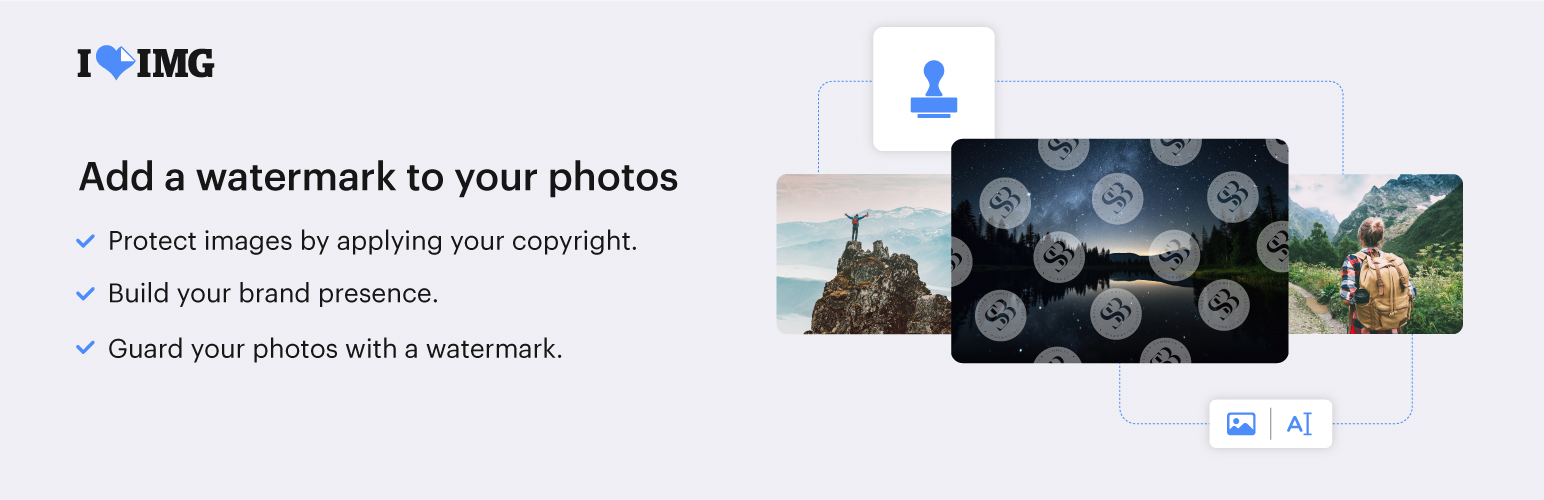
內容簡介
保護您的圖像免於被盜用。現在您可以使用功能強大、易於使用且可靠的浮水印外掛,保護您的圖像。使用全自動化和強大的功能,iLoveIMG可幫助您在幾秒鐘內創建高度自定義的水印,輕鬆防止未經授權使用您的圖像。
創建可以結合圖像和文字的自定義水印,防止未經擁有者同意共享或使用您的圖像。
信任可靠的開發人員。iLoveIMG - 在您的網站上保護圖像的最佳浮水印是由iLoveIMG.com的相同開發人員提供的,是一個受到數百萬人信任的知名圖像編輯器。
如果您正在尋找最佳的浮水印工具,iLoveIMG外掛程式包含了豐富的功能。
文字和圖像浮水印- 在照片的任何位置放置圖像或文字水印
豐富的自定義設置- 調整排版、字體、大小、透明度和旋轉來個性化您的浮水印。
批量保護- 在單擊中批量保護您的圖像,為更重要的問題節省時間
支援流行的圖像格式- 為保證網站快速導航,支援浮水印JPG、PNG和GIF圖像格式
全面覆蓋- 保護已經上傳到媒體庫的圖像
還原選項- 在添加浮水印之前創建圖像備份
非常易於使用- 設計時考慮易用性
除了基本功能之外,iLoveIMG是一款完全兼容和可擴展的圖像浮水印外掛程式。
優化選項可用- 完全兼容我們的圖像壓縮外掛程式。優化您的WordPress圖像,使您的網站加載更快,提高搜索引擎排名
適用於電子商務- 適用於使用WooCommerce、NextGen Gallery和其他電子商務外掛程式的電子商務網站
首要安全- 我們的服務不會存儲或收集您的數據。我們符合GDPR的條款。
經常更新- 獲得穩定且經常更新的圖像壓縮外掛程式
Freemium服務- 免費處理每月最多500張圖像。需要更多?訂閱我們的高級方案或購買預付套餐以便隨時使用。
隨著線上圖像在整個互聯網上被分享和再次分享,很容易失去原始作者。iLoveIMG浮水印外掛程式可幫助您保護您的線上照片的權利。
外掛標籤
開發者團隊
② 後台搜尋「Best Watermark – Protect images on your site with iLoveIMG」→ 直接安裝(推薦)
📦 歷史版本下載
原文外掛簡介
Protect your images from theft. Now you can get a powerful, easy to use, and reliable Watermark plugin for your image protection needs. With full automation and powerful features, iLoveIMG makes it easy to prevent unauthorized usage of your images by helping you create highly customized watermarks in just a few seconds.
Create custom watermarks combining image and text and protect your images from being shared or featured without owner consent.
Trust reliable developers. Best Watermark – Protect images on your site with iLoveIMG is brought to you by the same developers of iLoveIMG.com, popular image editor trusted by millions.
If you are looking for the best watermarking tool, iLoveIMG plugin comes packed with plenty of features.
Text and image watermarks – Place image or text watermarks anywhere on your photo.
Plenty of custom settings – Adjust typography, font, size, transparency, and rotation to personalize watermark.
Bulk protection – Batch protect your images in a single click and save time for more important concerns.
Popular image formats supported – Watermark JPG, PNG and GIF to ensure fast site navigation.
Extensive coverage – Protect images already uploaded to Media Library.
Restore option – Image backup is created before watermark is added.
Incredibly easy to use – Designed with ease of use in mind.
Beyond the basics, iLoveIMG is a fully compatible and extendable image watermarking plugin.
Optimization option available – Full Compatible with our Image Compressor plugin. Optimize your WordPress images and make your site load faster to boost search engine ranking.
Good for eCommerce – Works great for eCommerce websites using WooCommerce, NextGen Gallery and other plugins for e-commerce.
Security first – Your data is not stored nor collected on our services. We are GDPR compliant.
Frequent updates – Get a stable and frequently updated image compression plugin.
Freemium service – Freely up to 2500 credits per month. Need more? Subscribe our Premium plan (https://iloveapi.com/pricing) or buy a prepaid package (https://iloveapi.com/pricing) to use at your convenience.
With online images being shared and re-shared all over the Internet, it’s easy to lose track of the original author. iLoveIMG Watermark plugin helps you protect the rights of your online photos.