內容簡介
總結: Wappbiz 外掛透過 Wappbiz API 提供高級連接功能,實現 WooCommerce 訂單和購物車更新的無縫同步。
問題與答案:
1. 這個 WordPress 外掛的主要功能是什麼?
- 答:Wappbiz 外掛的主要功能是透過 Wappbiz API 實現 WooCommerce 訂單和購物車的無縫同步。
2. 這個外掛的關鍵特點有哪些?
- 答:這個外掛的關鍵特點包括:
- 與 Wappbiz API 同步訂單。
- 即時更新購物車。
- 訂單狀態變更通知。
- WCFM Marketplace 多供應商支持。
- 通過設置可配置的事件觸發器。
3. 這個外掛連接到外部服務的目的是什麼?
- 答:這個外掛連接到 Wappbiz API,以將訂單、購物車和狀態更新數據發送到外部消息平台,用於訂單通知。
4. 什麼數據被傳送到外部服務?
- 答:以下數據被發送:
- 顧客詳細信息(姓名、電子郵件、電話、地址)
- 訂單和產品信息
- 購物車項目詳細信息(產品名稱、數量、價格)
5. 數據什麼時候被發送?
- 答:當訂單被下單或更新時會發送數據,當購物車中的項目被添加或更新時也會發送數據。
外掛標籤
開發者團隊
原文外掛簡介
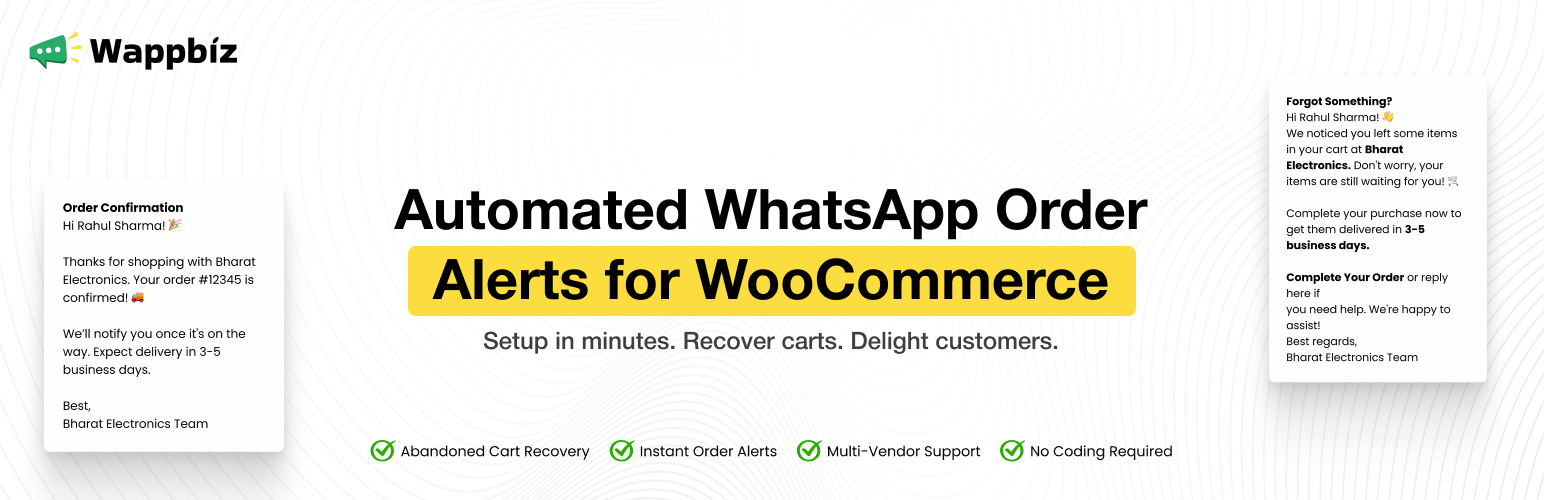
The Wappbiz Plugin provides an advanced connection with the Wappbiz API, enabling seamless synchronization of WooCommerce orders and cart updates with real-time WhatsApp notifications.
Key Features:
Synchronize WooCommerce orders with the Wappbiz API.
Real-time cart updates and notifications via WhatsApp.
Order status change notifications for your customers.
Multi-vendor support for WooCommerce Marketplace (WCFM).
Configurable event triggers to customize notifications.
Key Features of the Wappbiz WooCommerce Plugin
Below are some of the key features that make the Wappbiz Plugin perfect for WordPress WooCommerce multi-vendor marketplace owners who want to take communication with customers to the next level:
Real-Time Order Synchronization:
With Wappbiz, you can automatically synchronize new orders between your WooCommerce store and WhatsApp. Customers will receive instant notifications when they place an order, providing them with confirmation and keeping them engaged.
Cart Updates:
Abandoned carts are a significant challenge for many eCommerce stores. Wappbiz allows you to send WhatsApp notifications whenever items are added to or updated in the cart. These notifications help remind customers of their interest in the products, nudging them toward completing the purchase.
Order Status Change Notifications:
Keep your customers informed at every stage of the order journey. Whether it’s “processing,” “shipped,” or “completed,” Wappbiz sends automated WhatsApp updates to customers, ensuring they’re always in the loop.
Multi-Vendor Support:
For marketplace owners using WooCommerce multi-vendor marketplace platforms like WCFM Marketplace, the Wappbiz plugin supports multi-vendor setups, making it easy to send individual notifications to vendors when their products are ordered. This feature improves vendor communication, ensuring they’re always aware of their sales.
Customizable Event Triggers:
You have full control over when and how notifications are sent. Configure the plugin’s settings to enable or disable specific event triggers, such as order creation, cart updates, or status changes. This flexibility allows you to tailor notifications to suit your specific business needs.
External Services
This plugin connects to the Wappbiz API to send order, cart, and status update data to an external messaging platform for WhatsApp notifications.
What data is sent:
– Customer details (name, email, phone, address)
– Order and product information
– Cart item details (product name, quantity, price)
When data is sent:
– When an order is placed or updated
– When items are added or updated in the cart
Service Provider: Wappbiz
Terms: https://www.wappbiz.com/terms-conditions/
Privacy Policy: https://www.wappbiz.com/privacy-policy/