內容簡介
Vulnity Security 提供企業級的威脅檢測,將您的 WordPress 網站連接至 Vulnity 的 SIEM 平台,實時收集安全事件並在問題演變為事故前發出警報。
【主要功能】
• 實時安全事件收集並轉發至 Vulnity SIEM
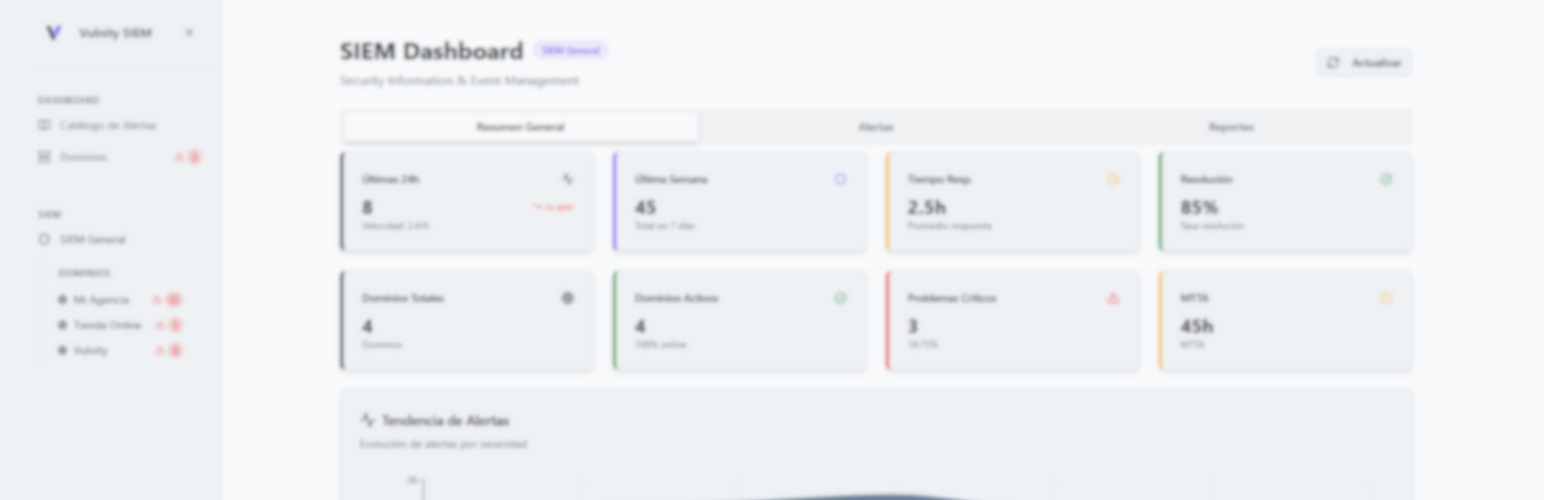
• 儀表板小工具顯示關鍵發現與修復步驟
• 定期掃描核心檔案、外掛與佈景主題
• 中央化日誌支援主要 SOC 工作流程
外掛標籤
開發者團隊
📦 歷史版本下載
原文外掛簡介
Vulnity Security brings enterprise-grade threat detection to WordPress. It connects your site to Vulnity’s SIEM platform, correlates events, and alerts you before issues become incidents.
Features
Real-time security event collection and forwarding to Vulnity SIEM.
Dashboard widgets that highlight critical findings and remediation steps.
Scheduled security scans for core files, plugins, and themes.
Centralized logging compatible with major SOC workflows.
Integration Requirements
To receive alerts, configure an API token and endpoint URL provided by your Vulnity SIEM account. Detailed configuration instructions are displayed after activating the plugin under Vulnity > Settings.
WordPress Multisite is not supported in Vulnity Security 1.4.0. Network activation and subsite activation are blocked to avoid mixing configuration, firewall storage, cron jobs, or uninstall cleanup between subsites.
Vulnity Security 1.4.0 requires WordPress 6.2 or newer. Older WordPress versions are blocked fail-safe so the plugin stays inactive instead of registering security, firewall, cron, REST, or SIEM behavior on an unsupported runtime.
External Services
This plugin connects to Vulnity’s external API hosted on Supabase Edge Functions (domain: euxnoekqasvzwfcbybkg.supabase.co, base URL https://euxnoekqasvzwfcbybkg.supabase.co/functions/v1) to power SIEM alerts, inventory sync, and mitigation updates.
What the service is and what it is used for:
Vulnity SIEM API for pairing/unpairing, heartbeat checks, sending alerts, testing connectivity, syncing inventory, and receiving mitigation policies.
Endpoints used:
/pair-plugin, /unpair-plugin (pairing and disconnecting the site).
/heartbeat (periodic health check).
/connection-test (manual connection test).
/scan-site-info (inventory sync).
/generic-alert, /brute-force-alert, /file-security-alert, /manage-user, /user-management-alert, /permission-change-alert, /file-editor-alert, /plugin-change-alert, /theme-change-alert, /core-update-alert, /suspicious-query-alert, /scanner-detected-alert (security alerts).
/mitigation-config, /mitigation-update (mitigation policy sync and block/unblock updates).
/delegated-login-callback (audit confirmation of a delegated wp-admin login, signed with the reinforced v2 scheme).
Assisted connection (linking token):
From the Vulnity panel you can start an assisted connection instead of copying a Site ID and Pairing Code. The panel issues a single-use, short-lived (15 minute) linking token and hands it to this site with a server-side POST to wp-admin; the plugin stores it in a transient tied to your user account and renders a confirmation card that names the organization and the registered domain. The bearer is never placed in the URL, the fragment, the DOM, the page HTML or any browser JavaScript. Confirming requires a valid nonce and re-authentication with your current WordPress password; only then does the plugin exchange the token for the site credentials against /pair-plugin over HTTPS, server-side. The exchange only succeeds when this site’s URL matches the domain registered in the panel, the pending token is discarded after three failed confirmations, and redirects are never followed for these requests.
What data is sent and when:
Pairing/unpairing: site ID and pair code (manual mode) or the single-use linking token (assisted mode), the site URL and home URL, plugin/WordPress/PHP versions, and timestamp when pairing or disconnecting occurs.
Heartbeat: site ID, URLs, site metadata (name, language, timezone, theme), and runtime info (plugin/WordPress/PHP versions, latency) on a scheduled interval.
Alerts: site ID, alert type/severity, timestamps, and event details (such as IP address, user/action metadata, or file change context) whenever a security event is detected.
Inventory sync: site inventory details (installed plugins/themes/core metadata) when inventory sync runs.
Mitigation: site ID, block/unblock actions, IP address, reason, duration, and rule metadata when mitigation rules are synced or enforcement actions occur.
Why the data is sent:
To associate the site with your Vulnity account, deliver security alerts to the SIEM, validate connectivity, synchronize inventory and mitigation policies, and keep firewall enforcement consistent.
Policies: See the Vulnity Terms of Service and Privacy Policy for details on how data is handled.
License
This plugin is licensed under the GNU General Public License v2.0 or later. You are free to redistribute and/or modify it under the terms of the GPL as published by the Free Software Foundation. The complete license text is included in the bundled license.txt file and is also available online at https://www.gnu.org/licenses/gpl-2.0.html.