
內容簡介
### 摘要:
Voxfor AI Content Summary透過直接從您的WordPress內容中創建清晰準確的摘要,幫助改善AEO(回答引擎優化)。這個外掛僅基於您文章中寫的內容生成忠實的摘要,使搜索引擎、人工智慧助手和讀者能夠快速理解您的內容。此外,這種結構化的方法有助於您的內容在現代搜索體驗中表現更好,其中清晰答案比長時間解釋更為重要。
### 問答:
1. Voxfor AI Content Summary 是如何幫助改善AEO的?
- 通過直接從您的WordPress內容中創建清晰準確的摘要來幫助改善AEO。
2. Voxfor AI Content Summary 的摘要生成是否基於什麼來確保忠實性?
- 這個外掛僅基於您文章中寫的內容生成忠實的摘要。
3. 什麼能確保每個摘要與原文之間的準確性、信任和一致性?
- 每個摘要都可以追溯到原始文字,確保準確性、信任和一致性。
4. Voxfor AI Content Summary 外掛支持哪些展示模式?
- 自動、手動或僅透過簡碼展示。
5. 需要了解的最低字數是多少,才能符合預期的準確摘要?
- 摘要篇幅為60-90個字,並忠實於原始內容。
6. Voxfor AI Content Summary 外掛使用的兩個AI提供者是誰?
- Claude Haiku 4.5 或 ChatGPT 5.2。
7. 摘要是如何在數據庫中緩存,以便實現快速加載?
- 摘要會在數據庫中緩存,以實現快速加載。
8. 使用 Voxfor AI Content Summary 外掛是否需要提供API密鑰?
- 是的,需要添加您的API密鑰(Claude或ChatGPT)。
9. 這個外掛支持哪種語言的全RTL和Unicode?
- 希伯來語。
10. 使用 Voxfor AI Content Summary 外掛時,負責任的事項有哪些?
- 確保敏感內容不被摘要。
- 遵守AI提供者的條款。
這些問答反映了Voxfor AI Content Summary外掛的功能、特色和使用注意事項。
外掛標籤
開發者團隊
原文外掛簡介
Voxfor AI Content Summary helps improve AEO (Answer Engine Optimization) by creating clear, accurate summaries directly from your WordPress content. The plugin generates faithful summaries based only on what is written in your post, making it easier for search engines, AI assistants, and readers to understand your content quickly.
Powered by Claude or ChatGPT, Voxfor AI Content Summary does not add external knowledge, assumptions, or promotional language. Every summary is traceable to the original text, ensuring accuracy, trust, and consistency. This structured approach helps your content perform better in modern search experiences where clear answers matter more than long explanations.
Summaries are cached in the database for fast loading, work with Gutenberg and custom post types, and can be displayed automatically, manually, or via shortcode. This plugin is lightweight, secure, and designed for sites that value accuracy, performance, and future-ready search optimization.
Resources
Voxfor AI Content Summary Overview
Setup & Configuration Guide
Complete WordPress Setup Tutorial
Key Features
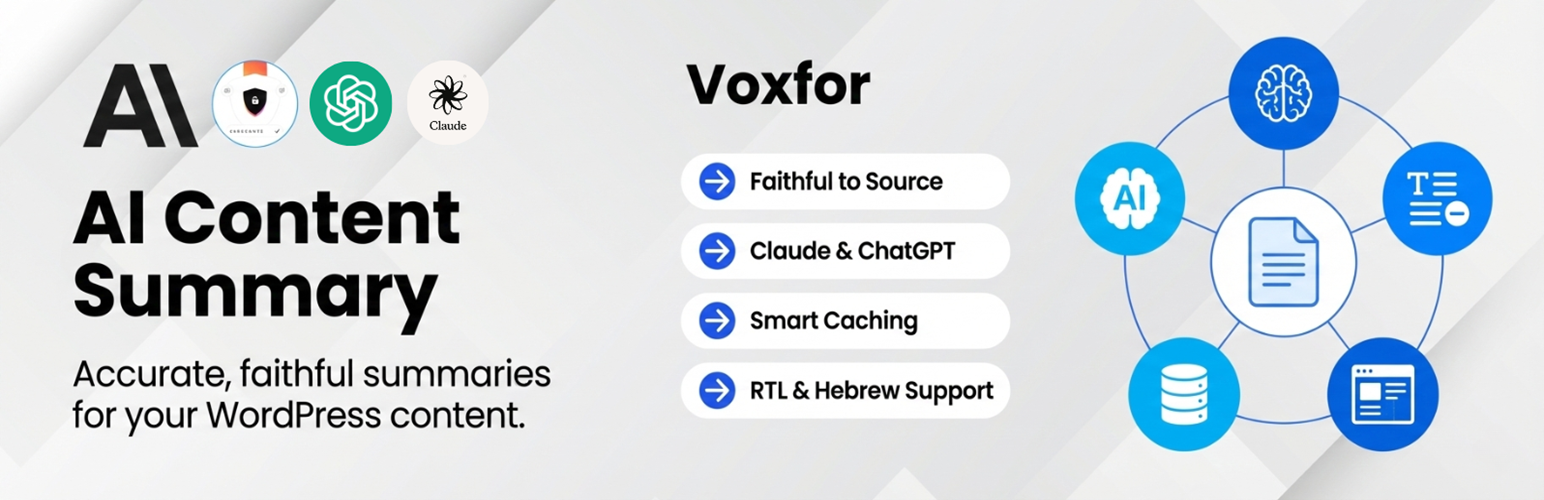
Accurate Summaries – 60-90 words, faithful to source content
Two AI Providers – Choose between Claude Haiku 4.5 or ChatGPT 5.2
Multiple Display Modes – Automatic, Manual, or Shortcode-only
Full Control – Enable/disable per post, choose post types
Hebrew Support – Full RTL and Unicode support
Caching – Summaries stored in database for fast loading
Security – Nonce verification, rate limiting, post validation
How It Works
Install and activate the plugin
Add your API key (Claude or ChatGPT)
Configure display settings
Summaries appear automatically or use [voxfor_summary] shortcode
Display Options
Automatic – Button appears on all selected posts
Manual – Enable per post via checkbox in editor
Shortcode – Full control using [voxfor_summary]
Accuracy First
Unlike other AI summary plugins, Voxfor follows strict rules:
– Only summarizes what’s actually written
– No external knowledge or interpretation
– No completing missing information
– No marketing language or fabrication
– Every word traceable to source
Tested With
WordPress 6.9 (compatible with 6.0+)
PHP 8.3 (compatible with 8.0+)
MariaDB 10.11
All major themes
External Services
This plugin connects to external AI services to generate summaries. You must provide your own API key and agree to the provider’s terms.
Claude API (Anthropic)
Service URL: https://api.anthropic.com/v1/messages
Model: claude-haiku-4-5-20251001
Data sent: Post title and content only
Privacy Policy: https://www.anthropic.com/privacy
Terms of Service: https://www.anthropic.com/terms
ChatGPT API (OpenAI)
Service URL: https://api.openai.com/v1/chat/completions
Model: gpt-5.2-chat-latest
Data sent: Post title and content only
Privacy Policy: https://openai.com/privacy
Terms of Service: https://openai.com/terms
What Data Is Sent:
When generating a summary, the plugin sends:
1. Post title (plain text)
2. Post content (HTML stripped, shortcodes removed)
3. System prompt (instructions for accurate summarization)
What Is NOT Sent:
Author information
User data
Comments
Custom fields
Site URL or credentials
Your Responsibility:
By using this plugin, you acknowledge that:
– Post content is sent to third-party AI services
– You are responsible for your API usage and costs
– You must comply with the AI provider’s terms
– Sensitive content should not be summarized
Privacy Policy
Data Collection:
This plugin does not collect or store any personal user data. However, it sends post content to third-party AI services (Claude or ChatGPT) to generate summaries.
What Is Sent:
Post title and content (when generating a summary)
No personal information
No user data
No site credentials
What Is Stored:
Generated summaries in WordPress database
Content hash (for detecting changes)
Provider name and timestamp
No personal data or user information
Third-Party Services:
Post content is sent to external AI services. Review their privacy policies:
– Claude: https://www.anthropic.com/privacy
– OpenAI: https://openai.com/privacy
User Rights:
As a site administrator, you control:
– Which posts get summarized
– Which AI provider is used
– When summaries are generated
– Which data is sent
GDPR Compliance:
No personal data collected by this plugin
Post content may contain personal data (your responsibility)
Right to delete: Summaries can be deleted anytime
Right to access: View summaries in WordPress admin
Data processor: You (site owner) are responsible for AI provider compliance
Recommendations:
Add disclosure to your privacy policy about AI processing
Avoid summarizing posts with sensitive personal information
Review AI provider terms and privacy policies
Inform users that content may be processed by AI services














