
外掛標籤
開發者團隊
原文外掛簡介
Vimine is a membership platform for associations: membership requests and cards, events, assemblies. This plugin brings the parts members use to the association’s own WordPress site:
Sign in with Vimine — members sign in with their own Vimine account. The plugin is a confidential OAuth 2.1 client: the sign-in happens on Vimine, the code exchange (PKCE plus the client secret) on your server, so the members’ passwords never reach WordPress and their tokens never reach the browser.
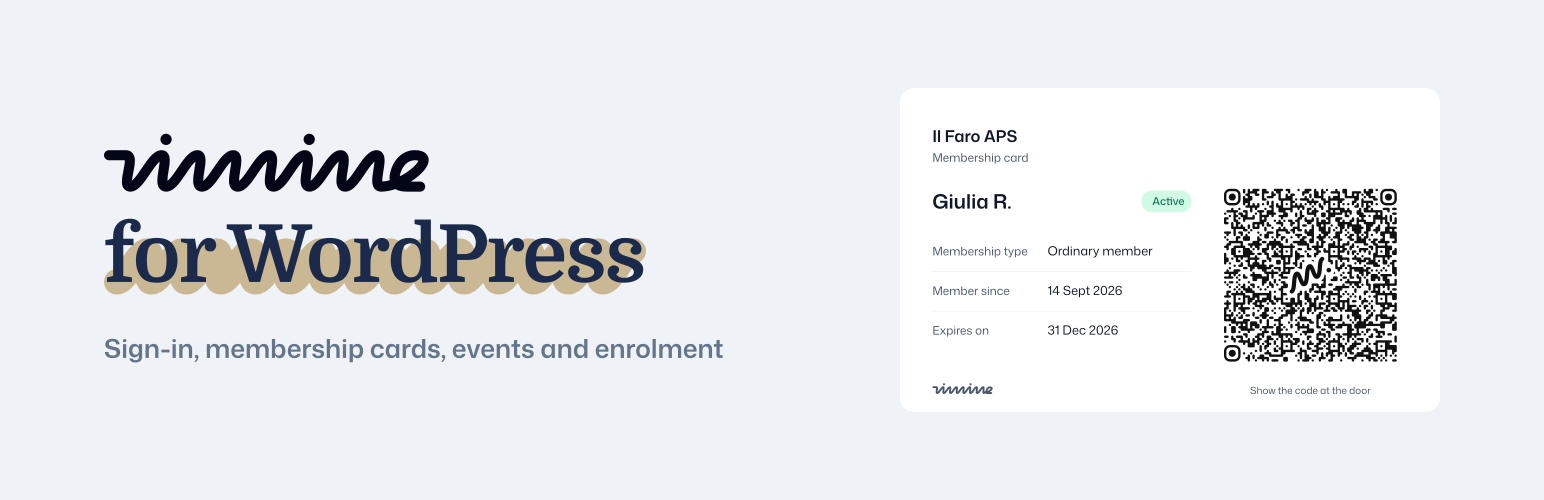
Membership card — the signed-in member’s card, with the QR code to show at the door.
Events — the association’s events with the places left: the public ones for visitors, every published one for signed-in members. Each event links to its page on Vimine, where the registration happens.
Enrolment form — the association’s membership form, embedded in the page, in the site’s language.
Each of them is a block (under Widgets in the editor) and a shortcode: [vimine_signin], [vimine_card], [vimine_events slug="…"], [vimine_enroll slug="…"].
The texts members see follow the site’s language: English, Italian, French, Spanish, German, Portuguese (Brazil), Chinese (Simplified and Traditional).
What you need
An association on Vimine. The enrolment form works on every plan, Free included. Sign-in, the card and the events use Vimine’s developer API, which comes with the paid plans (pricing).
For sign-in, the card and the events: a confidential client registered in the association’s Developers console on Vimine.
The developer guide, with every option: developers.vimine.network.
External services
This plugin connects your site to Vimine (https://vimine.network/en/), the membership platform your association uses. It is what the plugin is for: without Vimine it does nothing. Two Vimine addresses are involved, both editable in Settings → Vimine.
app.vimine.network — the pages members see, opened in their browser:
Sign-in: “Sign in with Vimine” sends the browser to /oauth/authorize with the site’s client ID, its redirect URI, the permissions requested and a one-time PKCE challenge. The member signs in on Vimine, which sends the browser back to your site with a one-time code.
Sign-out: “Sign out” sends the browser to /oauth/logout with the client ID and the page to return to, so that the member’s Vimine session ends too.
Enrolment form: the block and [vimine_enroll] load /enroll/
The events list links each event to its page on Vimine (/agenda/…) and shows the cover image Vimine provides for it.
api.vimine.network — called by your server only:
After a sign-in: the code, the PKCE verifier, the client ID and the client secret, to obtain the member’s tokens (/v1/oauth/token); later the refresh token, to renew them; on sign-out, the refresh token, to revoke it (/v1/oauth/revoke).
Where a page shows the card: the member’s access token, to fetch their card (/v1/me/membership/card.svg).
Where a page shows the events: the association’s slug, the filter and the number of events — with the member’s access token when a member is signed in (/v1/events), without credentials otherwise (/v1/aps/
Nothing is sent before the plugin has a client ID and secret, except the enrolment form, which loads only on the pages that show it. The plugin does not contact Vimine for visitors who neither sign in nor open a page with one of its blocks.
Vimine’s terms of service: https://vimine.network/en/legal/terms/ — developer terms: https://vimine.network/en/legal/developers/ — privacy policy: https://vimine.network/en/legal/privacy/












