內容簡介
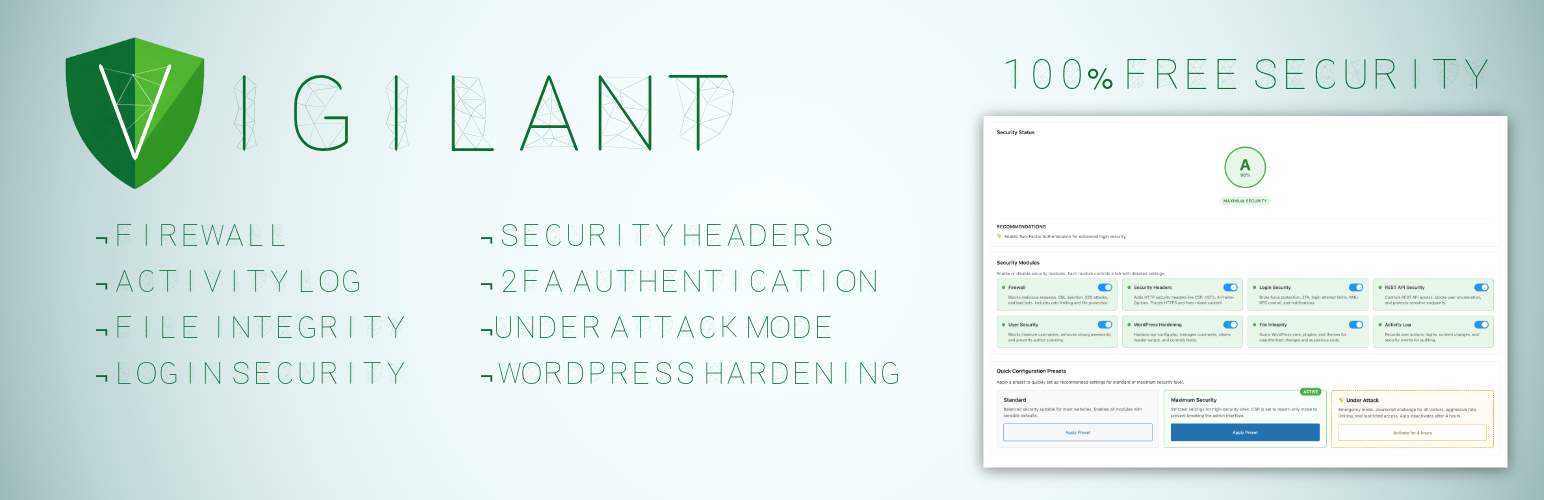
Vigilant 是一款完全免費的 WordPress 安全外掛,提供企業級的安全功能,包括防火牆、雙重身份驗證、登錄監控等,幫助網站抵禦各種攻擊,確保網站安全。
【主要功能】
• 完整的安全套件,包含防火牆和雙重身份驗證
• 一鍵啟用的安全預設,快速保護網站
• 攻擊模式可即時阻擋惡意流量
• 監控登錄嘗試,防止未經授權的訪問
• 自動備份現有配置文件,保障數據安全
外掛標籤
開發者團隊
② 後台搜尋「Vigilant – 100% Free Security Suite: Firewall, 2FA, Login, Headers, Scanner…」→ 直接安裝(推薦)
📦 歷史版本下載
原文外掛簡介
Premium Security. Zero Cost.
Vigilant provides enterprise-level WordPress security features completely free. No premium version, no upsells, no hidden features behind paywalls.
Protect your site with a complete security suite: firewall, two-factor authentication, brute force protection, security headers, file integrity monitoring, malware detection, user management, security audit logging, under attack mode and much more.
Instant Protection
Once activated, Vigilant immediately applies essential security measures:
Firewall rules against common attacks (SQL injection, XSS, file inclusion)
Security headers for browser protection
Login attempt monitoring
XML-RPC blocking
WordPress version hiding
Sensitive file protection (.htaccess, wp-config.php)
Automatic backup of your existing configuration files
One-Click Security Presets
Choose a preset and get protected instantly:
Standard – Balanced security suitable for most websites. Enables all modules with sensible defaults that won’t interfere with normal site operation.
Maximum Security – Strictest settings for high-security sites. Tighter rate limits, stronger CSP rules, mandatory admin notifications. May require fine-tuning for some setups.
You can always customize individual settings after applying a preset.
Under Attack Mode
Is your site under active attack? Activate Under Attack mode with one click and stop malicious traffic instantly:
JavaScript challenge – Every visitor must pass an automatic browser verification before accessing your site. Real browsers solve it in seconds, bots get blocked completely
Aggressive rate limiting – Requests limited to 30 per minute with 15-minute blocks for offenders
HTTP method restriction – Only GET, POST, and HEAD allowed. PUT, DELETE, PATCH, OPTIONS, and TRACE are blocked
Empty user agent blocking – Requests without a user agent header are rejected
Full XML-RPC lockdown – All XML-RPC access is blocked during the attack
REST API restriction – Only authenticated users can access the REST API
Auto-deactivation – Mode automatically turns off after 4 hours so you never forget it’s on
Email notifications – Get notified when the mode is activated and deactivated
HMAC-signed cookies – Verified visitors receive a cryptographically signed cookie so they only see the challenge once
Under Attack mode works independently from your preset configuration. Your regular security settings are preserved and restored when the mode deactivates.
Core Security Features
Two-Factor Authentication (2FA)
Add a second verification step to your WordPress login. Choose the method that works best for your team:
Authenticator app (TOTP) – Google Authenticator, Authy, Microsoft Authenticator, or any TOTP-compatible app
Email codes – One-time 6-digit verification codes sent via email
QR code setup directly in user profiles
10 backup codes for emergency access if you lose your device
Configurable grace period for users to set up their authenticator app
Trusted devices feature – optionally allow users to skip 2FA on recognized devices for 30 days
Role-based enforcement – require 2FA for administrators, editors, or any role
Exclude specific users from 2FA requirements
Admin tool to reset TOTP for users who lost their authenticator
Configurable code expiry, attempt limits, and email sender name
User notification emails when 2FA is enabled or method changes
Firewall Protection
Block malicious requests before they reach WordPress:
SQL injection blocking
XSS (Cross-Site Scripting) attack prevention
File inclusion protection (LFI/RFI)
Directory traversal blocking
Bad bot detection and blocking
Rate limiting against DDoS and brute force
IP whitelist and blacklist management
User-Agent whitelist and blacklist with partial matching
HTTP method restriction
Login Security
Stop unauthorized access attempts:
Limit login attempts with configurable thresholds
Progressive lockouts – longer blocks for repeat offenders
Custom login URL – hide wp-login.php from bots
Login URL change notifications to all admin-area users
Hide login error messages – don’t reveal valid usernames
XML-RPC disable – block this common attack vector
Application passwords control
Admin login notifications via email
IP whitelist for trusted locations
User Security
Comprehensive user account protection:
Block insecure usernames (admin, test, root, etc.)
Force strong passwords with minimum length
Password expiration with configurable intervals
Password history – prevent reusing old passwords
Force password reset — by specific users, by role, or all users (post-hack recovery)
Session limits – control concurrent logins per user
Session management – view and revoke active sessions
Email verification for new registrations
Registration approval workflow – manually approve new users
Admin account monitoring – alerts for new admins, email changes, password changes, privilege escalation
Display name protection – prevent exposing login username publicly
Security Headers
Achieve Grade A security ratings:
Content Security Policy (CSP) with visual builder
HSTS (HTTP Strict Transport Security) with preload option
X-Frame-Options – prevent clickjacking
X-Content-Type-Options – prevent MIME sniffing
Referrer Policy control
Permissions Policy (camera, microphone, geolocation)
Cross-Origin policies (COEP, COOP, CORP)
HTTPS enforcer with automatic mixed content fix
Built-in header testing tool
File Integrity Monitoring
Detect unauthorized changes to your files:
WordPress core verification against official checksums
Plugin and theme file monitoring with WordPress.org checksums
Suspicious code scanning for plugins and themes without checksums
Extra file detection in plugins and themes (files not in original distribution)
Two-level detection: strict obfuscation combos for plugins, broad patterns for uploads
Uploads directory scanning for PHP files, double extensions, and .htaccess
Root directory scanning for non-core PHP files (common attack vector)
Smart .htaccess classification in uploads – distinguishes dangerous rules from protective ones
String concatenation obfuscation detection
Configurable notification levels (all issues, suspicious only, or disabled)
Ignore list to dismiss known files from results
Excluded paths and file extensions
Scheduled automatic scans (daily, weekly)
HTML formatted email alerts with severity sections
Security Audit
Track everything happening on your site:
Successful and failed login attempts
Two-factor authentication events
User account changes (creation, deletion, role changes)
Content modifications (posts, pages)
Plugin and theme activations/deactivations
Security events and blocked threats
HTTP request method tracking and filtering (GET, POST, PUT, DELETE)
Enhanced log detail popup with grouped sections and quick actions
One-click add IP or User-Agent to firewall whitelist/blacklist from log entries
Direct IP lookup links to AbuseIPDB
Configurable retention period
Export logs to CSV
Filter by event type, severity, request method, or date
WordPress Hardening
Additional security measures:
wp-config.php security constants (DISALLOW_FILE_EDIT, etc.)
WP_DEBUG detection – dashboard warning when debug mode is active in production
Automatic removal of readme.html, license.txt, and licencia.txt (daily cleanup)
Database prefix security check and one-click change tool
Comment spam protection with honeypot fields
Disable pingbacks and trackbacks
Close comments on old posts
WordPress head cleanup (remove version, RSD, WLW links)
Feed management and security
REST API Security
Control API access to your site:
Three access modes: public, authenticated only, or selective
Block user enumeration via REST API
Protect sensitive endpoints
Maintain compatibility with popular plugins (WooCommerce, Contact Form 7, Elementor)
Security Tools
Utilities included:
Database Backup – Download a full or partial database backup as ZIP with table selection
Database Prefix Change – Change the default wp_ prefix to a random secure prefix
Export/Import Settings – Transfer your configuration between sites
Manual Backup – Create backups of .htaccess and wp-config.php on demand
Reset to Defaults – Start fresh with one click
Safe by Design
Automatic Backup System
Your existing .htaccess, wp-config.php, and robots.txt are automatically backed up before any modifications. Backups include integrity verification (MD5 checksums) and are stored safely in wp-content/vigilante-backups/, persisting through plugin updates.
Clean Rollback
When you deactivate Vigilant, all security rules are automatically removed and your original configuration files are restored. No leftover code, no broken sites.
Why choose Vigilant?
Most WordPress security plugins reserve their best features for paid plans. Vigilant gives you everything upfront — no premium tier, no feature locks, no upsells. Firewall, 2FA with authenticator app, security headers, file integrity scanner, security audit, and more. All free, all maintained, all following WordPress coding standards.
If your current security plugin asks you to pay for features that should be basic, take a look at what Vigilant offers out of the box.
How does Vigilant compare?
We maintain a detailed feature comparison between Vigilant and other popular security plugins (Wordfence, Solid Security, AIOS, Sucuri, SG Security). See what each plugin offers in its free version and where Vigilant fills the gaps.
→ View the full comparison
Support
Need help or have suggestions?
Official website
WordPress support forum
YouTube channel
Documentation and tutorials
Love the plugin? Please leave us a 5-star review and help spread the word!
About AyudaWP
We are specialists in WordPress security, SEO, and performance optimization plugins. We create tools that solve real problems for WordPress site owners while maintaining the highest coding standards and accessibility requirements.