
內容簡介
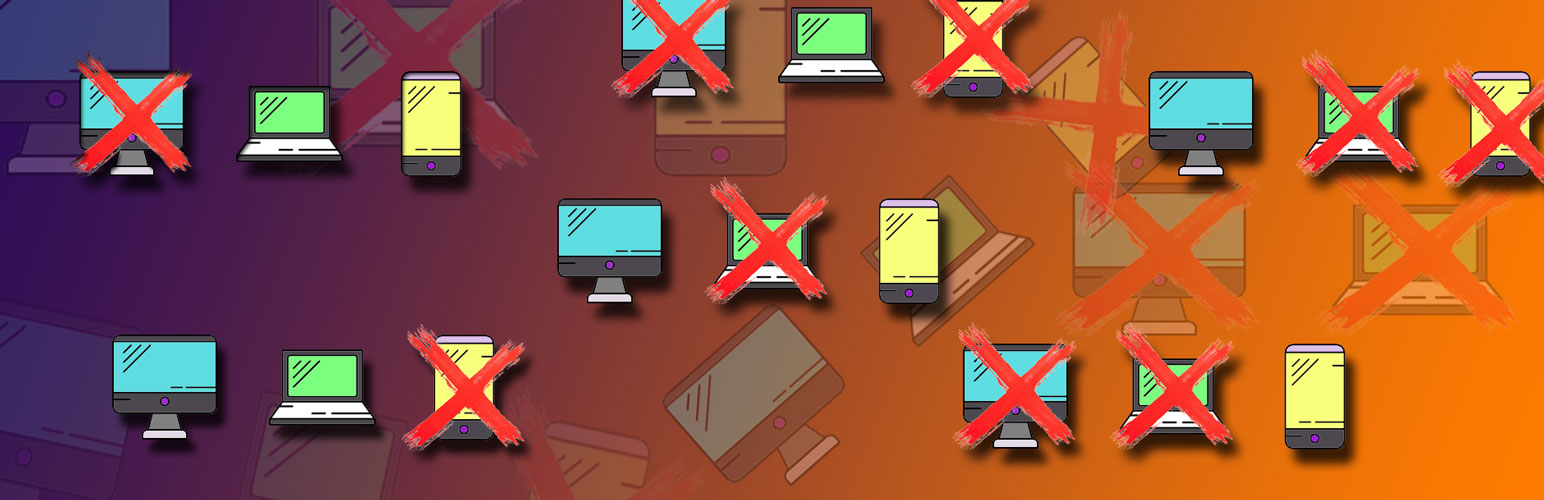
VC Simple All Responsive 外掛可為使用 Page Builder 建立的網站提供完整的響應式設計。到目前為止,我們已經能夠決定某些行和列出現(或不出現)的屏幕。現在,有了這個外掛,可以對所有 Page Builder 元素進行此類控制。
VC Simple All Responsive 外掛創建了一個新的 Page Builder 元素,可以在「全部」和「內容」部分中找到。它作為容器工作,確定放置在其中的內容何時會顯示(或不顯示)。
VC Simple All Responsive 容器放置在列中。在單個列中,我們可以放置任意數量的容器,它們可以有不同的設置。此外,它們可以與自由元素(容器外的元素)任意組合。
可以在單個容器中設置多個元素。在這種情況下,所有元素在一個容器內都適用相同的顯示規則。
將元素拖動到容器內時,它的行為與容器外時相同。容器只有一種設置,用於確定顯示內容的條件。
容器可以保持未填充(沒有內容),然後它將沒有顯著影響。同樣類似於 Page Builder 的行,可以完全從視圖中排除該容器(不考慮屏幕大小)。
使用優點:
原始版的 WPBakery Page Builder 提供了根據裝置屏幕大小設置可見性的選項,但僅限於行和列。此外,無法設置兩個或更多競爭性的列(競爭性意味著它們填滿了相同的空間)。内部元素沒有此類可見性調整的選項。這足以粗略調整響應式設計,但在微調時不實用,即僅在不同分辨率上顯示部分不同的內容。 VC Simple All Responsive 外掛允許在此方面完全自由製定選擇何時顯示單個元素或任意一組元素。後端顯示為競爭性類型(在同一列中),這有助於可見性。
例如:使用 VC Simple All Responsive 外掛,可以在同一列中設置僅在桌面屏幕上可見的元素(在第一個 All Responsive 容器中),然後是一組僅在平板電腦和手機上可見的元素(在第二個 All Responsive 容器中),最後(在任何位置,隨意)可在所有螢幕上顯示的元素(自由元素以通常的方式放置在容器外)。如果不使用 All Responsive Elements 外掛,則需要形成三個不同的行,每個行都有自己的設置,並複製重複元素(例如在其他列中)。另外,使用 VC Simple All Responsive 外掛的網站後端更具可讀性,減少了網站的記憶體和處理器負載。
VC Simple All Responsive 元素可以同樣應用於獨立製造商的其他元素,以及 Page Builder 的基本元素。因此,實施的解決方案優於一些應用於一些 WP 主題的其他解決方案。
請在評估此外掛時理解它是免費的,客戶支援相對應。而且,在 WordPress ver 5 或更新版本中 WPBakery Page Builder 沒有完全正確地運作的情況下,此外掛也不會正確地運作。這不是插件的短處。這個問題發生的原因是某些 WP 主題沒有很好地適應 WordPress 5 和 Gutenberg。隨著時間的推移,這些問題將會減少。
外掛標籤
開發者團隊
② 後台搜尋「WPBakery Page Builder Simple All Responsive」→ 直接安裝(推薦)
原文外掛簡介
VC Simple All Responsive Plugin provides full responsiveness to sites created with Page Builder. So far, we have been able to determine the screens on which some Row and Columns will appear (or not appear). From now on, thanks to this plugin, this type of control is obtained over all Page Builder elements.
VC Simple All Responsive plugin creates a new element of the Page Builder that can be found in All and in the Content section. It works as a container that determines when the content that is placed in it will be visible (or not).
VC Simple All Responsive conatiners are placed inside the column. Within a single column we can place an arbitrary number of containers, and it is possible that they have different settings. Also, they can be arbitrarily combined with free elements (elements outside the container).
It is possible to set several elements within a single container. In this case, the same rules for displaying apply to all elements within a single container.
When you drag the element inside the container, it behaves commonly, in the way it would behave outside of the container. The container has only one type of setting, which determines the conditions for displaying the content.
The container can be left unfilled (without content), and then he will have no visible effect. Also, similar to the Page Builder rows, the container can be completely excluded from the view (regardless of the screen size).
Benefits of Use:
WPBakery Page Builder in the original version provides the option to set the visibility depending on the screen sizes of the device, but only at the level of Rows and Columns. In addition, it is not possible to set up two or more competitive columns (competitive, in the sense that they fill the same space). The interior elements do not have this possibility of visibility adjustments. This is sufficient for rough adjustment of the responsiveness, however, it is not practical in cases of finer tuning, when only a partially different content is displayed on different resolutions. Plugin VC Simple All Responsive allows complete freedom in this regard. The ability to choose when it will be displayed is enabled at the level of a single element or an arbitrary group of elements. The back-end display is of a competitive type (in the same column), which facilitates visibility.
Example: With the VC Simple All Responsive Plugin, it is possible to set up in the same column: element visible only on desktop screens (in the first All Responsive container), then a group of elements seen only on tablets and on mobile phones (in the 2nd All Responsive container) and finally (at any place, whatever) the elements that are visible on all screens (free elements placed in the usual way, outside of the container). Without the use of All Responsive Elements plugin, it would be necessary to form three separate rows, each with its own setting and copying repeating elements (in other columns, for example). Great advantages are also that the Websites Back End with using of the VC Simple All Responsive Plugin is much more readable and the memory and processor load of the site is reduced.
VC Simple All Responsive element can equally apply to additional elements of independent manufacturers, as well as to the basic elements of Page Builder. For this reason, the implemented solution is superior to some other that are applied in some WP themes.
Please, when evaluating this plugin, you understand that it is free and that customer support is adequate to that.
Also, in situations with WordPress ver 5 or newer WPBakery Page Builder do not behave completely correctly, it surely means that this plugin will not behave correctly, too. This is not a plugin shortage. This problem occurs because some WP themes have not adapted well to WordPress 5 and Gutenberg appears. Over time, these problems will be less.
Note:
For the proper functioning of this plugin, it is necessary to have an active installation of WPBakery Page Builder (js_composer) in version 5 or later.














