外掛標籤
開發者團隊
② 後台搜尋「VAT Right – EU VAT & OSS for WooCommerce」→ 直接安裝(推薦)
原文外掛簡介
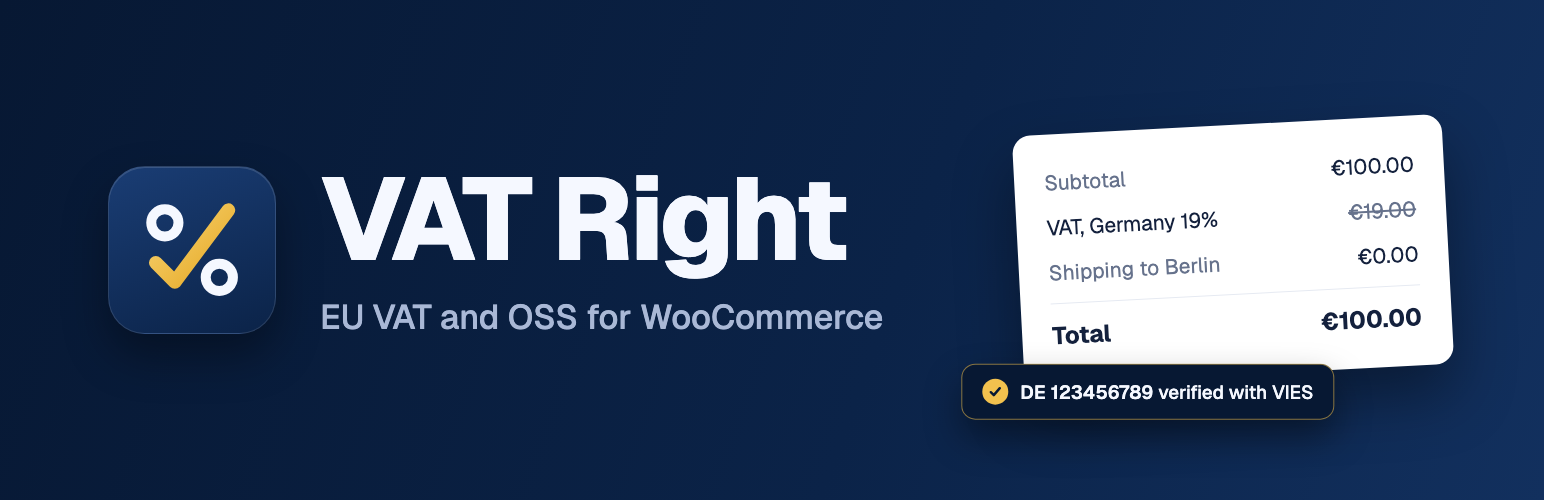
The plugin decides which VAT treatment each WooCommerce order gets, applies it through WooCommerce’s own tax calculation, and records the decision with its inputs on the order. It’s free, has no Pro version, and shows no branding in your store.
Settings live under WooCommerce > Settings > Tax > VAT Right.
What it does
Adds a VAT number field to the block checkout, the classic checkout, My Account and the admin order screen. Numbers are checked for format first, then against the official registry.
An optional VAT number field on the My Account registration form (off by default), checked by the same registry pipeline. A registry outage never blocks registration.
Per-role VAT exemption (no roles by default): orders from customers with a role you choose are exempt, with the role recorded on the order. A role isn’t a legal basis for exemption on its own, so correctness is up to you.
Registries: VIES for EU numbers, HMRC for GB numbers (needs your own free HMRC developer credentials, see the FAQ), the Swiss UID register for CHE numbers and the Brønnøysund register for Norwegian numbers.
Applies reverse charge to B2B sales with a valid number, with the wording required on the order, emails and invoice text (filterable and translatable). A valid number from your own country never exempts unless you switch that on.
Charges B2C customers your country’s VAT below the EUR 10,000 OSS threshold and the destination country’s VAT above it, switching automatically. You can also tell the plugin you’re OSS-registered to always charge destination VAT.
Digital products use location evidence (billing country, shipping country and geolocation). When the evidence conflicts, the customer is asked to confirm their country, and an optional setting blocks checkout until they do (block and classic checkout).
Imports standard and reduced rates from the EU’s TEDB into your WooCommerce tax classes. It shows a diff first and never changes a rate until you apply it. A tax class mapping screen sets which EU rate each class follows, per country.
Optional fixed gross prices across EU countries for stores that enter prices with tax.
Records the decision on every order: the number, the registry answer, the VIES consultation number when you’ve entered your own VAT number, the location evidence and the rule that applied. An EU VAT box on the order screen shows it, with a decision log and a button to re-check the number.
Re-checks numbers that couldn’t be validated at checkout and can email you when one validates after the order was placed.
A VAT column on the orders list shows each order’s VAT number, its validation status and the treatment applied, with a filter for orders pending validation or flagged. Works with HPOS and the legacy order screen.
Emails the store admin when cross-border EU consumer sales reach a share of the EUR 10,000 OSS threshold (80% by default) and again when they pass it, once a year each. Edit or turn it off under WooCommerce > Settings > Emails.
Quarterly OSS return and EC Sales List reports with CSV export, in EUR. Orders in other currencies are converted at the ECB reference rate.
OSS return and EC Sales List for a single month or any date range as well as a quarter, in the screen, the CSV and the REST endpoints.
Optional setting to refuse an order when the company name doesn’t match the registry’s name for the VAT number, on the block and the classic checkout. Spain’s VIES verdict decides where it gives one; otherwise the name is compared with the one VIES returns, ignoring case, accents, punctuation and legal forms. When no name is returned, the order is accepted.
Separate EU and UK store VAT numbers: UK customers see the UK number on their orders and in the admin record, everyone else the EU number, and each registry gets its own as the requester. With one number set nothing changes.
Optional business-only mode: customers must give a valid VAT number to order, everywhere, in the EU or in countries you choose, on the block and classic checkout.
Monthly INTRASTAT report of physical goods dispatched to other member states, with CN8 code, country of origin and net mass per product, and CSV export. The CSV is the data to file; thresholds and file formats differ per member state.
REST endpoints for both reports and for the VAT data of a single order, restricted by capability.
A setup check lists what’s missing: your VAT number, tax rates for destination countries, geolocation and HMRC credentials.
Works with HPOS and with the block and classic checkouts. Integrates with WooCommerce Subscriptions renewal hooks, see the FAQ.
Registers WordPress personal data exporters and erasers, and a retention setting for the stored data.
External services
The plugin contacts the services below. It never sends them an order’s contents, amounts or the customer’s name.
VIES (European Commission). Checks EU VAT numbers. Sent when a customer enters a number: the VAT number and, if you’ve set one, your store VAT number as requester. Used on the checkout, My Account, the admin order screen and in scheduled re-checks. VIES, legal notice, privacy policy.
HMRC VAT API (UK). Checks GB VAT numbers, only when you’ve entered HMRC credentials. Sent: the VAT number, your HMRC client ID and secret to obtain a token, and your GB VAT number if you’ve set one. Terms of use, privacy notice.
Swiss UID register (Swiss Federal Statistical Office). Checks CHE numbers. Sent: the number. UID register, terms.
Brønnøysund Register Centre (Norway). Checks Norwegian organisation numbers. Sent: the number. Terms of use, privacy statement.
EU Taxes in Europe Database, TEDB (European Commission). Source of the standard and reduced VAT rates. Sent when you fetch rates or the scheduled check runs: a rate query with no customer data. TEDB, legal notice, privacy policy.
European Central Bank. Source of the euro reference rates used to convert orders in other currencies for the reports. Sent: a currency code and date. Disclaimer, privacy.
Disclaimer
VAT Right is a tool, not tax advice. You, the store owner, are responsible for your VAT treatment and your filings. VAT rates and registry results come from third parties and can be wrong or out of date, so check them with an accountant. The plugin is provided without warranty and without liability, under the GPL.