內容簡介
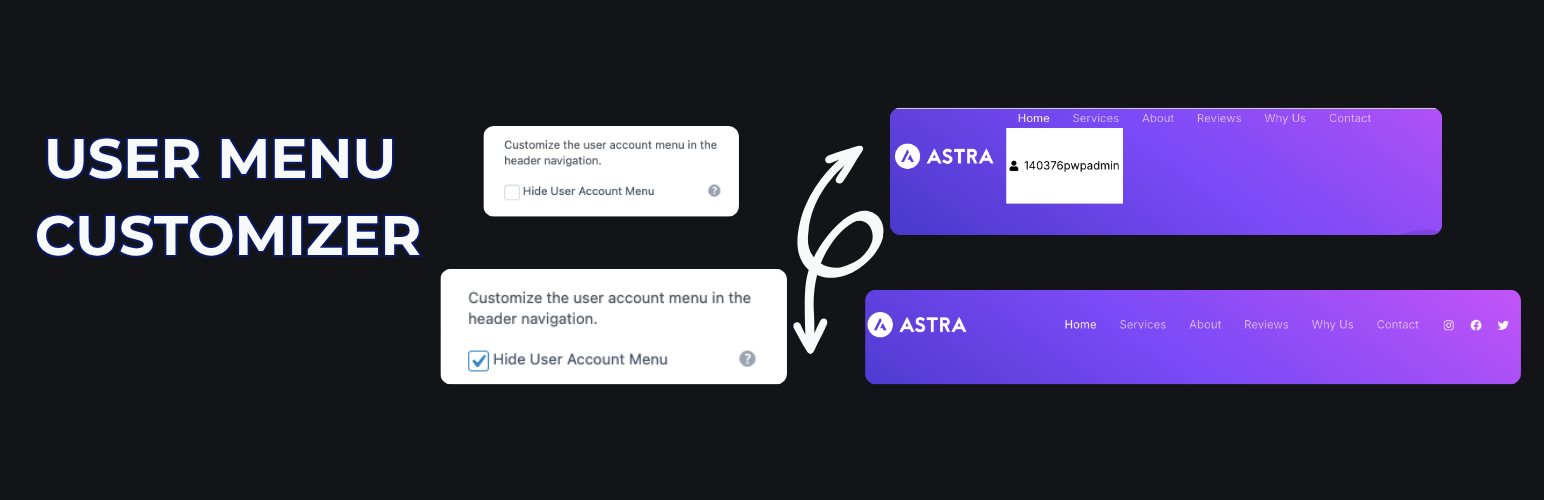
總結:User Menu Customizer for HivePress 讓您可以在不需要程式設計的情況下,自定义HivePress用戶帳戶菜單在標頭導航中的顯示。這個外掛解決了HivePress原生自定义選項的不足,提供了一個用戶友好的界面來:
- 開關用戶菜單及其子菜單(列表、設定、登出)的可見性。
- 自定义文本/圖標顏色和背景顏色。
- 調整菜單按鈕內的填充。
### 問題與答案
1. 這個外掛提供了哪些用戶帳戶菜單的自定义功能?
- 答:開關用戶菜單及其子菜單的可見性,自定义文本/圖標顏色和背景顏色,以及調整菜單按鈕內的填充。
2. 如何管理這個外掛的設置?
- 答:所有設置都可以透過「外觀」>「自定义」>「HivePress User Menu」進行管理。
3. 使用這個外掛需要什麼條件?
- 答:安装並啟用HivePress外掛。
外掛標籤
開發者團隊
② 後台搜尋「User Menu Customizer for HivePress」→ 直接安裝(推薦)
原文外掛簡介
User Menu Customizer for HivePress allows you to personalize the HivePress user account menu in the header navigation without coding. This plugin addresses the lack of native customization options in HivePress, offering a user-friendly interface to:
– Toggle visibility of the user menu and its submenu (Listings, Settings, Sign Out).
– Customize text/icon color and background color.
– Adjust padding inside the menu button.
All settings are managed via Appearance > Customize > HivePress User Menu. This plugin requires the HivePress plugin to be installed and active.