
30+
安裝啟用
★★★★★
5/5 分(1 則評價)
764 天前
最後更新
—
問題解決
WordPress 4.0+ v1.0.2 上架:2021-09-10
內容簡介
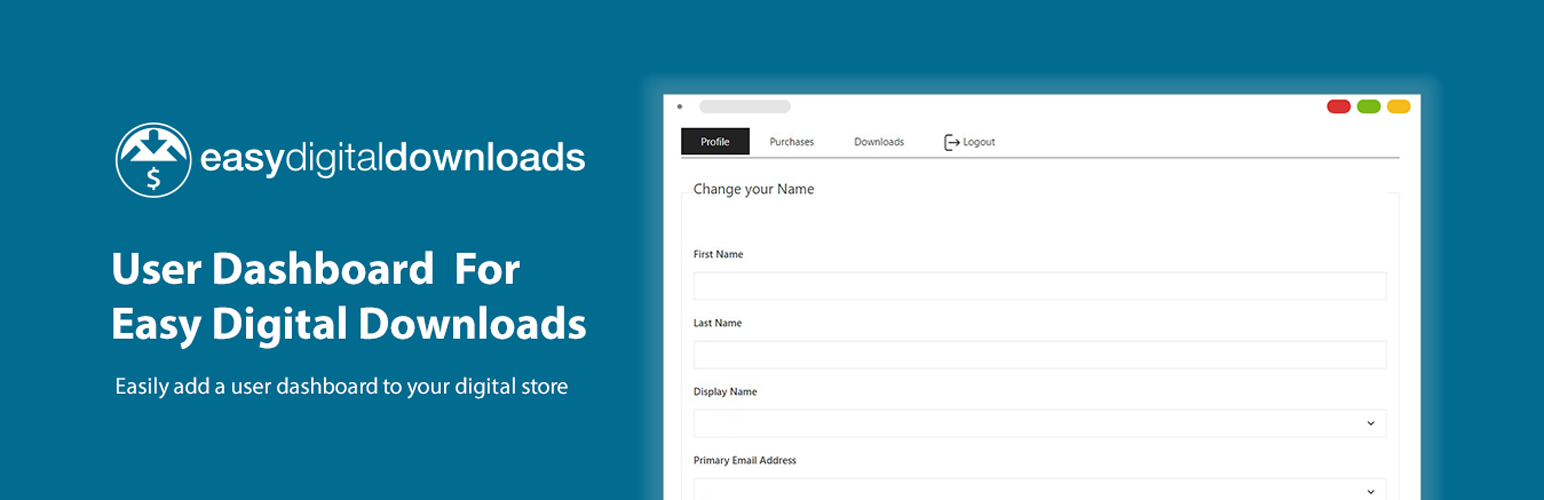
這個外掛可讓你輕鬆為你的 Easy Digital Downloads 商店建立用戶儀表板,只需將 [edd-dash] 短代碼加入到頁面即可。
此外,該外掛還設有一個 Gutenberg 區塊,可在頁面或文章中添加短代碼並建立客戶儀表板。
包含的分頁如下:
個人檔案編輯
下載歷史記錄
購買歷史記錄
存取通行證明細
訂閱
授權
某些分頁僅在啟用某些外掛時才可見。
外掛標籤
edd dashboardedd customer dashboardeasy digital downloads dashboardeasy digital downloads customer dashboard
開發者團隊
⬇ 下載最新版 (v1.0.2) 或搜尋安裝
① 下載 ZIP → 後台「外掛 › 安裝外掛 › 上傳外掛」
② 後台搜尋「User Dashboard – Easy Digital Downloads」→ 直接安裝(推薦)
② 後台搜尋「User Dashboard – Easy Digital Downloads」→ 直接安裝(推薦)
原文外掛簡介
Easily create a user dashboard for your easy digital downloads store just by adding [edd-dash] shortcode to a page.
Also, this plugin have a Gutenberg block to add the shortcode to a page or post to create a customer dashboard.
Tabs included:
Profile Edit
Download History
Purchase History
Access Pass details
Subscriptions
Licenses
Some of the tabs are just visible when a certain plugin is active.