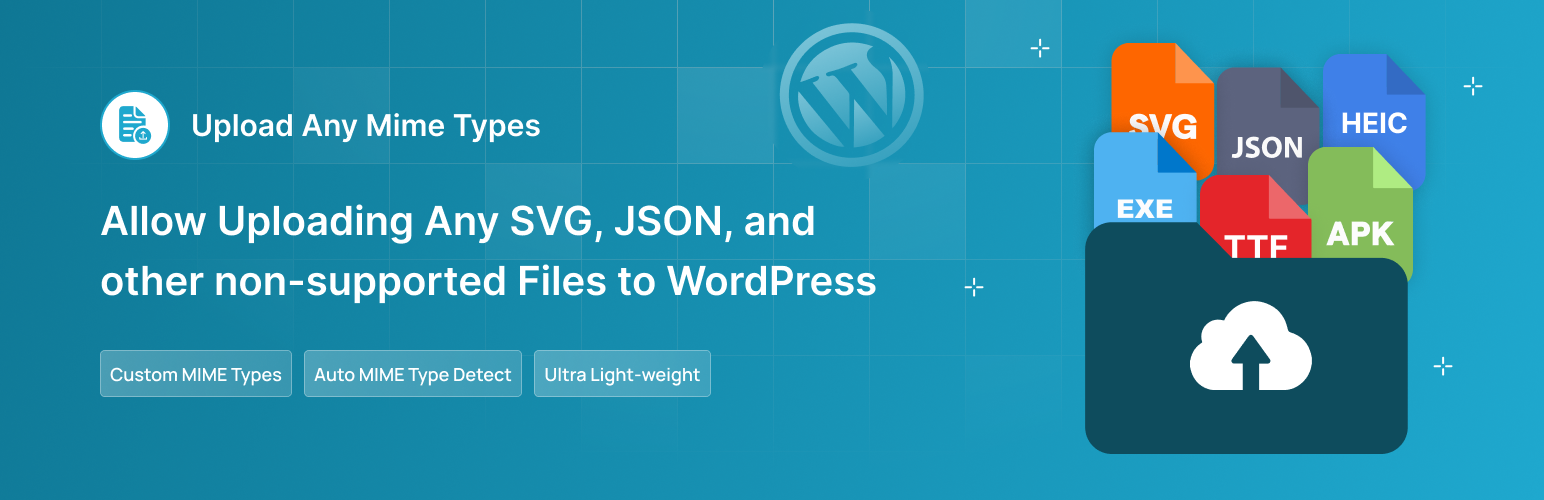
內容簡介
總結:「Upload Any MIME Types」是一個強大的外掛程式,允許上傳通常受限制的格式,如SVG、EXE等,提供了完整的控制權,安全且高效地擴展WordPress的文件類型限制。無需編寫程式碼或手動編輯functions.php,只需安裝、啟用即可立即使用。
問題與答案:
1. 這個外掛程式的主要功能是什麼?
- 主要功能是允許上傳一些通常被WordPress限制的格式,如SVG、EXE等,並提供控制權以擴展這些限制。
2. 使用這個外掛程式的優勢是什麼?
- 不需要寫程式碼或手動編輯functions.php,操作簡單方便;具有安全的上傳驗證功能,可阻止惡意或不支持的文件;可靈活地添加自定義的MIME類型。
3. 這個外掛程式適合哪些使用者?
- 這個外掛程式適合開發人員、設計師和網站管理員,為他們提供了一個方便的解決方案,以輕鬆上傳現代文件格式。
4. 這個外掛還提供了哪些功能?
- 包括可以輕鬆上傳任何文件類型、原生支援現代格式、通過修改MIME類型、不受限於WordPress的限制、無需編碼等功能。
外掛標籤
開發者團隊
② 後台搜尋「Upload Any MIME Types – Support SVG, JSON, APK, TTF, and others」→ 直接安裝(推薦)
原文外掛簡介
Upload Any MIME Types is a powerful plugin that allows uploading commonly restricted formats like SVG, EXE, and many others.
WordPress by default limits the types of files that can be uploaded for security reasons, but this plugin gives you full control to expand those limits safely and efficiently.
Whether you’re a developer, designer, or site administrator, this plugin provides a flexible solution for uploading modern file formats without hassle.
No need to write code or manually edit functions.php — just install, activate, and you’re ready to go.
🔥 Features
📁 Upload Any File Format – Easily upload any file type by selecting or defining allowed MIME types.
🖼️ Native Support for Modern Formats – Seamless handling of SVG, EXE, ICO, JSON, HTML, and more.
🚫 Bypass WordPress Restrictions – Safely override default MIME limitations without modifying core files.
🧰 No Coding Required – User-friendly interface built for simplicity – perfect for beginners and pros alike.
🔐 Secure Upload Validation – Built-in safety checks to block malicious or unsupported files.
💾 Auto Save – Changes to MIME type settings are automatically saved in real-time, eliminating the need for manual saves. Toggle file formats on/off and watch your preferences update instantly – no manual “Save” button is required.
➕ Add Custom MIME Types – Flexibly include your own MIME types with just a few clicks.
**🔄 Add Settings Reset Button ** – Quickly restore all MIME type settings to their original defaults with a single click. Perfect for troubleshooting or starting fresh without complicated steps.
🔥 WHAT’S NEXT 🔥
Consider checking out our other plugins:
🗂️ Integrate Google Drive
Browse, Upload, Download, Embed, Play, and Share Your Google Drive Files Into Your WordPress Site.
📻 Radio Player
Live Shoutcast, Icecast and Audio Stream Player for WordPress.
🌙 Dracula Dark Mode
The Revolutionary Dark Mode Plugin For WordPress
📝 Essential Addons for Contact form 7
48+ Essential Fields, Features & Integrations Add-ons for Contact Form 7.
⏬ Soft Accordion
Create dynamic FAQ sections with a powerful FAQ Accordion builder plugin using customizable layouts, drag & drop placement, and multiple customizations.