內容簡介
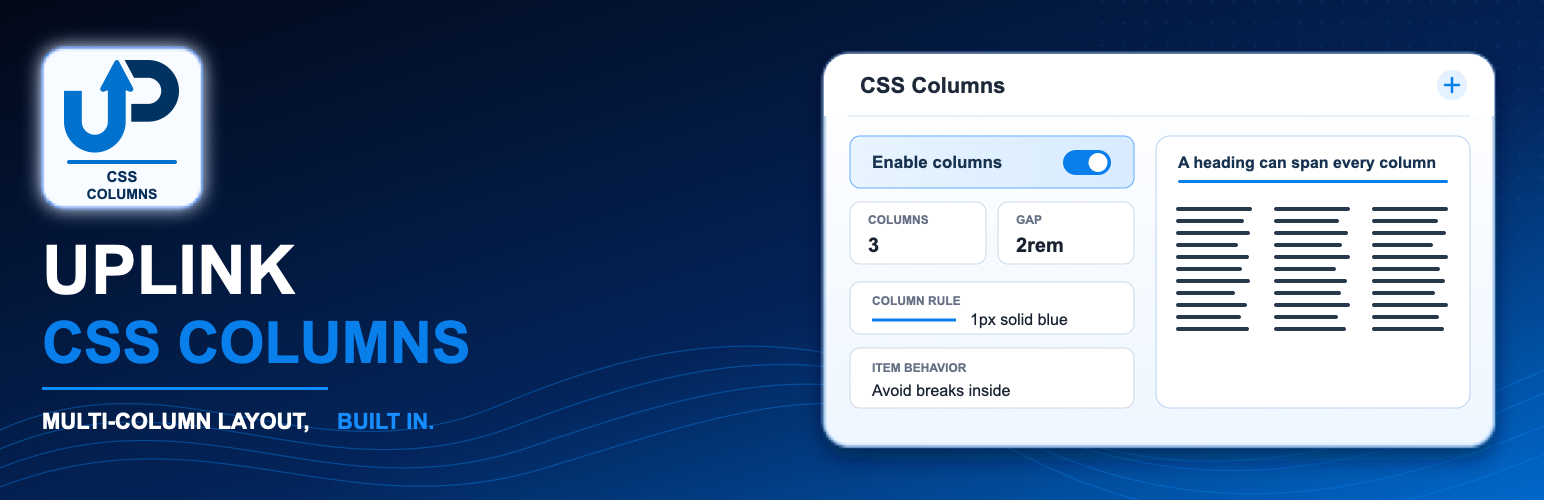
Uplink CSS Columns 外掛提供一個可存取的檢查面板和編輯器預覽,讓使用者能夠輕鬆地為 CSS 多欄佈局設置樣式。它支援多種控制選項,並確保前端樣式的正確渲染。
【主要功能】
• 設定欄位數量、寬度、間距及填充
• 支援欄位規則的簡寫及樣式控制
• 提供選擇的多欄區塊的內邊距與外邊距設定
• 控制欄位高度及包裝,並提供編輯器警告
• 允許在群組內的任何註冊區塊進行欄位跨越
• 支援 CSS 自訂屬性與函數
外掛標籤
開發者團隊
原文外掛簡介
Uplink CSS Columns adds an accessible inspector panel, an editor preview, and
server-rendered front-end styles for CSS Multi-column layouts. It has been tested
with WordPress 7.1.1 RC1.
Group, Paragraph, and List blocks receive the complete set of controls. Any
other registered block nested inside a Group receives the Span parent columns
control without receiving unrelated container settings. Individual List Item
blocks receive fragmentation controls for managing breaks between list items.
Features
Column count, width, gap, and fill.
Column rule shorthand, width, style, color, and draft visibility controls.
Optional padding and margin for the selected multi-column block.
Draft column height and wrapping controls with editor warnings.
Column spanning for any registered block inside a Group.
Break before, break after, and break inside fragmentation controls.
CSS custom properties and functions such as var(), calc(), min(), max(), and clamp().
Sanitized server-side output that avoids modifying core block save markup.
Clear blank/default behavior and examples in control descriptions.
The plugin stores its settings as namespaced block attributes. Front-end
declarations are sanitized and injected during block rendering, which avoids
the block-validation errors caused by changing core block save markup.
The established Level 1 CSS properties have broad browser support. Column
height, column wrap, and column rule visibility are draft features and are
clearly marked as experimental. Unsupported properties are ignored by browsers.