內容簡介
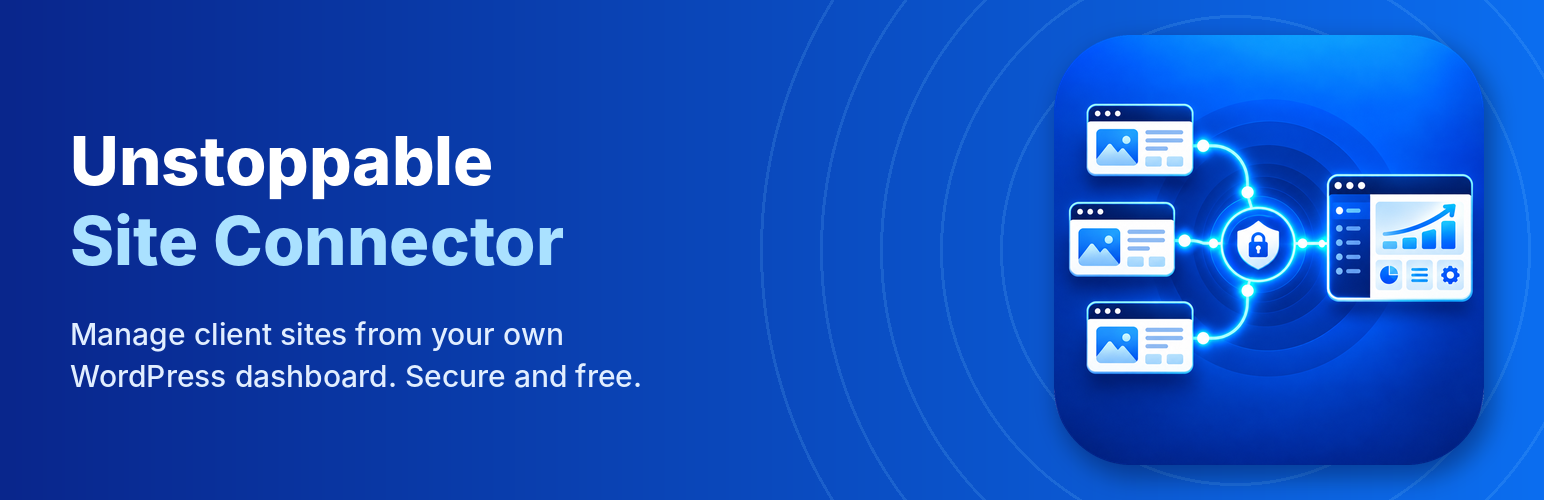
Unstoppable Site Connector 將您的網站連接到 Unstoppable Site Manager 控制台,讓網站設計師或代理商能夠遠端管理網站,包括更新、安裝外掛及生成報告,提升網站維護效率。
【主要功能】
• 監控網站健康狀態,包括更新與 SSL 證書到期
• 遠端更新 WordPress、外掛與佈景主題
• 一鍵登入網站管理區域
• 生成每月維護報告
• 設定安全性警報電子郵件
外掛標籤
開發者團隊
原文外掛簡介
Unstoppable Site Connector links this site to an Unstoppable Site Manager dashboard, which your web designer or agency runs on their own WordPress site (not a service run by Unstoppable Solutions). Connecting delegates administration of this site to whoever runs that dashboard. Once connected, they can:
see this site’s health: pending updates, WordPress and PHP versions, SSL certificate expiry;
update WordPress, plugins and themes;
install, activate, deactivate and delete plugins;
open this site’s admin area already signed in (one-click sign-in, can be turned off);
build a monthly care report from this site’s activity log.
How the connection is protected
No passwords are stored or sent. The site and the dashboard are paired once with a key that works one time and expires after 15 minutes.
Every request from the dashboard is signed and checked; a request can’t be replayed or used after 5 minutes.
One-click sign-in links work once and expire after 60 seconds. You can turn it off, or choose which administrator account it uses, under Tools > Unstoppable Site Connector. Because it skips the login form, two-factor checks on the login form don’t apply to it; turn it off if every sign-in must use two-factor.
Every sign-in from the dashboard is recorded in the activity log.
Disconnect at any time under Tools > Unstoppable Site Connector.
This site has the last word
The security settings under Tools > Unstoppable Site Connector > Security belong to this site, not to the dashboard. The dashboard can make them stricter, but only an administrator of this site can loosen them.
For the strongest protection, allow only your dashboard’s address, and switch off one-click sign-in and installing plugins from a ZIP file or web address unless you use them: each of those gives whoever controls the dashboard full control of this site.
Allowed dashboard addresses. Accept dashboard requests only from your dashboard server’s IP address. A request with a valid signature from anywhere else is refused, so a stolen dashboard key is useless elsewhere. The dashboard can set this for you in one click.
Permissions. Choose what the dashboard may do here: run updates, activate and deactivate plugins, install plugins from WordPress.org, install plugins from a ZIP file or web address, delete plugins, and one-click sign-in.
Security alert emails. Get an email when the dashboard installs or deletes a plugin, changes these settings or connects, when a correctly signed request is blocked, and (optionally) on every one-click sign-in.
For extra hardening, set the allowed addresses in wp-config.php so they can’t be changed from wp-admin at all: define( 'USCN_ALLOWED_IPS', '203.0.113.10' );. If this site is behind a proxy such as Cloudflare and your host doesn’t pass on the real address, tell the plugin which header holds it: define( 'USCN_CLIENT_IP_HEADER', 'HTTP_CF_CONNECTING_IP' ); (only when the site can only be reached through that proxy).
Previously released as FM Connector. Installing Unstoppable Site Connector on a site that has FM Connector takes over its connection (no re-pairing); you can then deactivate and delete FM Connector.
Bulk connect. A dashboard owner can download a copy of this plugin made for their dashboard (Add Site > Connect many sites at once) and install it on many sites with a bulk tool. Such a copy connects its site to that dashboard by itself, using a time-limited pass, and the site’s settings screen says so. A normal copy from WordPress.org never connects anywhere on its own.
External Services
The dashboard you connect to. After you paste the connection key into a dashboard, this plugin sends a report to that dashboard’s address hourly and shortly after any change. The report contains: the site’s name and address; WordPress, PHP and server versions; the installed plugins and themes with versions, active state and available updates; SSL certificate expiry; and the activity log (updates, plugin and theme changes, users created or deleted, administrator sign-ins, with usernames). It also answers the dashboard’s signed requests with the same information. Data goes only to the dashboard you paired with, which is run by your web professional, not by Unstoppable Solutions. Disconnect under Tools > Unstoppable Site Connector to stop it.
WordPress.org. When the dashboard asks for updates or installs a plugin from the directory, WordPress downloads it from WordPress.org as it normally would. Privacy Policy.
This site itself (loopback). To run the dashboard’s update checks and updates inside this site’s admin area, the plugin sends a one-time request from this site to its own wp-admin/admin-ajax.php. Nothing leaves the server.
Security alert emails. If alerts are on (Tools > Unstoppable Site Connector > Security), this site sends them with WordPress’s own mail function to the address set there, or the site’s admin email. They include the dashboard’s name, the dashboard username and the IP address of the request.
Plugin ZIPs from your dashboard. When the dashboard installs a plugin that is not from WordPress.org, this site downloads the ZIP from the connected dashboard’s own site, and from nowhere else.