內容簡介
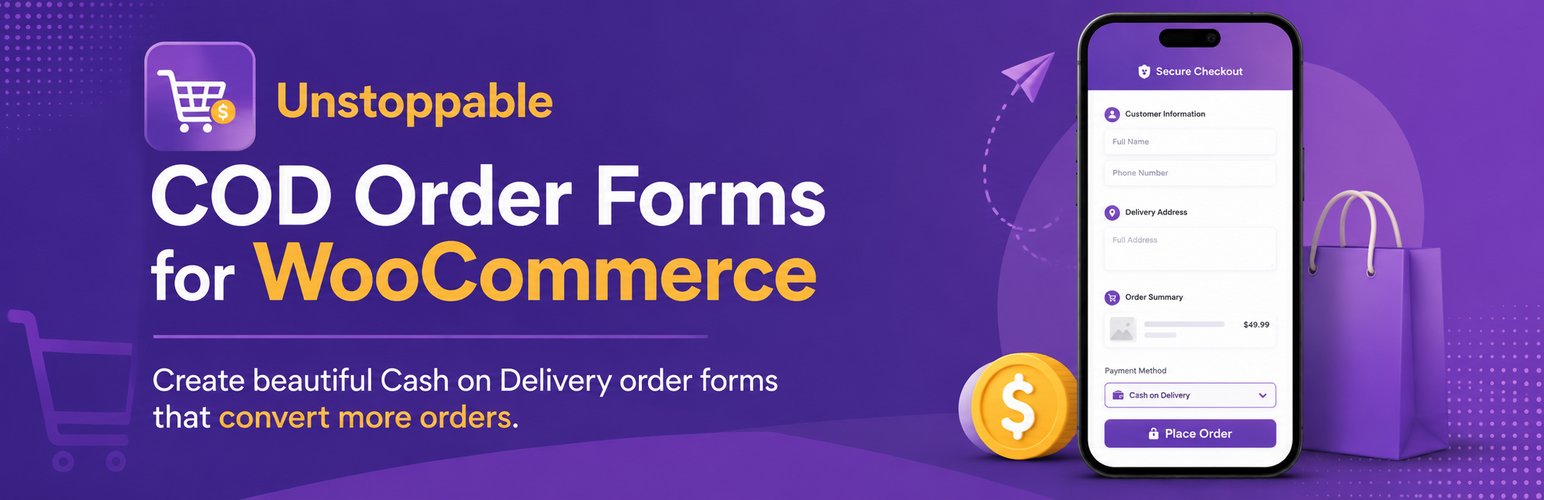
Unstoppable COD Order Forms for WooCommerce 是一款專為現金付款市場設計的外掛,能夠創建獨立的訂單表單,簡化購物流程,提升轉換率,讓訪客輕鬆成為顧客。
【主要功能】
• 獨立訂單表單 - 創建美觀且適合行動裝置的訂單表單
• 配送區域計算器 - 設定平價、百分比或重量基礎的運費
• 免費配送門檻 - 透過免費配送促進大宗訂單
• Google Sheets 同步 - 自動將訂單發送至 Google Sheets
• WhatsApp 通知 - 通過 WhatsApp 發送訂單確認
• 像素追蹤 - 支援 Facebook Pixel、TikTok Pixel 和 GA4
外掛標籤
開發者團隊
② 後台搜尋「Unstoppable COD Order Forms for WooCommerce」→ 直接安裝(推薦)
原文外掛簡介
Unstoppable COD Order Forms is designed for markets where Cash on Delivery is the dominant payment method. Create standalone order forms that convert visitors into customers without the complexity of a traditional checkout.
Key Features
Standalone Order Forms – Create beautiful, mobile-optimized order forms
Delivery Zone Calculator – Set up regions with flat rate, percentage, or weight-based fees
Free Delivery Thresholds – Encourage larger orders with free delivery offers
Google Sheets Sync – Automatically send orders to Google Sheets for fulfillment
WhatsApp Notifications – Send order confirmations via WhatsApp
Pixel Tracking – Built-in support for Facebook Pixel, TikTok Pixel, and GA4
WooCommerce Integration – Optionally create WooCommerce orders for inventory tracking
Perfect For
Middle East markets (Saudi Arabia, UAE, Egypt)
Southeast Asia (Indonesia, Thailand, Philippines)
South Asia (India, Pakistan, Bangladesh)
South America (Brazil, Colombia, Argentina)
Africa (Nigeria, Kenya, South Africa)
Shortcode Usage
Display a form anywhere using:
[ucof_form id=”1″]
or
[ucof_form slug=”my-form”]
External Services
This plugin optionally connects to third-party services when you enable specific integrations. No data is sent to external services unless you explicitly configure and enable them.
Google Analytics 4 (GA4)
When enabled in Integrations settings, the plugin loads Google’s gtag.js script to track page views and purchase events.
What it does: Tracks visitor behavior and purchase conversions on your forms
Data sent: Page URL, purchase value, product IDs, currency (only when a purchase is completed)
When: Script loads on pages with your forms; purchase data sent on order completion
Service provider: Google LLC
Terms of Service: https://marketingplatform.google.com/about/analytics/terms/us/
Privacy Policy: https://policies.google.com/privacy
Facebook Pixel
When enabled in Integrations settings, the plugin loads Facebook’s tracking pixel to track page views and purchase events.
What it does: Tracks visitor behavior and purchase conversions for Facebook Ads optimization
Data sent: Page URL, purchase value, product IDs, currency, content type
When: Script loads on pages with your forms; purchase data sent on order completion
Service provider: Meta Platforms, Inc.
Terms of Service: https://www.facebook.com/legal/terms
Privacy Policy: https://www.facebook.com/privacy/policy/
TikTok Pixel
When enabled in Integrations settings, the plugin loads TikTok’s tracking pixel.
What it does: Tracks visitor behavior and purchase conversions for TikTok Ads optimization
Data sent: Page URL, purchase value, product IDs, currency
When: Script loads on pages with your forms; purchase data sent on order completion
Service provider: TikTok Inc.
Terms of Service: https://www.tiktok.com/legal/terms-of-service
Privacy Policy: https://www.tiktok.com/legal/privacy-policy
Snapchat Pixel
When enabled in Integrations settings, the plugin loads Snapchat’s tracking pixel.
What it does: Tracks purchase conversions for Snapchat Ads optimization
Data sent: Purchase value, currency, transaction ID
When: Purchase data sent on order completion only
Service provider: Snap Inc.
Terms of Service: https://snap.com/en-US/terms
Privacy Policy: https://snap.com/en-US/privacy/privacy-policy
Webhook Integration
When you configure a webhook URL, order data is sent to your specified endpoint.
What it does: Sends order details to any URL you configure
Data sent: Customer name, phone, email, address, order items, totals
When: Immediately after order submission
Service provider: User-configured (your own endpoint)
Google Sheets Integration
When configured with a Google Apps Script URL, order data is sent to your Google Sheet.
What it does: Automatically logs orders to a Google Sheet for fulfillment tracking
Data sent: Order ID, customer details, products, totals, timestamps
When: Immediately after order submission
Service provider: Google LLC (via user’s own Google Apps Script)
Terms of Service: https://developers.google.com/apps-script/terms
Privacy Policy: https://policies.google.com/privacy