內容簡介
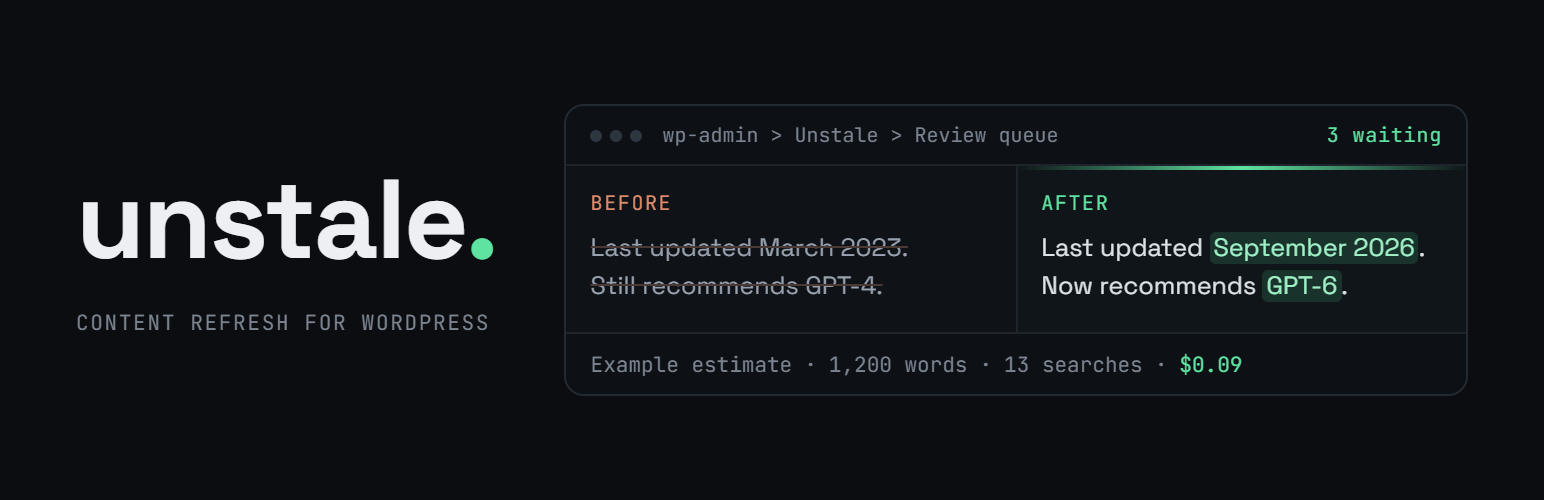
Unstale 是一款專為更新舊文章而設計的 WordPress 外掛,利用 AI 技術自動檢查事實、重寫內容並重新發布,幫助網站恢復流量並提升 SEO 效果。
【主要功能】
• 實時網路研究,確保內容真實性
• 重要數據的事實檢查,修正過時資訊
• 根據選擇的層級進行內容重寫
• 自動更新年份參考,保持內容新鮮
• 提供內部連結,增強網站結構
• 支援 Elementor、Divi 等頁面建構器
外掛標籤
開發者團隊
② 後台搜尋「Unstale – Refresh Old Posts with AI, Fact-Check & Republish」→ 直接安裝(推薦)
📦 歷史版本下載
原文外掛簡介
Your best posts stopped bringing traffic. Not from a penalty: the prices, the statistics and the year references inside them grew outdated while fresher pages took the rankings. A content refresh fixes that, and Unstale runs one with real AI, through the AI provider you already connected to WordPress.
Point it at a published post. It reads the post, searches the live web, fact-checks its most important claims against what it finds, rewrites the text, updates the SEO metas from the Balanced level up, adds internal links, and hands you the result as a diff to approve. Then it republishes with a fresh date, without breaking your URLs.
What one content refresh actually does
Live web research. The refresh searches the web while it runs, so the rewrite is based on what is true today and not on what the model remembers.
Fact-check of the claims that matter. Before the rewrite, the refresh checks the most important figures, prices and dates of the post against the web, and the rewrite corrects the outdated ones. The summary in the review queue and under the editor lists each correction, with a link to the source when it found one. A second pass checks the new figures the rewrite added to the text and flags the ones no source confirms.
Rewrite at the level you choose. Minimal fixes typos, facts, internal links and the date. Balanced adds the SEO work: optimized metas, an Article JSON-LD on posts only, when the page carries none, key-takeaway callouts, readability.
Year references that follow the calendar. A year written to say the content is current, “best laptops 2025”, “updated for 2025”, is moved to the current year in the text and, from the Balanced level up, in the title and the metas. A year that dates an event, a release, a study, a law, stays as it is. In the meta title and description the year is written as the current-year variable of your SEO plugin, Yoast SEO, Rank Math, All in One SEO or SEOPress, so it follows the calendar on its own. If you run a current-year shortcode plugin, the text and the title get its shortcode instead, and only where it actually renders.
Internal linking. Up to 15 relevant internal links per refresh, with natural, varied anchors, one link per target page.
Alt text and captions that match the image. In posts written with the block editor or the classic editor, the model looks at each image from your media library, up to ten per post, and rewrites the alt text only when it is empty, a file name, generic or wrong. From the Balanced level up it can add a caption where the image has none and one would help the reader. An image whose media library alt text is empty gets the new one there too, and Restore the previous version empties it again. The review queue lists every image it changed. Models that do not read images skip this step at no cost.
Pages built with Elementor, Divi or SeedProd. The refresh reads the text out of the builder’s own data, sends only that text through, and writes it back where it came from, so your layout and your styling are untouched. Other builders are not recognised out of the box: a page built with one gets no warning and is refreshed like a standard post, so check it before you refresh it.
A journal per article. Every step, every token count and the real cost, each on its own line.
Find out what has gone stale, for free
Knowing a refresh works is one thing. Knowing which of your 400 posts needs one is another. The Content health screen lists your published content that has not been updated in a while, oldest first, split into three age ranges so you can see how much of your archive has drifted.
It reads nothing but your own database, so looking costs you nothing and needs no AI provider connected. When you are ready, select what you want from that screen and send it off in one batch. Unstale shows an estimated cost before anything starts, and names anything it left out of the batch along with the reason.
Find out what competes with itself, for free
Two posts that cover the same ground do not rank together, they rank against each other, and the newer or thinner one usually loses. The same Content health screen scans your published content and groups the posts that overlap too closely, so you see the competition before Google decides it for you.
The scan compares your own text with itself, on your own server: no AI provider needed, nothing sent anywhere, and it costs nothing to run. Each group names the post Unstale would keep, and why. With an AI provider connected, an optional AI pass reads every group in context and tells two posts that merely share vocabulary from two posts that genuinely chase the same query.
You keep the keys, and you keep the bill
Since WordPress 7.0, providers and credentials live in Settings > Connectors and are managed by WordPress itself. Unstale uses whatever you set up there, so this plugin stores no API key of its own and never sees your credentials.
Your WordPress talks to that provider directly. Your content, published or draft, never passes through our servers. We do not see it.
You pay your provider directly, at its own rates, and nothing to us per refresh. No credits, no monthly quota, no cap on how many old posts you refresh. Unstale shows an estimated cost before a refresh you confirm from the editor, the posts list or Content health, and logs the real one after.
Nothing goes live without you
Every refresh waits in a review queue with a side-by-side diff of the current post and the proposed one. You approve it or you discard it. Automatic publishing, which skips this step, is off by default and switched on in the settings. Before it publishes, Unstale saves the current post as a WordPress revision when revisions are enabled on your site. WordPress does not version Elementor or SeedProd layouts, so for those the job keeps its own copy instead. The Restore the previous version link under the editor puts the post back from either one, after a screen that names what it restores. An AI agent connected to your site prepares refreshes the same way, and cannot approve one unless you allow it in the settings.
Republishing that does not break your URLs
Republishing plugins usually warn you not to use them when your permalinks contain the post date, because bumping the date moves the URL. Unstale skips the bump automatically when the new date would change the post’s address, whichever date tags your permalinks use, and when a refresh changed nothing in the text. To keep dated URLs and still refresh the date, switch to the %unstale_year%, %unstale_monthnum% and %unstale_day% tags: they freeze the original date in the URL for good. Republication also carries position control, randomized timing, allowed days and time windows.
Works with what you already run
Unstale fits the stack you have instead of asking you to change it, and none of this needs a setting: it detects what is active and adapts.
Page builders: Elementor, Divi and SeedProd. The refresh rewrites the text inside the page the builder already built and puts it back in the builder’s own data, so your layout, your styling, your image files and your builder settings come back exactly as they were. The alt text of an image that already has one counts as text, and the rewrite can change it. On a SeedProd page that uses blocks from SeedProd Pro, the new text lands in the builder and the live page waits for you to reopen it and save, which the journal tells you plainly.
SEO plugins: Yoast SEO, Rank Math, All in One SEO and SEOPress. The rewritten meta title and description go straight into that plugin’s own fields, not into a second set of fields your theme would ignore. Unstale only adds its own Article JSON-LD to posts, never to pages, and only when the published page carries none, so a refreshed post never ends up with two Article schemas, whichever SEO plugin you run. With no SEO plugin installed, Unstale writes the metas itself.
Cache plugins: WP Rocket, W3 Total Cache, LiteSpeed Cache, WP Super Cache, WP Fastest Cache and SG Optimizer. Once a refresh is published, Unstale purges the post through that plugin’s own public purge API so the new version is live at once. The purge is always aimed at the refreshed post, never a full-site flush, so the rest of your cache stays warm. Anything not on that list, a CDN for instance, hooks onto the unstale_purged action.
Editors and content types. Gutenberg and the Classic editor both, on posts, pages and public custom post types.
What Unstale does not do
It does not write new articles. It works only on posts you already published, which is the point: the traffic is easier to win back on an evergreen post that once ranked than on a new one nobody has read. It does not read Search Console and does not rank your archive by traffic lost, so you choose which old posts to refresh, one by one or in batches from the Content health screen. And there is no account to create anywhere.
Two refresh levels are free: Minimal and Balanced, and so is sending a batch off from the Content health screen. The Strong and Maximal levels, scheduled automation and per-category rules are part of Unstale Pro. Automation of the free levels is available through the REST API (unstale/v1), WP-CLI (wp unstale refresh) and WordPress abilities that AI agents reach through the MCP adapter.
Unstale is developed by Web & SEO Ltd, the company that owns and operates unstale.ai.
External services
This plugin relies on two external services.
The Unstale model catalog (unstale.ai)
What it is: a public, static JSON file at https://unstale.ai/api/v1/models.json listing the supported model ids, their prices per million tokens and their notes. It exists so that a new provider model becomes available in your settings without waiting for a plugin update, and so the plugin can show you a cost estimate before a refresh you confirm.
What is sent, and when: nothing but the HTTP request itself. It is an unauthenticated GET, fired by a single scheduled task once every 24 hours. No content, no credentials, no personal data, no site identifier is transmitted, and there is no manual refresh button that could trigger it more often. If the request fails the plugin keeps using the catalog bundled in the plugin files.
This service is provided by Unstale: Terms, Privacy
YouTube oEmbed (youtube.com)
What it is: YouTube’s public oEmbed endpoint at https://www.youtube.com/oembed. During a refresh, Unstale asks it whether each YouTube video embedded in the post is still available, and checks a replacement video the same way before using it.
What is sent, and when: the public address of each YouTube video embedded in the post being refreshed, and of each replacement video before it is used, and nothing else. No content, no credentials, no site identifier. It is an unauthenticated GET, sent only while a refresh runs on a post that embeds YouTube videos. Each answer that says whether a video is available is cached for 24 hours.
This service is provided by Google: Terms of Service, Privacy Policy
A note on AI providers
Unstale does not contact any AI provider itself (Anthropic, OpenAI, Google AI) and declares none of them as its own external service. Prompts are handed to the WordPress AI Client, which routes them to the provider you connected in Settings > Connectors. That provider, its terms and its billing are the relationship between you and them, set up in WordPress and not in this plugin. To check alt text, a refresh also hands the WordPress AI Client the image files of the post, read from your own media library, so they reach that same provider.