
內容簡介
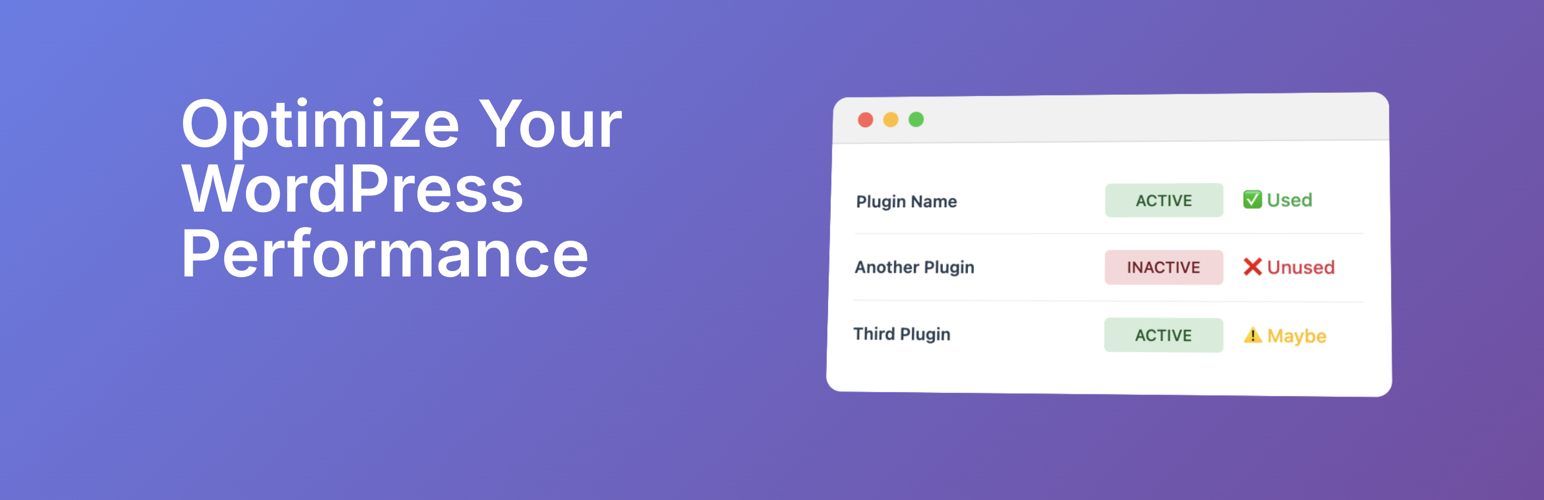
總結: Unplug讓您了解客戶網站上真正使用的外掛程式,幫助判斷保留、更新或移除哪些外掛,以提升網站效能。
問題與答案:
1. Unplug提供了哪些主要功能?
- 外掛程式使用偵測: 即時查看網站上正在使用的外掛程式。
- 效能洞察: 辨識可能減緩網站速度的外掛程式。
- 安全意識: 提供針對可能增加風險的外掛程式的能見度。
- 簡單建議: 一目瞭然了解應保留、更換或停用哪些外掛程式。
2. 使用Unplug有什麼好處?
- 透過移除未使用的外掛程式來提升網站速度。
- 透過最小化不必要的程式碼來減少安全風險。
- 保持您的WordPress安裝乾淨、高效。
- 透過減輕外掛過多問題來節省時間。
3. 誰適合使用Unplug?
- 管理多個客戶網站的機構。
- 希望擁有更快、更安全WordPress安裝的網站擁有者。
- 需要快速審核外掛使用情況的開發者。
外掛標籤
開發者團隊
原文外掛簡介
Unplug – Plugin Usage & Performance Insights
Cut the plugin bloat.
Unplug helps you see which plugins are actually being used on your client’s sites and which ones are just plugin bloat. With clear reports on plugin activity, performance impact, and where they are being used, you can make smarter decisions about what to keep, update, or remove.
🔑 Features
Plugin Usage Detection: Instantly see which plugins are actively used across your site.
Performance Insights: Identify plugins that may be slowing down your site.
Security Awareness: Get visibility into plugins that might increase risk.
Simple Recommendations: Understand at a glance which plugins to keep, replace, or unplug.
🚀 Why Use Unplug?
Improve site speed by removing unused plugins.
Reduce security risks by minimizing unnecessary code.
Keep your WordPress installation clean and efficient.
Save time by cutting through plugin overload.
Perfect For
Agencies managing multiple client sites.
Site owners who want faster, safer WordPress installs.
Developers looking for a quick audit of plugin usage.
⸻
Take control of your WordPress site today: it’s time to Unplug.