外掛標籤
開發者團隊
原文外掛簡介
UniSignIn is the login and audience platform for publishers. It gives your site a complete authentication and login system, access walls and subscriptions, newsletters, and a first-party data DMP that turns every registered visitor into a known, segmentable audience you own.
This plugin connects your WordPress site to UniSignIn, so the features your audience and editors use every day work on your posts in a few clicks.
A login system built for publishers
Sign-up and login. Give your audience one account across your site, with sign-up and login, profiles and account management, ready out of the box. No custom auth to build or maintain.
WordPress logins. If your audience already logs in to WordPress, they are logged in to UniSignIn too, so their profile, segments and newsletters follow their account. WordPress can also be the login page for every UniSignIn sign-up and login button.
Own your first-party data
UniSignIn is a first-party data DMP. Every sign-up, login and interaction builds a profile you own, ready to segment for newsletters, targeting and advertising, without relying on third-party cookies.
Grow registered audiences and subscribers
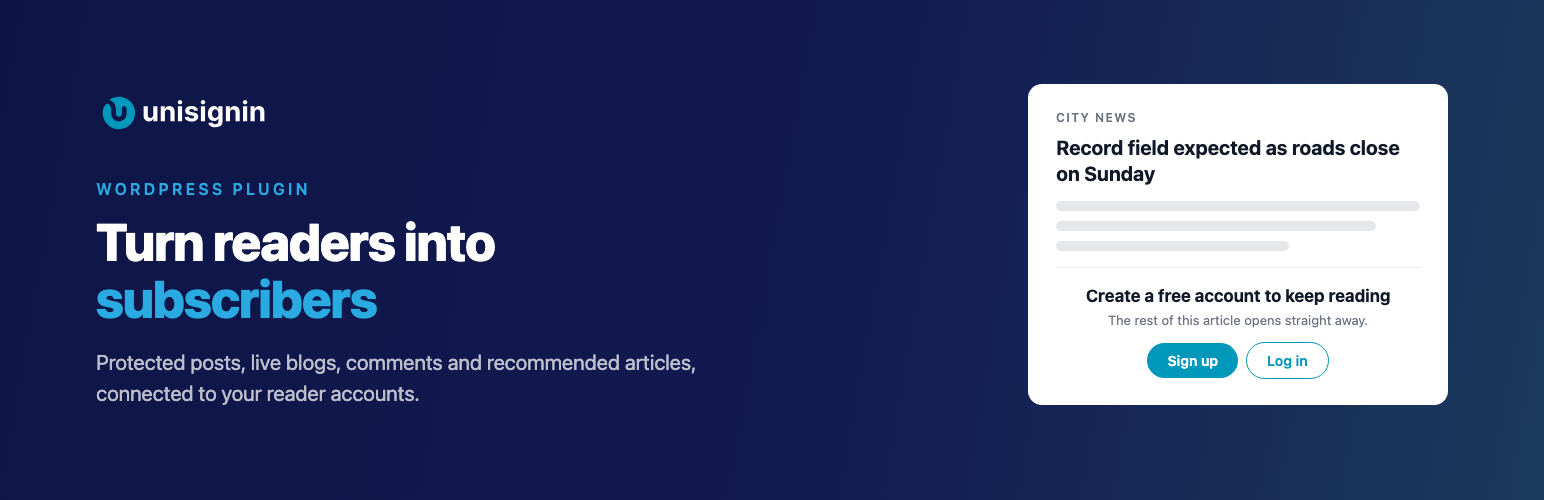
Protected posts. Tick Protected on a post and your audience sees the first paragraphs, then your UniSignIn Access Wall: sign-up, a subscription or a meter. The rest of the post stays on your server until the visitor has access, so it is never in the page source, your feeds or the WordPress REST API.
Keep your audience engaged
Live blogs. Turn any post into a live blog for breaking news, matches and events, after the text or wherever you put [unisignin_liveblog]. Editors post updates from the article page, and your audience sees them appear without reloading, reacts and votes in polls.
Comments. Replace WordPress comments with comments posted from a UniSignIn account, with reactions, replies and moderation tools. Turn them off for any post.
Recommended articles. A compact list of articles picked for each visitor, above the comments or wherever you put [unisignin_recommendations], so they keep reading.
Save editors time
AI titles and tags. Get title and tag suggestions while you write, in the classic and the block editor.
Then go further in UniSignIn
The plugin’s Home page takes you straight to access walls and paywalls, newsletters, content lists and audience segments in your UniSignIn dashboard.
External services
This plugin connects your site to UniSignIn to run sign-up and login, access walls, live blogs, comments, recommended articles and audience accounts.
The UniSignIn script. When a licence and tag domain are set, every public page loads the UniSignIn script from your tag domain. It sends page views and the visitor’s interactions with UniSignIn features to UniSignIn, as described in its privacy policy. Nothing is loaded without a licence.
WordPress logins. When turned on, the email address, first name, last name and registration date of a logged-in WordPress user are sent to UniSignIn, signed with your SSO key, to log them in to UniSignIn.
Protected posts. Access tokens are checked on your server, with your Protected Content secret, so no post text is sent to UniSignIn.
AI titles and tags. When an editor asks for suggestions, the post’s title and text are sent to UniSignIn with your API secret key.
Recommended articles. Article titles, addresses, images, dates, categories and tags are read from your public pages by UniSignIn, when recommendations are turned on for your project.
Service provider: UniSignIn. Terms of service and privacy policy.