內容簡介
特點
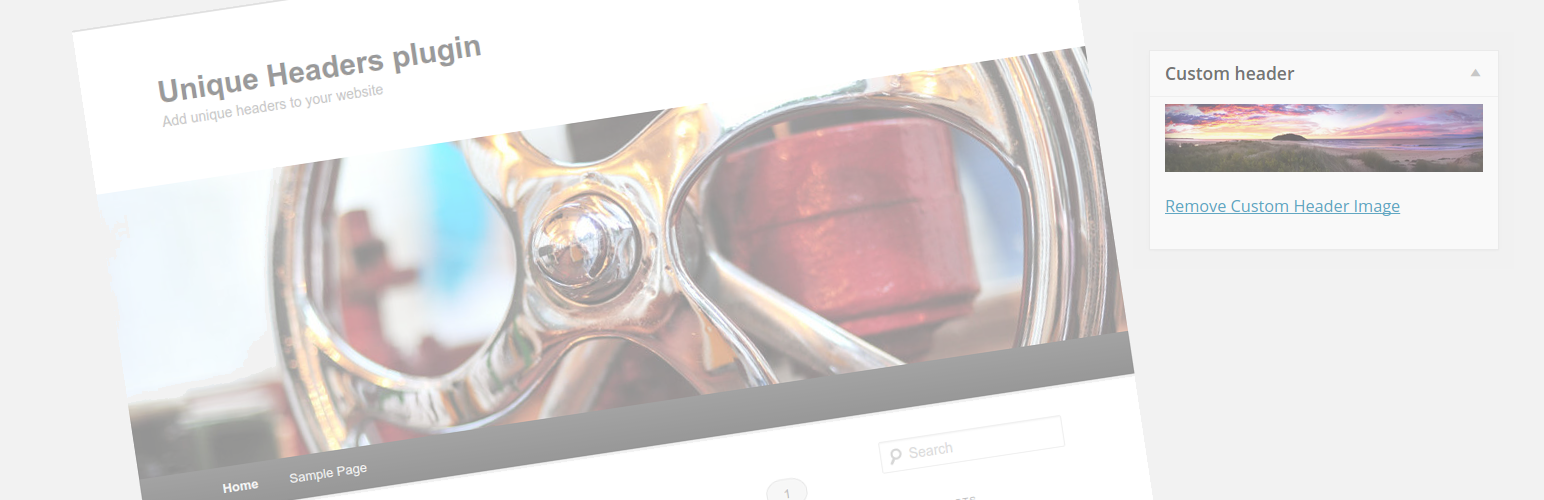
Unique Headers Plugin 從文章/頁面編輯畫面中新增一個自訂標頭圖像框。你可以使用這個框來上傳該文章的獨特標頭圖像,或使用你的 WordPress 媒體庫中的其他圖像。當你在網站的前端檢視該頁面時,你所選擇的獨特標頭圖像將取代你網站的預設標頭圖像。
這個功能也適用於類別和標籤。
需求
你必須使用一個利用 WordPress 內建自訂標頭功能的佈景主題。如果你的佈景主題實現了自己的標頭功能,則此外掛將無法運作。
WordPress 付費開發
如果你想要支付費用取得協助,新增額外功能至此外掛或是尋找一般 WordPress 開發服務,請透過我的聯絡表單與我聯繫。
外掛標籤
開發者團隊
📦 歷史版本下載
原文外掛簡介
This plugin has been actively maintained since 2012 and is used on over 20,000 websites worldwide.
Features
The Unique Headers Plugin adds a custom header image box to the post/page edit screen. You can use this to upload a unique header image for that post, or use another image from your WordPress media library. When you view that page on the front-end of your site, the default header image for your site will be replaced by the unique header you selected.
This functionality also works with categories and tags.
Requirements
You must use a theme which utilizes the built-in custom header functionality of WordPress. If your theme implement it’s own header functionality, then this plugin will not work with it.
Paid WordPress development
If you would like to pay for assistance, additional features to be added to the plugin or are just looking for general WordPress development services, please contact me via my contact form.
Development
This section is only relevant for developers building the plugin from source (e.g. cloning from GitHub). If you installed via WordPress.org, the plugin is ready to use — no build steps required.
The plugin uses Composer for PHP autoloading and dependencies, npm for JavaScript tooling, and TypeScript for admin JavaScript.
To set up a development environment:
Install PHP dependencies: composer install
Install JavaScript dependencies: npm install
Compile TypeScript to JavaScript: npm run build
To run tests and analysis:
PHPCS (PSR-12 coding standards): composer phpcs
Auto-fix PHPCS violations: composer phpcbf
PHP-CS-Fixer (dry-run): composer cs
PHP-CS-Fixer (auto-fix): composer cs:fix
PHPStan static analysis: composer phpstan
PHPUnit unit tests: composer test
TypeScript type checking: npm run typecheck
TypeScript source files are in src/ts/. The compiled output is written to assets/admin.js and is what WordPress loads on the admin side.
Credits
Thanks to the following for help with the development of this plugin:
* redactuk – Assistance with debugging.
* crabsallover – Assitance with debugging.
* Todd – Assistance with implementing support for tags.
* Mariano J. Ponce – Spanish translation.
* Tobias Klotz – Deutsch (German) language translation.
* Nadia Tokerud – Proof-reading of Norsk Bokmål (Norwegian) translation.
* Bjørn Johansen – Proof-reading of Norwegian Bokmål translation.
* Karl Olofsson – Proof-reading of Swedish translation.
* Jenny Beaumont – French translation.