
內容簡介
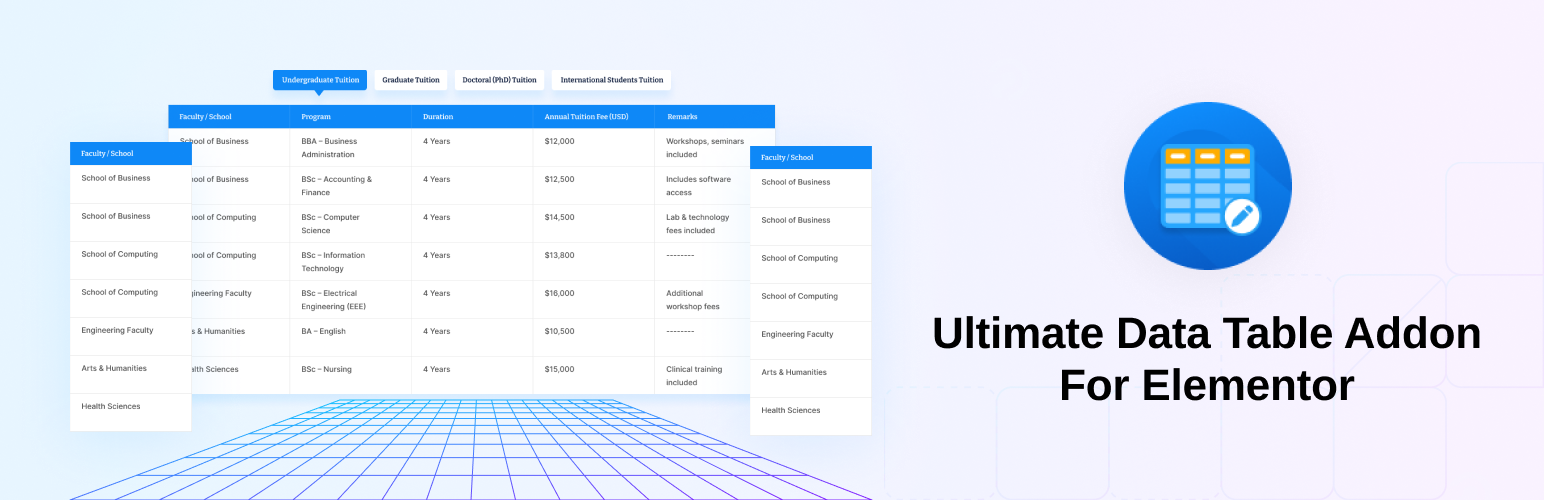
**總結:** Ultimate Data Table Addon For Elementor 是在 Elementor 內建立美麗且功能性資料表格的最簡單方式。不論您需要顯示定價、產品資訊或任何結構化資料,此外掛讓您完全控制設計、功能和響應性。
**問答:**
1. 什麼是 Ultimate Data Table Addon For Elementor?
- Ultimate Data Table Addon For Elementor 是在 Elementor 內建立美麗且功能性資料表格的最簡單方式。
2. 這個外掛有哪些關鍵功能?
- Entries Per Page
使用者可透過自訂的「顯示項目數」下拉式選單控制每頁顯示的列數。
- Live Search
具備即時搜尋功能,使用內建的搜尋框進行快速資料篩選。
- Pagination
完整支援多種樣式的翻頁功能,以符合設計風格。
- Column Ordering
可對欄位進行排序,包括升冪和降冪順序。
- Table Information
可以顯示或隱藏表格資訊,如「顯示第 1 至 10 行,共 120 筆資料」。
- Custom Labels
可修改搜尋標籤、無資料訊息、翻頁文字等,以符合您站點的語言和風格。
- Uniform Cell Styling
可使用 Elementor 控制一致地設計每個表格儲存格。
- Rowspan Support
可垂直合併表格儲存格,以建立分組資料結構。
- Colspan Support
可水平合併表格儲存格,以建立靈活的排版。
- Fully Responsive
可直接從 Elementor 控制各種螢幕大小上的表格行為。
- Full Elementor Control Panel
所有功能都可透過 Elementor 進行調整,無需編寫程式碼。
3. 此外掛的資料來源是什麼?
- 表格由 Elementor 中的重複器欄位驅動,這讓管理動態資料變得更容易。
4. 使用此外掛的最低 WordPress 和 PHP 版本是多少?
- WordPress 至少版本需為 6.3,PHP 至少版本需為 7.4。
外掛標籤
開發者團隊
② 後台搜尋「Ultimate Data Table Addon For Elementor」→ 直接安裝(推薦)
原文外掛簡介
Ultimate Data Table Addon For Elementor is the easiest way to build beautiful and functional data tables inside Elementor. Whether you need to display pricing, product info, or any structured data, this plugin gives you complete control over design, functionality, and responsiveness.
Key Features:
🔢 Entries Per Page
Let users control how many rows are displayed per page with a customizable “Show Entries” dropdown.
🔍 Live Search
Instant table filtering with a built-in search box. Users can find the information they need instantly.
⏭ Pagination
Full pagination support with multiple styles to match your design.
↕ Column Ordering
Sortable columns with ascending and descending order.
📊 Table Information
Show or hide table info, such as “Showing 1 to 10 of 120 entries.”
🏷 Custom Labels
Modify search label, no-data message, pagination text, and more to match your site’s language and style.
🎨 Uniform Cell Styling
Style every table cell consistently using Elementor controls.
↕ Rowspan Support
Merge table cells vertically to create grouped data structures.
↔ Colspan Support
Merge table cells horizontally for flexible layouts.
📱 Fully Responsive
Control how tables behave on all screen sizes, directly from Elementor.
🧰 Full Elementor Control Panel
All features are adjustable through Elementor — no coding required.
Data Source:
– Tables are powered by Elementor repeater fields, making it easy to manage dynamic data.
Requirements
WordPress version at least: 6.3
PHP version at least: 7.4














