內容簡介
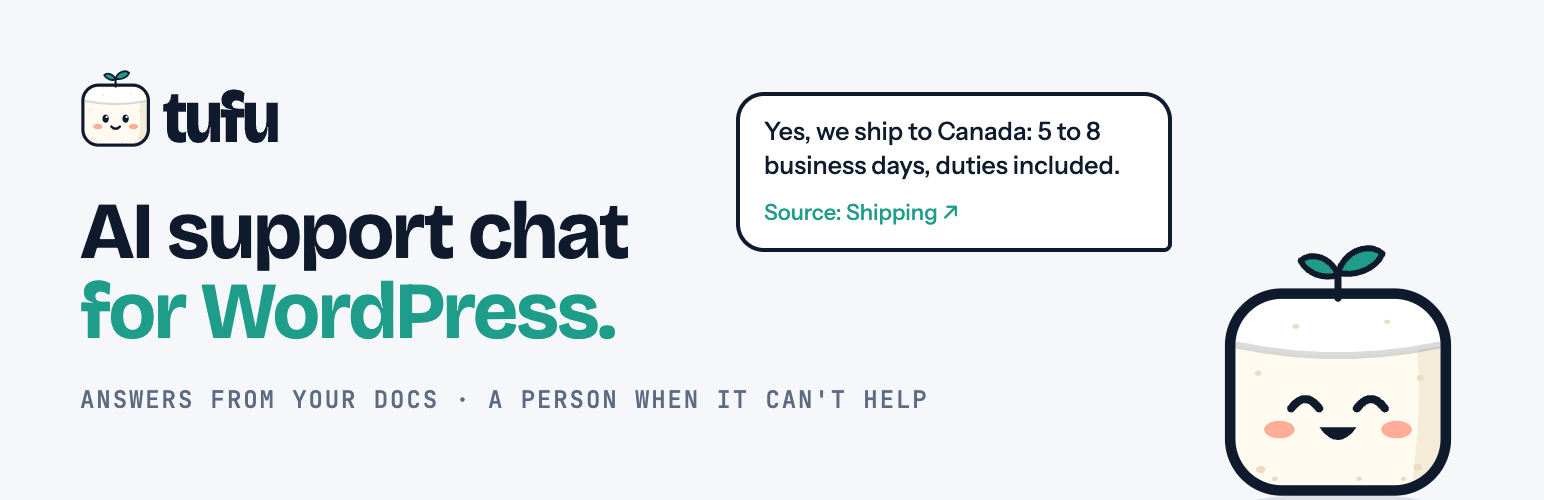
tufu AI 是一款能夠在您的網站上提供即時支援的外掛,透過 AI 回答訪客的問題,並在必要時將對話轉交給您的團隊。它的獨特之處在於每個回答都會引用來源頁面,並提供便捷的文檔搜尋功能。
【主要功能】
• 每個回答都引用來源頁面
• 訪客問題可轉交給團隊回覆
• 提供文檔搜尋功能的「tufu Ask」區塊
• 無需程式碼即可快速連接 tufu
• 免費計劃下無功能限制
外掛標籤
開發者團隊
原文外掛簡介
tufu answers your visitors from your website, docs and files. When it can’t help, or a visitor asks for a person, it hands the conversation to your team, and you reply from where you already work.
What you get:
Every answer cites its page. Answers link to the page on your site they came from, so visitors can check them, and you can see what the bot read.
A handoff to a person. The visitor’s question reaches your team in the tufu inbox and by email (and in Slack or Discord on the Team plan), and you reply from there. Your reply reaches the visitor in the chat, or by email if they left.
Docs search, not only a bubble. The “tufu Ask” block (or the [tufu_ask] shortcode) puts a search box for your docs on any page, with short answers and links to the right pages.
Works on the free plan. One bot, with the chat bubble and the Ask console, on as many pages as you like.
This plugin puts tufu on your WordPress site with no code:
Support chat: a chat bubble on every page, or only on the pages you choose.
Ask console: the “tufu Ask” block and the [tufu_ask] shortcode.
Connect in a minute: press “Connect to tufu”, sign in or create a free account, pick a bot, and you’re back. No API key to copy, nothing secret stored on your site.
The look (colors, button, greeting) and what the bot knows are set in tufu, so they change on your site without touching WordPress.
A plugin for a service
The plugin is free and has no locked features: everything in it works the same on every plan. It shows a service that runs on tufu.ai, and you need a tufu account. tufu has a free plan, and a paid Team plan with more bots, answers and channels: https://tufu.ai/pricing/ . Plan limits are set and counted by tufu, not by this plugin.
On the free plan, the chat and the Ask console show a small “Powered by tufu” link to https://tufu.ai. On a paid plan you can hide it on the bot’s Appearance page in tufu.
External services
This plugin connects your site to tufu (https://tufu.ai), an AI support service run by tufu. Nothing is loaded or sent until you connect a bot in Settings > tufu AI.
Connecting your bot. When you press “Connect to tufu” in Settings > tufu AI, your browser goes to https://tufu.ai/connect/wordpress/ with your site’s address, the address of the settings page to come back to, and a random code that the plugin checks when you come back. You sign in to tufu there and pick a bot; tufu sends your browser back with the bot’s team and bot IDs, which are public. No password or key passes through your site.
The chat bubble and the Ask console. On pages that show them, your visitors’ browsers load tufu’s script from https://tufu.ai/widget/v1/tufu-chat.esm.js and fetch the bot’s public settings from https://tufu.ai. When a visitor opens the chat or the Ask console, what they type is sent to tufu so the bot can answer. With these requests tufu receives the page address, the usual request data (IP address, browser user agent), and the plugin’s name and version (wordpress/0.2.2), so tufu can tell WordPress installs apart. tufu keeps the address of the page a conversation started on (the web address without anything after a “?” or “#”) with the conversation, so you can see it in your inbox. If a visitor asks for a person and leaves an email address, tufu uses it to send your reply.
The plugin itself stores only its settings (team, bot, where the chat shows) and, for 30 minutes while you connect, the random code; it sets no cookies. The chat remembers a visitor’s conversation in their browser’s storage for tufu.ai.
Terms of Service: https://tufu.ai/terms/
Privacy Policy: https://tufu.ai/privacy/