外掛標籤
開發者團隊
原文外掛簡介
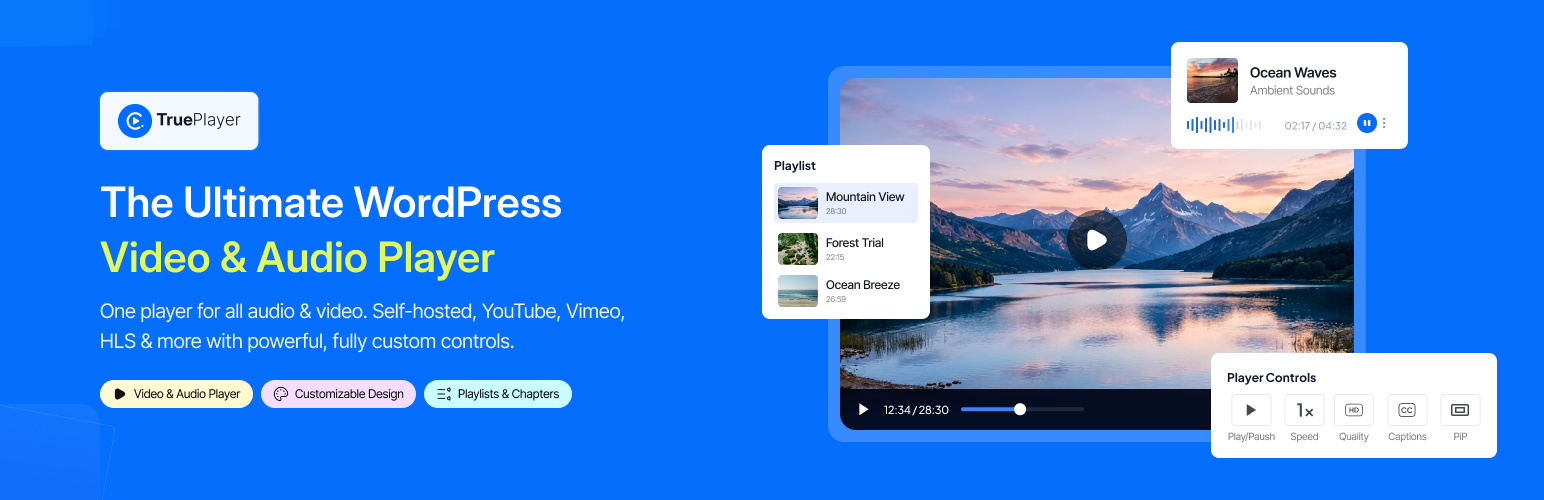
TruePlayer is a native WordPress video and audio player with its own controls, so every video on your site looks and behaves the same — wherever it is hosted.
Sources — self-hosted files from the media library, any MP4/WebM URL, HLS streams (.m3u8), YouTube and Vimeo.
Audio player — a proper audio bar with cover art, waveform and compact/card/minimal layouts.
Your look — skins, accent and hover colors, play-button styles, control-bar styles, roundness, aspect ratio, logo watermark, and a site-wide default that every video inherits.
Controls — choose exactly which buttons show; speed, quality, captions, picture-in-picture, keyboard shortcuts, rewind/forward and download.
Chapters & captions — YouTube-style segmented chapters, multi-track subtitles with styling, and a transcript drawer.
Behaviour — autoplay modes, loop, resume where the viewer left off, sticky player on scroll, no-skip, click-to-load poster for fast pages.
Engagement — call-to-action and end-screen overlays, text overlays, an action bar, and email-capture forms (sent to your inbox).
Playlists & presets — sidebar or grid playlists with autoplay-next, and reusable player presets.
Block & shortcode — a block with an in-editor preview, plus [trueplayer id="…"], a popup/lightbox shortcode and playlist shortcode.
SEO — VideoObject structured data and Google Analytics (GA4) playback events.
Everything in this plugin works on its own. A separate add-on, TruePlayer Pro, adds features of its own such as watch verification, quizzes, analytics and automation.
External services
TruePlayer connects to the following third-party services. Each one is only contacted for the feature it supports, and only when that feature is used.
Vimeo oEmbed (https://vimeo.com/api/oembed.json) — used to resolve a thumbnail for a Vimeo video when none is set, so the poster image is populated. The video’s public Vimeo URL is sent. Called in the admin only, when saving a Vimeo-sourced video. Terms: https://vimeo.com/terms — Privacy: https://vimeo.com/privacy
YouTube captions (https://www.youtube.com/api/timedtext) — used by the subtitles importer to fetch public captions for a YouTube video when an administrator imports them. Only the public video id is sent. Terms: https://www.youtube.com/t/terms — Privacy: https://policies.google.com/privacy
Google Analytics (GA4) via Google Tag Manager (https://www.googletagmanager.com/gtag/js) — only loaded when the site administrator turns on Google Analytics in TruePlayer’s Settings → Integrations screen and enters a GA4 Measurement ID. Standard GA4 playback events are then sent from the viewer’s browser to Google. Off by default. Terms: https://marketingplatform.google.com/about/analytics/terms/us/ — Privacy: https://policies.google.com/privacy
Kodezen usage insights (https://store.kodezen.com/) — optional, anonymous usage telemetry sent only if a site administrator opts in from the notice TruePlayer shows in the admin; it sends the site URL, WordPress/PHP/plugin versions and the admin email given at opt-in. When the plugin is deactivated, an optional feedback form can send the reason the administrator chooses. Nothing is sent without that action. Terms: https://kodezen.com/terms-and-conditions/ — Privacy: https://store.kodezen.com/privacy-policy/
Third-Party Libraries
TruePlayer bundles the following open-source libraries. Each one keeps its own license and copyright.
StoreEngine WordPress SDK — the opt-in usage-insights client described above. Source: https://github.com/imrantushar/storeengine-sdk-for-wordpress — License: GPL-2.0-or-later (© Kodezen). Installed via Composer under vendor/storeengine/wordpress-sdk/.
Source code & build
All compiled JavaScript and CSS in assets/build/ is generated from the human-readable sources shipped in the dev_trueplayer/ folder of this plugin. The same sources are public at https://github.com/imrantushar/trueplayer .
Every file in assets/build/ maps to a source entry:
backend.*.js / style-backend.css — dev_trueplayer/backend.js (admin app, dev_trueplayer/admin/)
frontend.*.js / style-frontend.css — dev_trueplayer/frontend.js (player, dev_trueplayer/player/)
block.*.js — dev_trueplayer/block/index.js (block editor)
yt.*.js, vimeo.*.js — lazily loaded provider chunks from dev_trueplayer/player/providers/
hlsjs.*.js, vimeojs.*.js — the third-party hls.js (https://github.com/video-dev/hls.js, Apache-2.0) and @vimeo/player (https://github.com/vimeo/player.js, MIT) npm packages, split into their own chunks
To rebuild: install Node.js 20+, then run npm install and npm run build in the plugin folder. The build uses @wordpress/scripts (webpack) with the config in webpack.config.js.