
內容簡介
Travel Map 外掛讓您能夠在 WordPress 控制台中創建、追蹤和管理旅行行程,無需註冊帳號即可免費使用。它提供互動地圖,幫助您輕鬆規劃和展示旅行路線。
【主要功能】
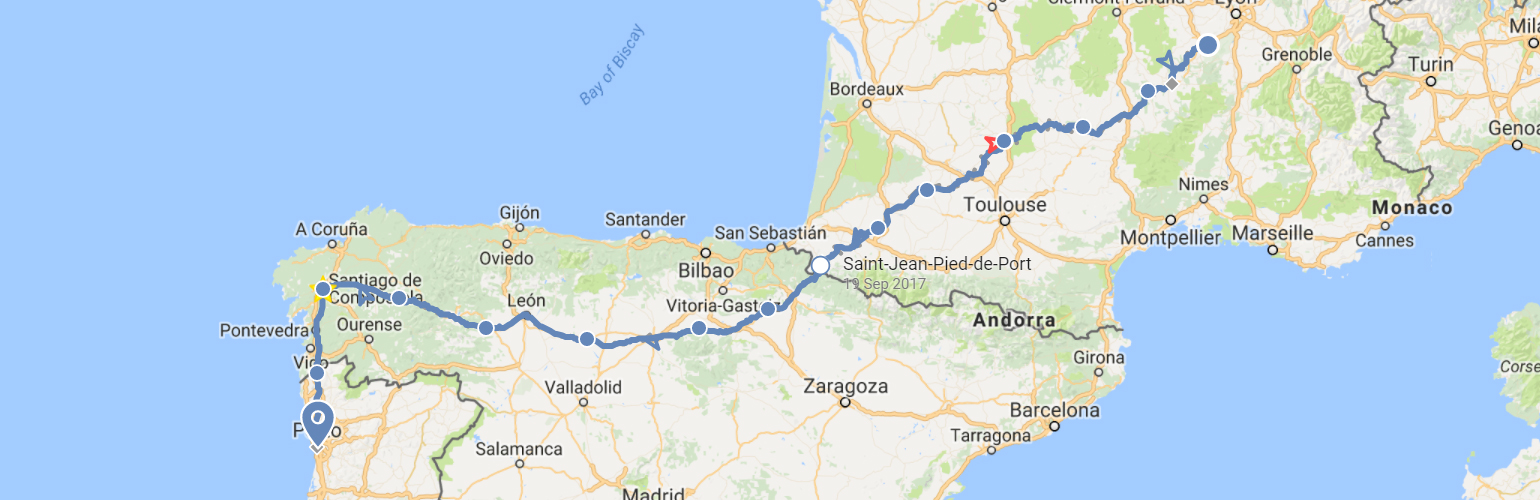
• 互動地圖顯示旅行行程
• 使用不同顏色標示交通方式
• 一鍵地理定位更新行程
• 可將地圖嵌入網站的任意位置
• 免費連結照片和文章至地圖
外掛標籤
開發者團隊
原文外掛簡介
TravelMap plugin allows you to create, trace and manage your travel itinerary right from your WordPress admin. Free to use without having to create an account.
Here is a DEMO of what it looks like on a blog post.
Features:
An interactive map in your WordPress admin
Instantly show where you are, where you’ve been and where you’re about to go
Trace your itinerary using different colors for different transport modes
One click geolocation: pin a new spot on your map to update your itinerary
Embed the map anywhere on your website
Features that require a TravelMap account:
Multiple maps (free)
Link photos and articles to your map (free)
Trace lines following the roads (premium)
Custom theme and map style (premium)
Live Tracking with GPS tracker (contact us)
And many more…
For more details about our premium offers, visit the pricing page.
If you have any question or suggestion, don’t hesite to contact us.


