
內容簡介
**總結:**
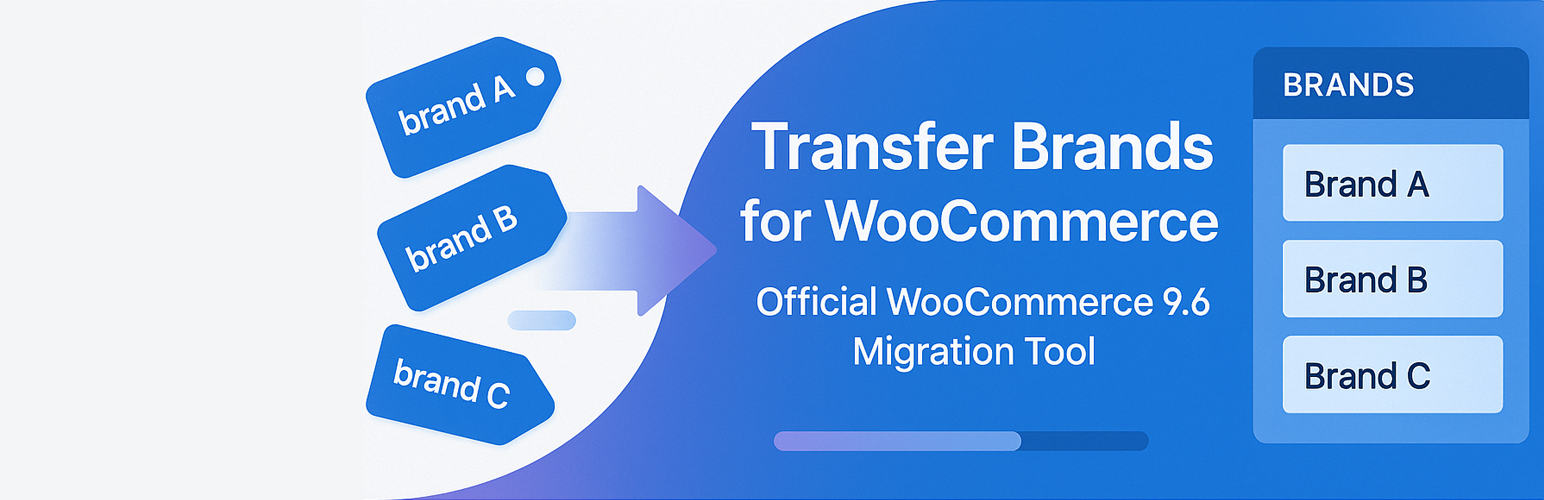
Transfer Brands for WooCommerce是一個官方提供的9.6版本品牌遷移工具,允許店主安全可靠地遷移所有現有的品牌屬性到新的WooCommerce 9.6品牌分類,並提供了許多功能便利的特點。
**問題與答案:**
1. 為什麼需要使用Transfer Brands for WooCommerce這個工具?
- 答:因為WooCommerce 9.6將在2025年1月20日推出,所有商店將默認啟用品牌功能,這對於已經使用品牌屬性的商店來說將面臨遷移難題,而該工具可以安全、可靠地將所有現有的品牌屬性遷移至新的WooCommerce 9.6品牌分類,避免遺失任何數據。
2. Transfer Brands Enhanced for WooCommerce有哪些關鍵功能?
- 答:
- 使用者友善的界面,實時顯示遷移進度
- 自動遷移品牌圖片與數據
- 支持自定義與分類型品牌屬性
- 可批量處理以避免在大型商店上超時
- 內建備份和還原功能,安全便利的遷移過程
- 品牌分析工具,可在遷移前檢查潛在問題
3. 為什麼要使用品牌分類?
- 答:
- 有專屬品牌存檔頁可提升SEO
- 商店中擁有更多篩選選項
- 简化品牌管理流程
- 能夠新增其他品牌元數據(如標誌、描述等)
(以上內容以 HTML 的項目符號列表呈現)
外掛標籤
開發者團隊
② 後台搜尋「Transfer Brands for WooCommerce」→ 直接安裝(推薦)
原文外掛簡介
Official WooCommerce 9.6 Brand Migration Tool
With WooCommerce 9.6 launching on January 20th, 2025, all stores will have the Brands feature enabled by default. This creates a migration challenge for stores that already use brand attributes – your existing brand data won’t automatically transfer to the new system.
Transfer Brands for WooCommerce provides the missing link that WooCommerce doesn’t offer – a safe, reliable way to migrate all your existing brand attributes (both taxonomy-based and custom) to the new WooCommerce 9.6 brand taxonomy without losing any data.
Unlike manual migration that risks data loss, our plugin:
* Preserves all brand relationships and hierarchies
* Transfers brand images automatically
* Provides complete backup and rollback functionality
* Shows real-time progress with detailed statistics
* Handles stores of any size with batch processing
Transfer Brands Enhanced for WooCommerce is a powerful tool that simplifies the process of migrating your product brand attributes to a dedicated product_brand taxonomy. This is particularly useful for store owners who want to improve their brand management and enhance storefront navigation.
Key Features
User-friendly Interface: With an intuitive admin interface showing real-time progress during transfers.
Universal Image Transfer: Automatically detects and transfers brand images from 30+ different themes including Woodmart, Porto, Flatsome, XStore, Electro, and more.
Theme Compatibility: Full support for popular WooCommerce themes – your brand images will transfer regardless of which theme you use.
Custom and Taxonomy Attribute Support: Works with both custom and taxonomy-based brand attributes.
Batch Processing: Process products in batches to avoid timeouts on large stores.
Backup System: Built-in backup and rollback functionality for risk-free transfers.
Analysis Tool: Analyze your brands before transfer to identify potential issues.
WooCommerce Integration: Automatically uses the brand permalink settings from WooCommerce.
HPOS Compatible: Fully compatible with WooCommerce High-Performance Order Storage.
ACF Support: Works with Advanced Custom Fields brand images.
Detailed Logging: Comprehensive logging for troubleshooting (in debug mode).
Use Cases
You want to migrate your brand attributes to prepare for WooCommerce 9.6 update
You need to replace an existing brand attribute with a proper taxonomy for better store organization
You want to improve your store’s SEO by using proper brand taxonomy pages
You need to implement brand filtering on your shop pages
You want to consolidate different brand attributes into a single taxonomy
Why Use a Brand Taxonomy?
Converting your brand attributes to a taxonomy offers several advantages:
Better SEO with dedicated brand archive pages
Enhanced filtering options in your store
Simplified brand management
Ability to add additional brand metadata (like logos, descriptions, etc.)
Additional Information
How to test before transferring
Before running a full transfer, we recommend:
Using the “Analyze Brands” function to check your data
Ensuring you have a recent database backup
Testing on a staging site if possible
Verifying that the backup feature is enabled in settings
Transfer Process
The transfer process operates in three phases:
Backup: Creates a backup of existing brand data
Terms Transfer: Creates or maps taxonomy terms
Product Assignment: Associates products with the new taxonomy terms
After Transfer
After completing a transfer, you can:
Keep both the old attribute and new taxonomy (default)
Remove the old brand attribute data (optional)
Further customize your brand taxonomy
Support
For support requests, please use the WordPress.org support forums.














