內容簡介
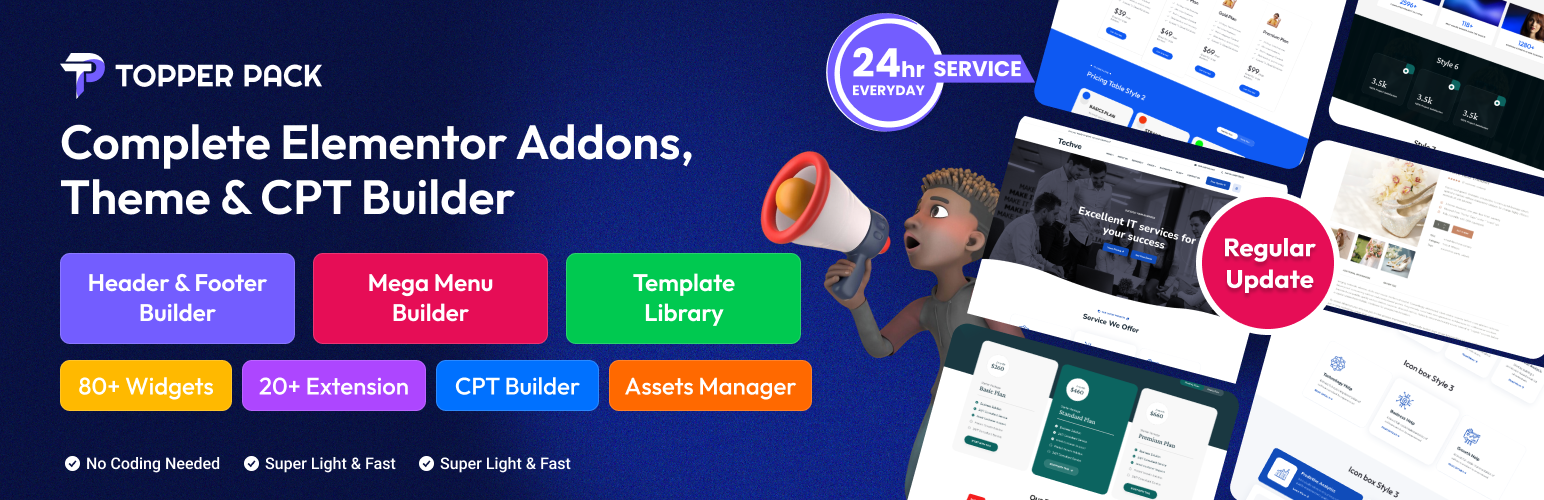
TopperPack 是一款功能全面的 Elementor 擴充外掛,提供超過 100 個自訂小工具、20 多種擴充功能,並內建自訂文章類型建構器、Mega Menu 及範本庫,適用於部落格、電商、作品集等各類網站,無需撰寫程式碼即可打造高效能且具 SEO 優勢的網站。
【主要功能】
• 超過 100 個進階 Elementor 自訂小工具
• 深度整合 WooCommerce 電商功能
• 內建自訂文章類型(CPT)建構器
• 支援 Mega Menu 巨型選單設計
• 提供 20 多種擴充功能與進階動畫效果
• 內建範本庫,快速套用專業頁面設計
外掛標籤
開發者團隊
② 後台搜尋「TopperPack – Complete Elementor Addons, Theme & CPT Builder」→ 直接安裝(推薦)
原文外掛簡介
Topper Pack – Complete Elementor Addons, Theme & CPT Builder is the ultimate WordPress plugin for building stunning, SEO-optimized websites effortlessly. Featuring over 100 customizable Elementor widgets, powerful extensions, and advanced tools like Custom Post Type (CPT) Builder, Mega Menu, and Template Library, Topper Pack is ideal for blogs, e-commerce stores, portfolios, and more. Designed for seamless integration with the Elementor page builder and other editors, it ensures fast, responsive, and user-friendly websites that rank higher on search engines.
Topper Pack also offers powerful WooCommerce Elementor integration, enabling you to create fully customized product pages, carts, checkouts, and more—visually, with no coding. Whether you’re looking for a feature-rich Elementor toolkit or a compelling Elementor Pro alternative, Topper Pack brings the flexibility and performance professionals and beginners need.
Topper Pack Home Page | Plugin Demo | Documentation | Need Support? | How to get started with TopperPack Pro
Why Choose Topper Pack?
100+ Advanced Widgets: Create engaging layouts with widgets like Hero Slider, Testimonial, Pricing Table, Contact Form 7, Social Media Feeds, and WooCommerce tools.
20+ Powerful Extensions: Enhance functionality with Sticky Section, Custom CSS, Advanced Animations, Scroll To Top, and Conditional Display.
WooCommerce Elementor Integration: Build professional online stores with widgets like Product Thumbnail, Price, Rating, Cart Button, and Checkout Page.
Custom Post Type (CPT) Builder: Easily manage custom post types with meta fields for unique content structures.
Mega Menu Support: Design dynamic, SEO-friendly mega menus for intuitive navigation.
Template Library: Access pre-designed templates in the editor for rapid, professional page creation.
Smooth Scroller: Add smooth scrolling for a premium user experience.
Custom Icon & Font Support: Personalize your site with custom icons and fonts to match your brand.
API Settings & Assets Manager: Optimize performance with efficient asset management and API integrations.
SEO-Optimized: Clean code and best practices boost search engine rankings.
Responsive & Lightweight: Ensures fast load times and flawless performance across all devices.
Live Demos: Explore live demos for each widget, extension, and feature to see Topper Pack in action.
Purchase Topper Pack today to unlock premium features, regular updates, and dedicated support for creating high-performing, SEO-friendly websites that stand out.
Support
For premium support, visit our Support Page or email [email protected]. Our team is ready to assist with setup, customization, and troubleshooting.
Demos include both Free and Pro features.
Widgets
Topper Pack offers a wide range of Elementor widgets to cover nearly every aspect of modern web design—blog layouts, WooCommerce elements, dynamic content blocks, forms, carousels, and more. All are responsive, lightweight, and easy to customize.
Logo: – Display your site logo responsively.
Header Info: – Show contact info and business details in the header.
Button: – Add stylish and animated CTA buttons.
Social: – Showcase your social profiles with icons and links.
Header Offcanvas: – Create mobile-friendly off-canvas menus.
Nav Menu: – Build customizable navigation menus.
Hero Slider: – Craft responsive full-width hero sliders.
Service: – Present services with clean layouts.
Service V2: – Showcase services with alternate style.
Service V3: – Advanced service design layout.
Counter: – Animated number counters to show milestones.
Testimonial: – Display client testimonials elegantly.
Testimonial Two: – Alternative testimonial style.
Testimonial Three: – Grid-based testimonial layout.
Testimonial Four: – Slider-style testimonials.
Brand Logo: – Add brand or partner logos in grid/slider.
Blog: – Dynamic blog post listings.
List Item: – Display list content with icons.
Item Box: – Showcase services or features in boxes.
Icon Box: – Highlight info with icons and titles.
Contact Form 7: – Embed styled Contact Form 7 forms.
Image: – Display responsive images with hover effects.
Video Button: – Add interactive video popups.
Advanced Tab: – Organize content in tabbed format.
Pricing Table: – Compare pricing plans clearly.
FAQ: – Interactive accordion for FAQs.
Team: – Present team members with hover effects.
Post Title: – Dynamically show post titles.
Page Title: – Display current page titles.
Post Image: – Show post featured images.
Post Meta: – Display post date, author, etc.
Post Content: – Output the full post content.
Post Share: – Add social share buttons.
Post Tags/Category: – Show categories and tags.
Post Navigation: – Add next/prev navigation links.
Post Author Section: – Display author info block.
Post Comment Box: – Show WordPress comment form.
Sidebar Post: – Display recent posts in sidebar.
Breadcrumb: – SEO-friendly breadcrumb trail.
Search Box: – Add live AJAX search functionality.
Facebook Feed: – Show Facebook posts/feed.
Twitter Feed: – Embed latest tweets.
Instagram Feed: – Display Instagram posts.
Project: – Showcase portfolio or project items.
Flip Box: – Interactive flip-style content boxes.
Shop: – Display WooCommerce products in grid or carousel.
Countdown: – Countdown timers for launches or events.
Grid Gallery: – Filterable and responsive image gallery.
Hotspot: – Add interactive hotspots on images.
Timeline: – Vertical or horizontal timeline layout.
Product Thumbnail: – Display WooCommerce product image.
Product Price: – Show product pricing.
Product Rating/Review: – Display ratings and reviews.
Product Title/Excerpt: – Show product name or excerpt.
Product Cart Button: – Add to cart button with style.
Product Category/Tag: – Display product taxonomy.
Product Description: – Show full product details.
Progress Bar: – Visual progress indicators.
Advance Accordion Image: – Accordion with integrated images.
Product Review/Comment: – Display WooCommerce reviews.
Product Cart Page: – Design your cart page layout.
Product Additional Info: – Add extra product details.
Product Checkout Page: – Customize WooCommerce checkout.
WP Form: – Integration with WPForms plugin.
Mailchimp: – Add Mailchimp newsletter signup forms.
Weforms: – Integrate and style WeForms.
Ninja Form: – Embed and style Ninja Forms easily.
Advance Review: – Add styled user reviews.
Facebook Review: – Show reviews from Facebook page.
Yelp Review: – Embed Yelp business reviews.
Advanced Heading: – Create stylish, animated headings.
Custom Carousel: – Custom content/image carousel.
CPT Builder Meta: – Display custom fields.
Audio Player: – Embed audio with media player.
Image Slider: – Basic image slider.
Service Slider: – Showcase services in a carousel.
Toggle: – Collapsible content toggles.
Trade Coin: – Display live cryptocurrency info.
Trip Taxonomy Module: – For travel-related filtering.
Trip Module: – Travel booking module.
Trip Module V2: – Advanced trip layout.
Trip Search: – Search trips by filters.
Extensions
Topper Pack’s built-in extensions boost Elementor’s functionality with creative tools like motion effects, conditional visibility, advanced animations, and developer-friendly settings like custom CSS and wrapper links. These tools enhance design freedom without adding bulk.
Sticky Section: – Make any section sticky on scroll.
Grid Line: – Add decorative horizontal and vertical lines.
Scroll To Top: – Show a scroll-to-top button with style.
Custom CSS: – Add custom CSS code directly from widgets or pages.
Advanced Effects: – Apply hover, tilt, and parallax effects.
Cursor Effects: – Customize your website’s mouse cursor with animations.
Split Text: – Animate text by letter, word, or line.
Advanced Animations: – Add complex entrance and scroll-based animations.
Tooltip: – Display helpful tooltips on hover or click.
Wrapper Link: – Make entire sections or columns clickable.
Conditional Display: – Show or hide widgets based on conditions.
Reveal Animation: – Add reveal-on-scroll animation effects.
Reveal Effect: – Animate reveal effects using masking or overlay.
Features
Beyond widgets and extensions, Topper Pack includes advanced site-building capabilities such as a CPT Builder, Mega Menu support, Template Library, and performance-enhancing controls like asset management and smooth scrolling. Perfect for users who want full control without relying on extra plugins.
CPT Builder: – Create and manage custom post types with fields.
API Settings: – Connect third-party services using built-in API integrations.
Assets Manager: – Enable or disable CSS/JS assets to optimize performance.
Smooth Scroller: – Add buttery-smooth scrolling across your site.
Template Library (in Editor): – Access pre-built sections and pages from the editor.
Mega Menu: – Build responsive, multi-column mega menus with Elementor.
Custom Post Type Builder: – Generate custom post types with UI support.
Custom Icon: – Upload and use your own SVG or icon sets.
Custom Font: – Add and use custom fonts site-wide without coding.
Ready Site Import
Topper Pack offers a built-in Ready Site Import feature that lets you import full, professionally designed websites with a single click. These demos are complete WordPress site structures—including headers, footers, content, and styling—ready for quick customization. Whether you’re building a tech service site or a creative startup portfolio, you can start fast and simply replace text and media to match your brand.
Import/Export & Reset Tools
Manage your plugin configuration safely and efficiently:
Export Settings: – Backup all plugin settings (widgets, extensions, CPTs, API settings, and more) into a downloadable JSON file.
Import Settings: – Restore saved configurations by uploading a JSON file.
Reset Settings: – Reset all plugin options to default values with a confirmation step. This includes all widgets, extensions, API keys, and layout settings.