內容簡介
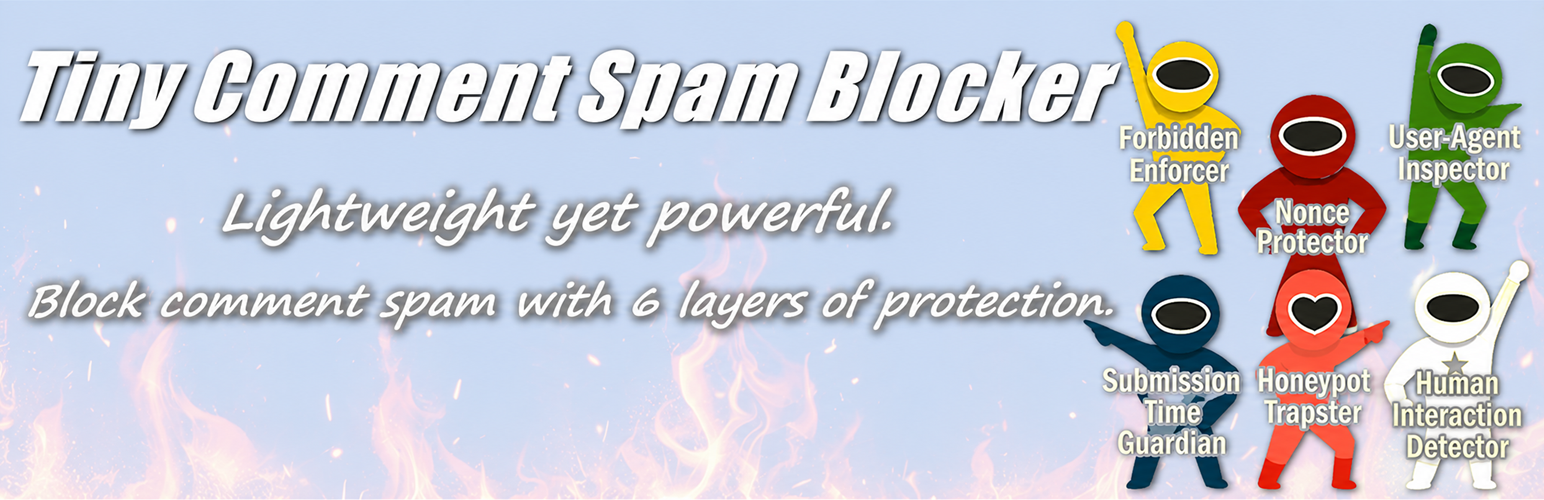
Tiny Comment Spam Blocker 是一款輕量級且強大的外掛,旨在保護您的 WordPress 評論免受垃圾評論的侵擾。它採用六種不同技術來檢測和阻擋不必要的評論,確保您的網站保持清潔。
【主要功能】
• 六種垃圾評論檢測技術
• 支援日文評論過濾選項
• 可選擇記錄垃圾評論日誌
• 自訂禁止詞列表
• 簡易的設定介面
外掛標籤
開發者團隊
原文外掛簡介
Tiny Comment Spam Blocker is a lightweight yet powerful plugin designed to protect your WordPress comments from spam. It employs six different techniques to detect and block unwanted comments:
Nonce Verification – Ensures that the comment form submission is genuine.
Submission Time Check – Blocks comments submitted too quickly to prevent bots.
Honeypot Field – Hidden field that traps automated spam bots.
User Agent Validation – Detects suspicious User-Agent strings and blocks them.
Forbidden Word Filtering – Blocks submissions containing words or phrases from a configurable list within the comment body, email address, or IP address.
JavaScript-Based Human Interaction Detection – Sets a verification token when mouse movement, scrolling, or touch interaction is detected.
(Option) Block Non-Japanese Comments – Blocks comments that do not contain Japanese characters (Hiragana, Katakana, or Han/Kanji), primarily targeting machine-translated or foreign spam.
These filters are applied in order: if a comment passes the first check, it proceeds to the second, and so on, until all checks are applied or the comment is blocked.
Additional features:
Option to log detected spam in a local log file (up to 1.0 MB).
Optional email notifications when spam is detected.
Easy settings page in the WordPress admin panel.
Settings
The plugin provides the following settings in the WordPress admin panel:
Enable Spam Protection – Toggle the spam protection on or off. When disabled, all anti-spam checks are skipped.
Save Spam Detection Log – Enable or disable logging of detected spam. Logs are saved in a local file up to 1.0 MB within the WordPress uploads directory.
Notification Email Address – Enter an email address to receive notifications when spam is detected. Leave blank to disable email notifications.
Minimum Submission Time (seconds) – Set the minimum allowed time between loading the comment form and submitting a comment. Comments submitted faster than this threshold are considered spam.
Forbidden Words List – Enter one forbidden word, phrase, or IP address per line. Submissions containing these entries in the comment body, email address, or IP address will be blocked. Case is insensitive.
Example:
viagra
online pharmacy
[email protected]
164.138.205.72
Block No Japanese Comments – If enabled, this becomes the final check: Comments that contain Japanese characters (Hiragana, Katakana, or Kanji) will be automatically accepted after passing other security checks. Comments without Japanese characters will be blocked.
Arbitrary Section
This plugin is designed to be lightweight and fast, ensuring minimal impact on site performance while providing robust protection against comment spam.

![Disable Comments – Remove Comments & Stop Spam [Multi-Site Support]](https://ps.w.org/disable-comments/assets/icon-256x256.png?rev=2509854)