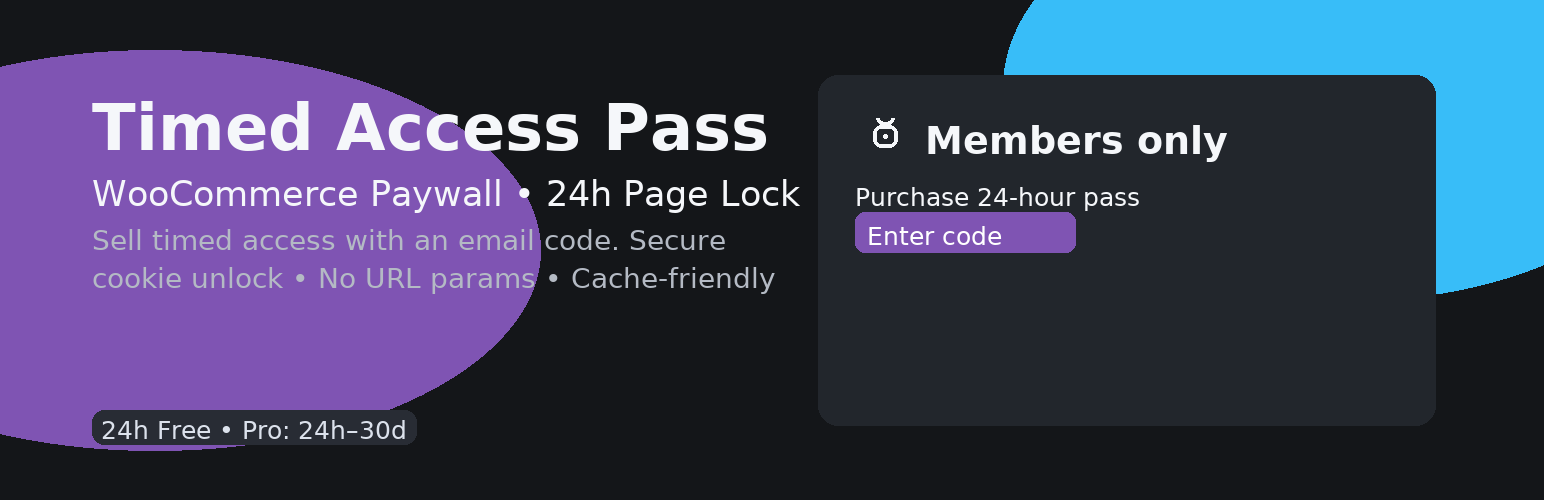
內容簡介
總結:Timed Access Pass讓您可以在一個簡潔、用戶友好的閘口後鎖定內容,防止代碼共享,限制同時設備會話。您可以賣不同設備數量的訪問級別。
問題與答案:
1. Timed Access Pass主要功能是什麼?
- 主要功能是讓您可以在一個簡潔、用戶友好的閘口後鎖定內容。
2. 如何避免代碼共享?
- 通過限制同時設備會話來避免代碼共享。
3. 該插件的免費功能是什麼?
- 免費功能包括保護一個頁面,以及銷售24小時的訪問權限,並設置可配置的設備限制。
4. 買家如何收到訪問代碼?
- 買家將透過電子郵件收到一個訪問代碼。
5. 使用者如何取得進入權限?
- 使用者輸入代碼後,系統會設置一個簽名的安全cookie,註冊他們的會話並解鎖頁面。
6. 如何設置Timed Access Pass?
- 您需為每個訪問級別(例如,“Pass - 1 Device”)創建一個WooCommerce產品。在設置中選擇要保護的頁面,設置該頁面的會話限制,並粘貼產品URL。
外掛標籤
開發者團隊
原文外掛簡介
Timed Access Pass lets you lock content behind a clean, user-friendly gate:
NEW: Prevents code sharing by limiting simultaneous device sessions. You can sell access tiers (e.g., 1 device, 3 devices).
Free: protect one page and sell 24-hour access with a configurable device limit.
Buyer receives an access code by email.
Visitor enters the code → we set a signed, secure cookie, register their session, and unlock the page.
Simple settings screen + optional shortcode [ds_tap_gate] to embed the gate anywhere.
Pro add-on (separate) unlocks:
Custom durations from 24 hours up to 30 days.
Multiple protected pages, allowing you to sell different access tiers.
Custom button text/URLs for your paywall flow.
How it works
Create a WooCommerce product for each access tier (e.g., “Pass – 1 Device”).
In Settings → Timed Access Pass, choose the page to protect, set the Session Limit for that page, and paste the product URL.
When a customer buys, the plugin emails a unique code.
Entering the code on the gate registers the user’s session and grants access.
If the user tries to log in from more devices than allowed, the new device will be blocked.