內容簡介
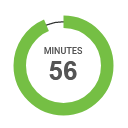
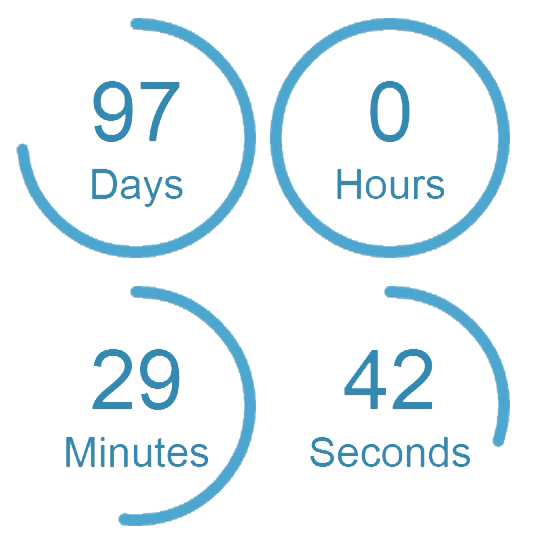
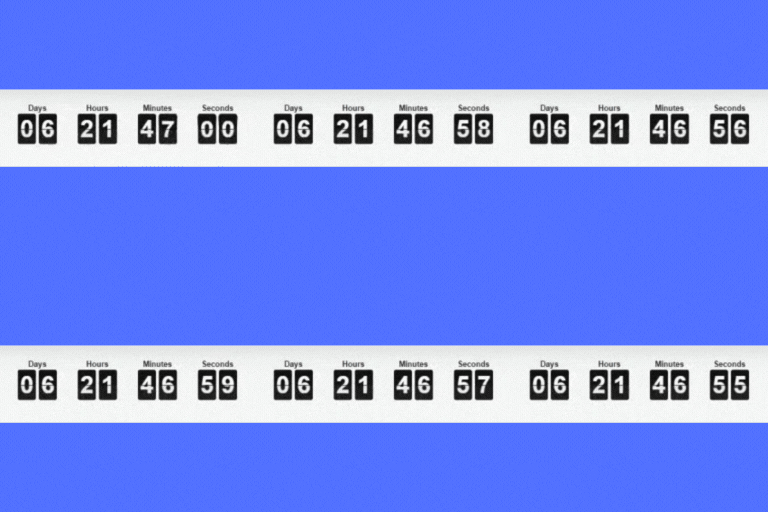
總結:《倒數計時器》提供了一個使用者友善的倒數區塊,可讓您快速設定事件、產品上市、特價優惠等倒數計時。該外掛設計為簡約易用,並內建於 WordPress 生態系統中,使用官方元件來提供流暢的體驗。您可以自定義時間設置,選擇要顯示的單位,以及調整外觀設定以符合網站設計。
1. 如何建立新的倒數計時器?
- 到「工具」>「倒數計時器」建立一個新計時器。
2. 如何自定義計時器?
- 設定日期、時間、外觀和行為。
3. 如何保存自訂計時器?
- 點擊「發佈」按鈕以保存。
4. 如何在網站上使用倒數計時器?
- 複製短碼並將其貼在任何地方 – 文章、頁面或小工具中。
5. 倒數計時器的前端界面使用了什麼技術?
- 使用了 React 技術。完整未縮小的原始碼可於 GitHub 存儲庫中找到:https://github.com/KonstantinPankratov/WordPress-Plugin-Countdown-Timer
6. 如何從源代碼構建外掛?
- 複製存儲庫,執行cd react,接著執行npm install,最後執行npm run build。
外掛標籤
開發者團隊
原文外掛簡介
The Countdown Timer offers a user-friendly countdown block that lets you quickly set up a timer for events, product launches, special offers, and more.
Its main features include:
Designed to be minimal: no unnecessary menu items, just a simple tool under the Tools tab.
Built for the WordPress ecosystem: uses official components for a seamless experience.
Customizable time settings: easily set the target time, date, and time zone.
Flexible units display: choose which units to display – years, months, weeks, days, minutes, seconds.
Styling options: adjust colors, backgrounds, margins, alignment, border radius, and separators to seamlessly match your site’s design.
Optimized performance: the plugin separates editor scripts from front-end scripts, ensuring that only the essential code is loaded on the live site.
Usage
Go to Tools > The Countdown Timer to create a new timer.
Customize your timer: set the date, time, appearance, and behavior.
Click Publish to save it.
Copy the shortcode and paste it anywhere – in a post, page, or widget.
Development
This plugin uses React for its front-end interface. The complete unminified source code is available at:
GitHub repository: https://github.com/KonstantinPankratov/WordPress-Plugin-Countdown-Timer
To build the plugin from source:
1. Clone the repository
2. Run cd react
3. Run npm install
4. Run npm run build