
內容簡介
總結:
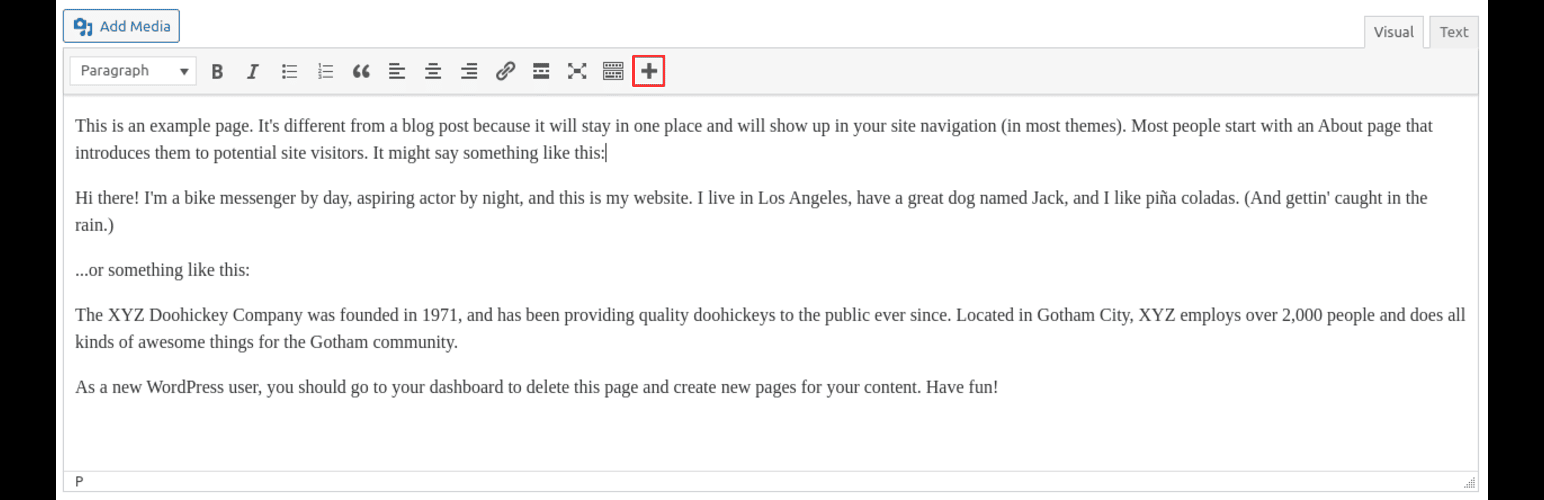
Text Wrapper 外掛讓您輕鬆自訂並設計內容。在 WordPress 和 ACF WYSIWYG 編輯器中添加按鈕,可選擇HTML標籤和CSS類,將選定文本包裹起來。適合無需手動編輯HTML即可應用一致樣式或自訂行為!
問題與答案:
1. 如何使用 Text Wrapper 外掛來突顯文章或自訂欄位中的重要文字部分?
- 您可以輕鬆使用 Text Wrapper 外掛來選取您想要突顯的文字部分,然後透過選定的 HTML 標籤和 CSS 類,快速將其包裹起來。
2. Text Wrapper 外掛有哪些特色功能?
- 文字自動包裹:在 WYSIWYG 編輯器中直接將選取的文字用可配置的 HTML 標籤和類包裹起來。
- 突顯管理:自動突顯包裹的文字以增強可見性。
- ACF 相容性:與 ACF WYSIWYG 欄位無縫配合,提升自訂欄位體驗。
- 鍵盤快捷鍵:使用可自訂的鍵盤快捷鍵(Ctrl+Alt+W)迅速將文字包裹起來。
- 設置頁面:在 WordPress 設置頁面中輕鬆配置您喜歡的 HTML 標籤和類。
- 可視化回饋:在 TinyMCE 中以即時按鈕激活動態切換包裹。
外掛標籤
開發者團隊
原文外掛簡介
Easily customize and style your content with the Text Wrapper plugin. Add a button to WordPress and ACF WYSIWYG editors to wrap selected text with your chosen HTML tag and CSS class. Perfect for applying consistent styles or custom behaviors without editing the HTML manually!
Easily highlight important sections of text in your posts or custom fields.
Add custom CSS styling to specific parts of your content.
Streamline workflows for developers, designers, and content editors working on styled content.
Features
Custom HTML Wrapping: Wrap selected text with a configurable HTML tag and class directly in the WYSIWYG editor.
Highlight Management: Automatically highlight wrapped text for better visibility.
ACF Compatibility: Works seamlessly with ACF WYSIWYG fields, enhancing your custom fields experience.
Keyboard Shortcut: Wrap text quickly using a customizable keyboard shortcut (Ctrl+Alt+W).
Settings Page: Configure your preferred HTML tag and class easily in the WordPress settings page.
Visual Feedback: Toggle wrapping dynamically with real-time button activation in TinyMCE.