
外掛標籤
開發者團隊
原文外掛簡介
Tespondo Connect lets you connect your WordPress site to the Tespondo AI platform in seconds.
Features:
One-click connection — log in to Tespondo and your site is linked automatically
Automatically reads your pages, posts and WooCommerce products to build a knowledge base
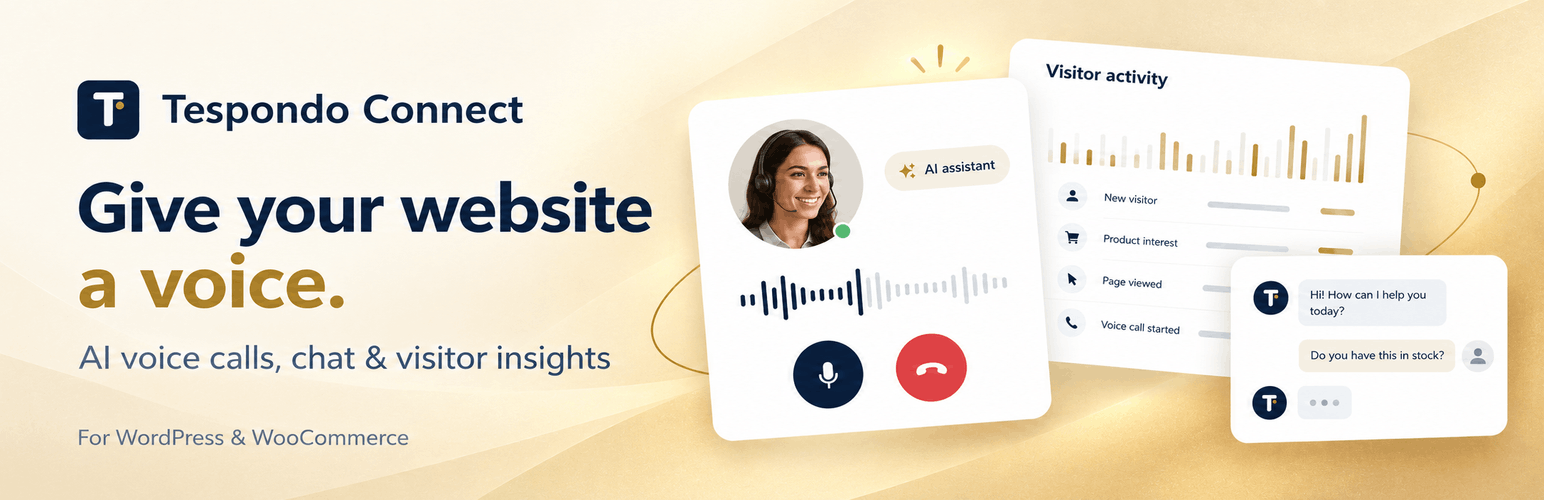
AI-powered chat widget injected on every page via wp_footer — no code needed
Voice agent capabilities for phone-based customer support
Works with or without WooCommerce
How it works:
Install and activate the plugin.
Open Tespondo Connect in the WordPress admin menu and click Connect to Tespondo.
Log in to your Tespondo account (or create one for free).
Your knowledge base is automatically generated from your site content.
The chat widget goes live immediately.
Third-Party Service Notice:
This plugin connects your WordPress site to the Tespondo platform (https://tespondo.com), an external AI service. When you activate this plugin and connect your site:
Your site URL, name, and admin email are shared with the Tespondo server to establish the connection.
Your published pages, posts, and WooCommerce products (if applicable) are read by the Tespondo server to generate an AI knowledge base.
A chat widget script hosted on the Tespondo server is loaded on your site’s front end.
Visitor interactions with the chat widget are processed by the Tespondo server.
The Tespondo server is located at https://dev.tespondo.com.
By using this plugin, you agree to Tespondo’s:
Terms of Service
Privacy Policy














