內容簡介
總結:
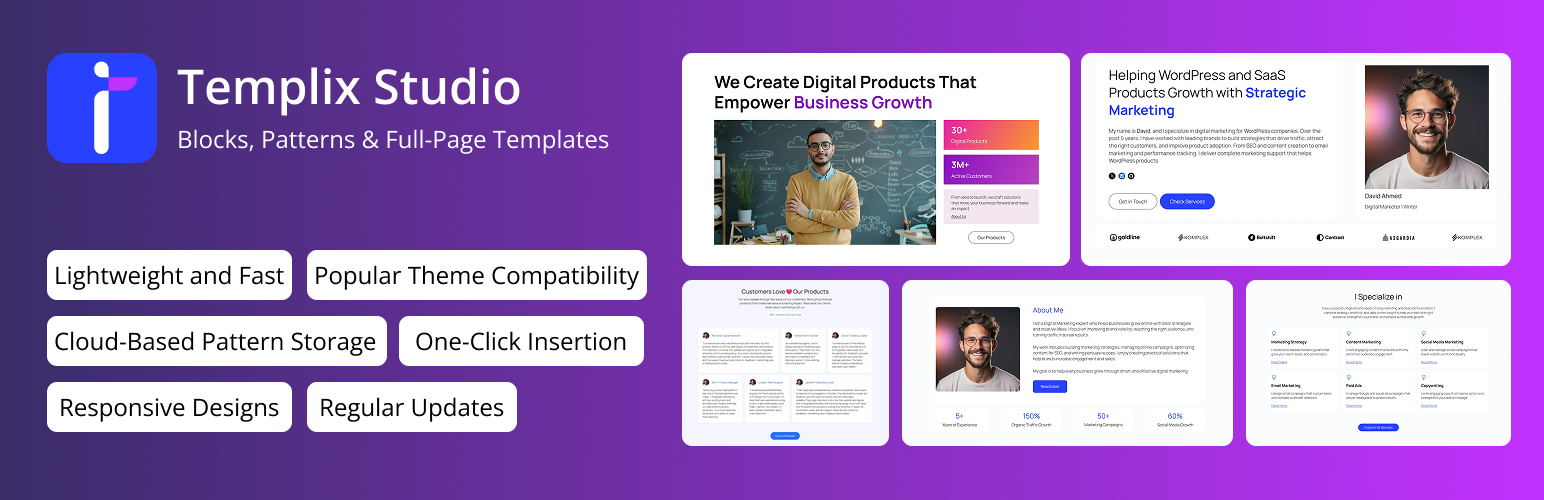
Templix Studio是一個輕量級的模式庫,可幫助您直接在WordPress區塊編輯器中建立令人驚豔的布局。它使用本機WordPress區塊,因此您將獲得快速性能、可靠的兼容性和流暢的編輯體驗。
問題與答案:
1. Templix Studio是什麼?
- Templix Studio是一個輕量級的模式庫,可幫助您在WordPress區塊編輯器中建立令人驚豔的布局,使用本機WordPress區塊。
2. 它的設計特色有哪些?
- 它有100%本機的 Gutenberg區塊、輕量快速、一鍵插入功能、基於雲端的模式存儲、響應式設計、乾淨的模式界面、基於類別的篩選、通用主題兼容性和定期更新等特色。
3. 未來的功能有哪些?
- 它即將推出完整頁面模板、功能性自訂區塊和內建動畫等功能。
4. 如何使用Templix Studio?
- 從WordPress外掛目錄安裝Templix Studio,啟用外掛,打開任何頁面或文章區塊編輯器,點擊Templix Library按鈕,瀏覽並插入選擇的模式,進行自訂後發佈。
5. 如果遇到問題或有新想法該如何反饋?
- 可通過WordPress.org支持論壇分享反饋意見,以幫助 Templix Studio 不斷改進,提供更好的設計體驗。
外掛標籤
開發者團隊
② 後台搜尋「Templix Studio – Blocks, Patterns & Full-page Templates」→ 直接安裝(推薦)
原文外掛簡介
Templix Studio is a lightweight pattern library that helps you build stunning layouts directly in the WordPress block editor. It uses native WordPress blocks, so you get fast performance, reliable compatibility, and a smooth editing experience.
Browse a growing collection of predesigned block templates through a clean modal interface built right into your editor. Every pattern maintains consistent design quality, spacing, and responsiveness across all devices. Insert any pattern with one click – no coding, shortcodes, or complicated page builder setup.
Templix Studio gives you professional design blocks without the complexity. It works seamlessly with your existing theme and content, helping you build pages that look great and load fast.
Whether you’re a designer, developer, or content creator, Templix Studio offers a reliable way to speed up website creation while keeping your code clean and native.
We store all designs securely in the cloud, keeping the plugin lightweight while giving you instant access to new patterns as we release them. Build landing pages, service sections, portfolios, or blog layouts – all within the native WordPress editor.
Key Features
100% Native Gutenberg Blocks: Built entirely with default WordPress core blocks for maximum stability and theme compatibility.
Lightweight and Fast: No bloat or third-party dependencies. We load only what you need.
One-Click Insertion: Add block patterns to your post or page instantly.
Cloud-Based Pattern Storage: All patterns are stored in the cloud, keeping the plugin lightweight while providing instant access to new designs.
Responsive Designs: Every pattern looks perfect on all screen sizes and devices.
Clean Modal Interface: Browse patterns inside a user-friendly modal within the WordPress Block Editor.
Category-Based Filtering: Find patterns quickly by type, purpose, or design category.
Universal Theme Compatibility: Works with block-based and classic WordPress themes.
Regular Updates: New design patterns added regularly to keep your layouts fresh.
Upcoming Features
Full-Page Templates: Complete page layouts for landing pages, portfolios, homepages, and more.
Functional Custom Blocks: New native-style blocks to extend your layout options.
Built-In Animations: Add subtle, smooth animations to make your content visually engaging.
How To Use Templix Studio: Quick Start Guide
Install Templix Studio from the WordPress plugin directory or upload it to your site.
Activate the plugin through the Plugins menu in your dashboard.
Open any page or post in the block editor.
Click the Templix Library button to open the pattern library.
Browse available patterns and insert your choice with one click.
Customize and publish
That’s it.
Support and Feedback
We’re constantly improving Templix Studio to give you a better design experience. If you find any issues or have ideas for new patterns or features, share your feedback through the WordPress.org support forum. Your suggestions help us make Templix better for everyone.