
外掛標籤
開發者團隊
② 後台搜尋「Techholds UserLock for Elementor」→ 直接安裝(推薦)
原文外掛簡介
You hand a finished Elementor site to a client. A week later they fix a typo, drag a section, change a colour and edit the global font. Now you have an “I broke my site” ticket.
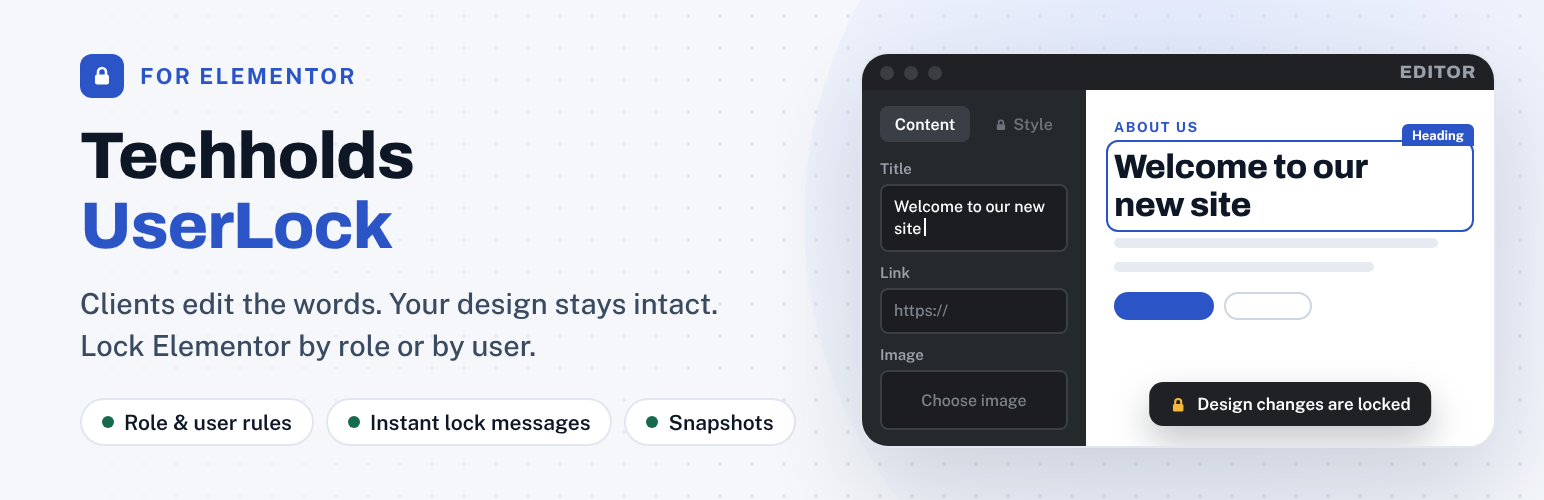
Techholds UserLock for Elementor gives restricted users a calm, simplified editor. They change the words, images and links you want them to change. Everything that controls the design stays locked, both in the editor and on the server.
Product page | Documentation | Support
How it works
Go to UserLock > Permissions and pick a lock level for each role.
Optional: give one person their own rule. Lock User B while Users A and C keep full access.
Hand the site over. Every save is checked and a snapshot of the previous version is kept.
No new roles, no setup wizard, no retraining.
Lock levels
Full access – normal Elementor editing.
Content only – edit text, images and links. No style, layout, adding, deleting or moving.
View only – cannot open the Elementor editor.
Features
Lock by role or by user. Add rules for as many users as you need. A user’s own rule overrides their role rule. If someone has several roles, the strictest one wins.
Instant lock message. When a restricted user tries a locked action (style, drag, delete, duplicate, paste, add), it is stopped right away with a short message. Nothing they typed is lost.
Text edits are never lost. If a locked change still reaches the save, only that change is dropped. Text, image and link changes are kept.
Server-side save guard. Even if the editor is bypassed, the server restores locked settings and tells the user what was not applied.
No code in text fields. Style tags, scripts and inline styling typed into text are removed, with a warning while typing.
Site-wide design protection. Site Settings, global colours and fonts, global classes and variables are locked for restricted users, including through the REST API.
Elementor 4 ready. Works with classic widgets and the new V4 (atomic) elements.
Automatic snapshots. The previous version of a page is saved on every Elementor save. Restore it in one click.
Change log. See who saved what, and what was blocked.
Administrators are always exempt. You can never lock yourself out.
Lightweight. Runs only in the Elementor editor and on save. Nothing extra loads for visitors.
Free vs Pro
The free plugin is complete on its own and covers a safe client handoff with no limits. UserLock Pro is a separate add-on plugin that adds extra features for agencies and larger sites.
Role rules: Free – all roles | Pro – all roles
User rules: Free – unlimited | Pro – unlimited
Lock levels: Free – Full access, Content only, View only | Pro – adds Text only
Instant lock messages and save guard: Free – yes | Pro – yes
Code removed from text fields: Free – yes | Pro – yes
Site-wide design protection: Free – yes | Pro – yes
Snapshots: Free – automatic, one-click restore, you choose how many to keep | Pro – adds side-by-side compare, labels and favorite versions
Change log: Free – yes, you choose how long to keep it | Pro – adds filters, CSV export and email alerts
Per-page rules: Pro only
Widget allowlist and per-element locks: Pro only
Theme Builder, popups and WooCommerce templates: Pro only
Custom lock message and branding: Pro only
Import and export rule presets: Pro only
Compare plans and pricing
Privacy
UserLock makes no external requests and sends no data anywhere. Rules, snapshots and the change log are stored in your own database. The change log records the user ID, page and time of saves by restricted users. By default log entries are kept until you delete them; you can set them to be removed automatically after a number of days under UserLock > Permissions > Settings.














