
內容簡介
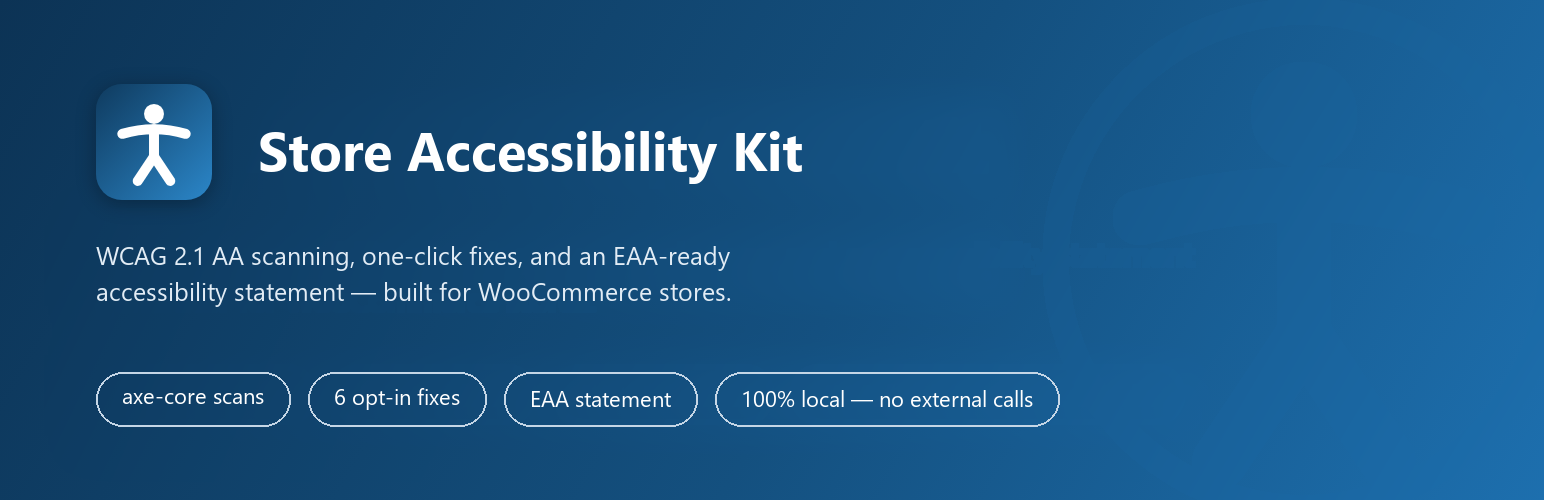
Store Accessibility Kit for WooCommerce 是專為 WooCommerce 商店設計的無障礙外掛,幫助商店擁有者符合 WCAG 2.1 AA 標準。它提供一鍵掃描、問題修正及無障礙聲明生成,無需外部服務或數據外洩。
【主要功能】
• 一鍵掃描商店前端頁面
• 自動修正常見無障礙問題
• 生成無障礙聲明頁面
• 實時檢測問題的嚴重程度
• 本地儲存掃描歷史紀錄
• 無需外部帳號或費用
外掛標籤
開發者團隊
② 後台搜尋「Store Accessibility Kit for WooCommerce」→ 直接安裝(推薦)
原文外掛簡介
Store Accessibility Kit for WooCommerce is the WooCommerce accessibility plugin for store owners who need to meet WCAG 2.1 AA — the standard referenced by the European Accessibility Act (EAA) and the ADA — without installing an overlay widget, signing up for an external service, or letting any data leave their site.
Run a free accessibility scan of your shop, product, and checkout pages in one click, see exactly which WCAG rules fail and why, fix the most common WooCommerce issues with a single toggle, and publish an accessibility statement — all from one screen under WooCommerce → Accessibility.
Why store owners choose this plugin
Built for WooCommerce, not a generic site-wide scanner — checks product pages, cart, and checkout against the rules that actually break WooCommerce storefronts
Real fixes, not a toolbar. Overlay widgets hide problems behind a floating menu; this plugin edits the underlying markup, and only the fixes you turn on
No account, no external calls, no recurring fee. The free version runs 100% on your own server
EAA- and ADA-aware, with a statement generator built around what regulators actually ask for
Scanning
One-click accessibility scan of any front-end page of your store
Powered by the industry-standard axe-core engine (MPL-2.0 licensed, bundled locally — no CDN, no external calls)
Detected issues grouped by severity: Critical, Serious, Moderate, Minor
Every detected issue shows the rule name, the affected element (CSS selector), why it was flagged, and how to fix it
Scan by URL, or jump straight from any front-end page via the “Scan this page” admin-bar button
Scan history saved locally so you can track progress over time
Optional fixes (each one individually toggleable, all OFF by default)
Product image alt text — fills in missing alt text on product images using the product title
Checkout field labels — adds a screen-reader label to checkout fields that only show a placeholder
Visible focus states — adds a high-contrast focus outline to links, buttons, and form controls
Icon button labels — adds accessible names to icon-only cart, search, and wishlist controls
Screen reader price label — announces “Price:” before prices so screen readers read them correctly
Empty link names — gives accessible names to empty links, such as product image links
Nothing is changed on your store until you explicitly switch a fix on. Every fix can be turned off again at any time.
Accessibility statement
One-click generator creates a WordPress page titled “Accessibility Statement” pre-populated with an EAA-oriented template
Template covers: compliance level claimed, known limitations, contact for accessibility issues, and date of last review
You edit and publish the page like any other WordPress page
Admin dashboard
Dashboard widget summarizing your last scan: date and detected-issue counts by severity
Full admin page under WooCommerce → Accessibility
Admin-bar notice when the last scan detected critical issues
Optional (opt-in) weekly email reminder to run a scan
Source Code
Source Code
Privacy: everything stays on your server
The free version makes zero external calls. The scanning engine is bundled with the plugin, scans run in your own browser against your own site, and results are stored only in your own WordPress database. No telemetry, no phone-home, no accounts.
What this plugin is not
It is not an overlay widget. It changes real markup (only when you opt in) instead of layering a toolbar over inaccessible pages.
It does not guarantee legal compliance. Automated tools detect a subset of accessibility issues; results are presented as detected issues for you to review, and only a human audit can confirm conformance. This plugin is not legal advice.














