外掛標籤
開發者團隊
② 後台搜尋「Tallyvane Feed & Pixel for ChatGPT Ads」→ 直接安裝(推薦)
原文外掛簡介
ChatGPT Ads can show your products inside ChatGPT conversations. To do that well it needs two things from your shop: a product feed (a list of every product with its price, stock and picture, in OpenAI’s exact format, uploaded over SFTP) and sales tracking (the OpenAI pixel and the Conversions API). Neither has a WooCommerce button. This plugin does both, free, in a few minutes.
OpenAI’s own ChatGPT Ads connection is built for Shopify. This is the WooCommerce version, ready for the holiday shopping season.
Free, everything included
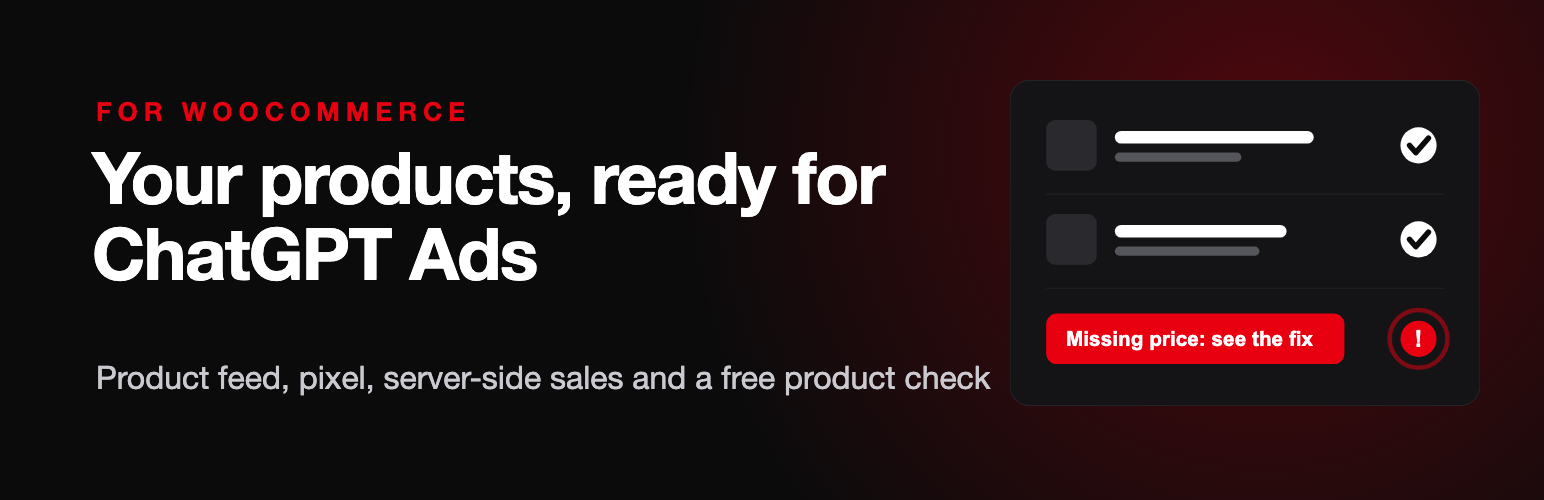
Product check, no account needed. Checks every product and variation against OpenAI’s product rules and lists, in plain words, what would be rejected and how to fix it: missing descriptions or images, zero prices, pages without https, a shop still in “Coming soon” mode, invalid barcodes. Click a product name to fix it.
Product feed uploaded every day. Builds the feed in OpenAI’s format (variations grouped, sale prices, brands from WooCommerce Brands, categories, extra images, returns page) and uploads it straight from your server over SFTP every night, or whenever you press “Upload now”. Products with errors are left out, so one bad product never blocks the rest.
Price and stock changes within minutes. When you change a price or stock, or a sale reduces stock, the change goes to OpenAI’s Delta API about two minutes later, without waiting for the nightly upload.
OpenAI Measurement Pixel on every page with the full shopping funnel: page_viewed, contents_viewed, items_added (including AJAX and block buttons), checkout_started and order_created, in the exact format OpenAI asks for.
Server-side sales through the OpenAI Conversions API. Each paid order is also sent from your server, so ad blockers and browser privacy settings cannot hide it. The pixel and the server share one event ID per order, so each sale is counted once.
Ad click matching. Keeps the oppref click reference from ChatGPT ad links and sends it with the server-side sale, and marks orders that came from ChatGPT.
One-click setup. Paste an Advertiser API key and the plugin creates your product feed, its upload login, your pixel, the server key and purchase counting. If your account cannot do that by API yet, paste the details from Ads Manager instead.
Privacy controls. Optional cookie consent mode (WP Consent API), customer matching on or off (email, phone and name are turned into a one-way SHA-256 code on your site before sending), and shop staff are not tracked.
Works with the block checkout and with WooCommerce’s order tables (HPOS). Uploads and sends run in the background through Action Scheduler.
Optional paid service
The Spend alerts tab links to Autopilot, a separate paid service by the same company that watches your ChatGPT Ads spend every hour and alerts you when campaigns spend without sales. It is optional, costs $19 a month for one shop with one ad account after a 14-day free trial, and you sign up on its own site. The plugin sends nothing to it.
Tallyvane is not made or endorsed by OpenAI. ChatGPT is a trademark of OpenAI.
External services
This plugin connects to the following services, all run by OpenAI (OpenAI Ads). They are needed to send your products and measure your ads, which is the purpose of the plugin.
OpenAI Ads API at https://api.ads.openai.com/v1, only after you paste an Advertiser API key. On connect: checks the key and creates a product feed, its SFTP upload login, a pixel, a Conversions API key and a purchase event setting in your account. When a product’s price or stock changes: that product’s IDs, price, currency and stock status.
OpenAI product feed SFTP server, at the address OpenAI gives your feed, only when an upload login is saved. Once a day and when you press Upload now: a CSV file of your published products (IDs, names, descriptions, page links, image links, brand, shop name, prices, sale prices, stock status, categories, variation details, barcodes and SKUs, your shop’s address and returns page). No customer data.
OpenAI Measurement Pixel, only when a Pixel ID is saved and the pixel is on. Your shop’s pages load https://bzrcdn.openai.com/sdk/oaiq.min.js, which sends page views and shop events (products viewed, added to cart, checkout started, purchases with order value and items, and, if “Customer matching” is on, the buyer’s email, phone, name and customer ID as SHA-256 codes, country and postcode) from the visitor’s browser to OpenAI. If “Cookie consent” is on, this only happens after marketing consent.
OpenAI Conversions API at https://bzr.openai.com/v1/events, only when a Pixel ID and Conversions API key are saved and server-side sales are on. Each paid shop order: order value, currency, items, order ID, the order page link, the visitor’s IP address and browser name, OpenAI’s click reference and browser reference cookies, and, if “Customer matching” is on, the buyer’s email, phone and customer ID as SHA-256 codes, country and postcode. “Test my Pixel ID and key” sends one test event that OpenAI checks but does not store.
OpenAI terms: https://openai.com/policies/ and privacy policy: https://openai.com/policies/privacy-policy/
The Spend alerts tab only shows a link to the optional Autopilot service (https://nero-autopilot.nerolabs.workers.dev, run by Nero Engine Group Ltd, UK company 16521432). The plugin itself sends nothing to it.
Third-party library
The plugin includes phpseclib 2.0.55 (https://github.com/phpseclib/phpseclib, MIT licence) in vendor/phpseclib, used only to upload the feed file over SFTP.