內容簡介
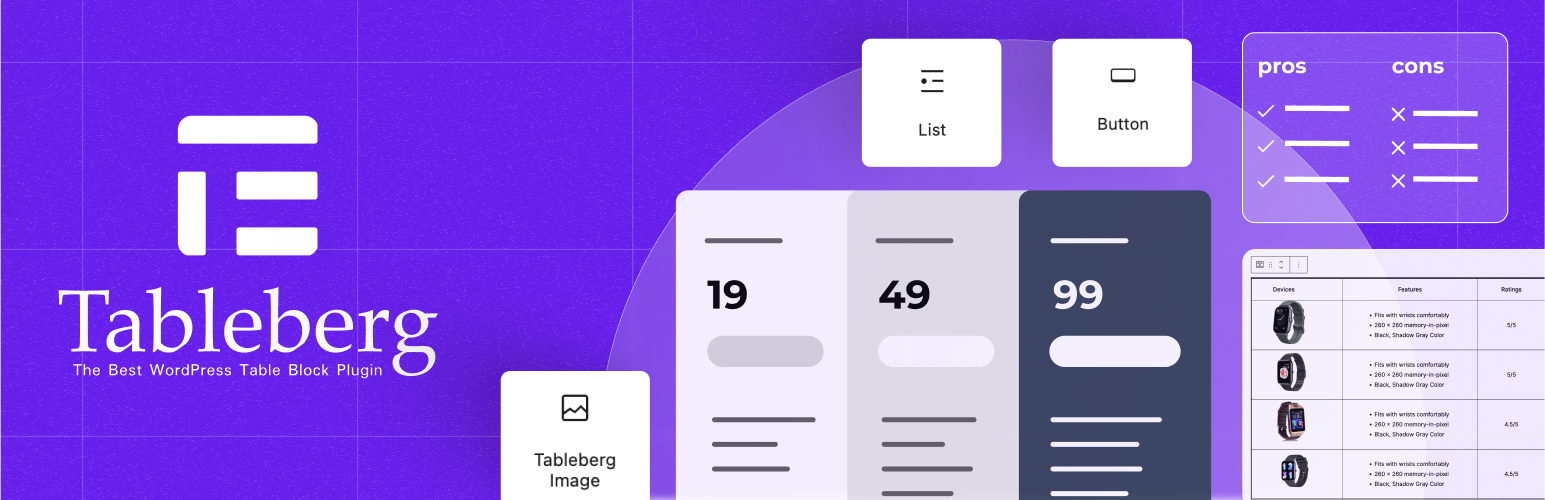
TableBerg是一個簡單的WordPress外掛程式,讓您在網站上新增表格變得非常輕鬆。使用TableBerg,在區塊編輯器中創建表格變得直接且無麻煩。
它附帶了三個易於使用的子區塊:文字、圖片和按鈕。文字區塊可讓您輸入資訊,圖片區塊可讓您添加圖片,按鈕區塊可讓您插入可點擊的按鈕。所有這些功能都相當直觀!
無論您是分享最喜愛的書籍清單、展示餐廳菜單還是展示產品目錄,TableBerg都能以整潔和吸引人的方式幫助您完成。
您不需要精通技術,TableBerg專為所有人設計。
TableBerg是一個簡單的工具,可讓您在WordPress區塊編輯器中製作表格,資訊豐富、引人入勝且易於閱讀。
外掛標籤
開發者團隊
② 後台搜尋「Tableberg – Simple Gutenberg Table Block」→ 直接安裝(推薦)
📦 歷史版本下載
原文外掛簡介
The “Table Block by Tableberg” plugin for WordPress simplifies creating and managing tables within the block editor. It features intuitive sub-blocks, allowing users to add and customize tables easily.
From pricing tables to product tables, you can build any type of tables using Tableberg. The plugin is designed for both novices and experienced users. It offers advanced functionalities like responsive controls, alignment adjustments, and cell merging, ensuring that tables look great on all devices without the need for coding skills.
It comes with the following easy-to-use sub-blocks:
Paragraph: Allows for simple text entries within a table cell.
List: Facilitates the addition of organized lists to enhance clarity.
Button: Enables the insertion of clickable buttons for calls to action.
Image: Supports adding images directly into the table cells.
Star Rating (Pro): Provides an option to include interactive star ratings.
Styled List (Pro): Offers lists with additional styling options.
Icon (Pro): Allows for the integration of icons to visually represent concepts or actions.
Ribbon (Pro): Adds decorative ribbons for highlighting special information.
Custom HTML (Pro): Enables the use of HTML for complex customizations.
And here are the key features of the Tableberg plugin:
Header Settings: Options to disable the header, designate the top row as header, or insert a new header.
Footer Settings: Similar to header settings, with options for the footer including disable, designate, or insert.
Table Width & Alignment: Adjust the overall table width and its alignment on the page.
Responsive Settings: Ensures the table adapts to different device screens (Desktop, Tablet, Mobile) for optimal display.
Color Customizations: Change colors for the header, footer, even and odd rows for better visual hierarchy.
Cell Padding & Cell Spacing: Customize the space within and between cells to improve readability.
Border Options: Set the table border size, color, and decide whether to include inner borders with customization.
Global Font Style: Control the font color, link color, and font size across the entire table.
Column Width & Row Height: Adjust the size of columns and rows to fit content or aesthetic preferences.
Customizations for Each Block: Detailed settings for each type of block inserted into the table.
Now let’s see some of the use cases of the Tableberg plugin:
Pricing Tables: Ideal for displaying different pricing tiers with clear comparisons of features and costs.
Comparison Tables: Compare products, services, or options side by side to aid decision-making.
Amazon Product Tables: Showcase Amazon products effectively, enhancing affiliate marketing efforts.
Pros & Cons Table: Clearly list the advantages and disadvantages of any item, helping readers make informed choices.
Team Members Table: Display team member information such as roles, bios, and contact info in an organized manner.
Schedule Tables: Perfect for laying out event schedules, class times, or appointment slots.
Restaurant Menu Tables: List menu items along with descriptions and prices in an attractive, easy-to-read format.
More: The plugin’s flexibility supports a wide range of other applications tailored to specific needs.
If you have any suggestions or have faced any issues, contact us here. You can also follow Tableberg on Twitter.