
內容簡介
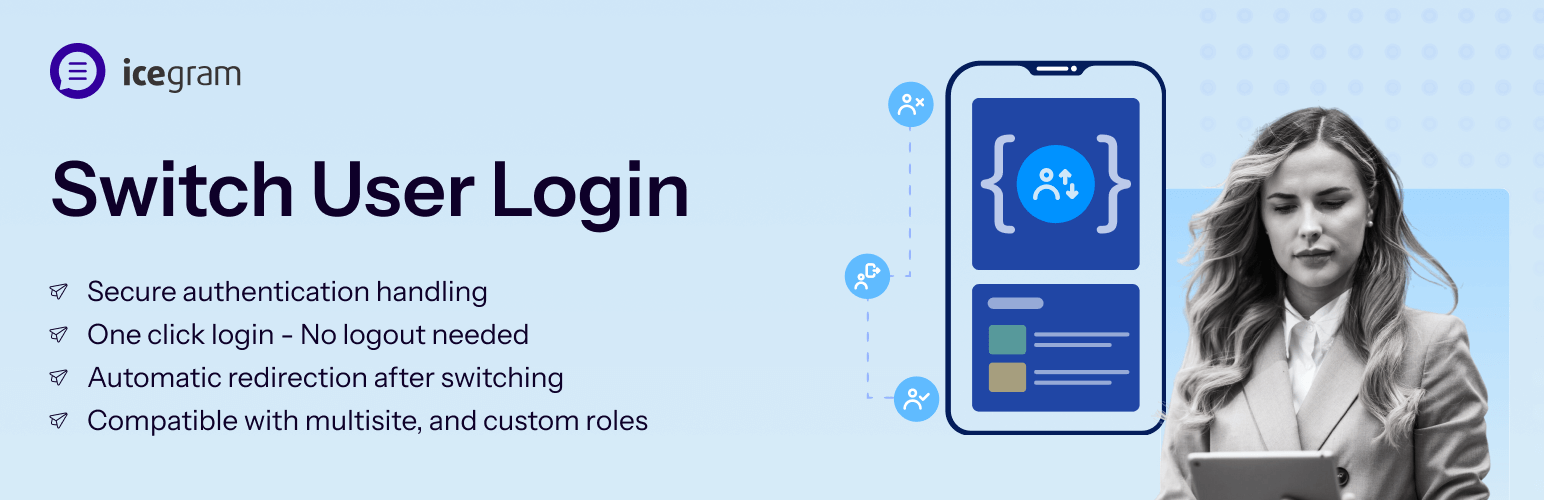
總結:「User Switching 外掛讓 WordPress 管理員可以快速在不登出重新登入的情況下切換使用者帳戶,非常適合用於測試使用者角色、進行除錯或高效管理帳戶。」
問題與答案:
<ul>
<li>這個外掛提供哪些功能?
<ul>
<li>即時在管理列中切換使用者。</li>
<li>安全的身份驗證處理。</li>
<li>與 WooCommerce、Multisite 和自訂角色相容。</li>
<li>切換後自動重新導向。</li>
</ul>
</li>
<li>如何使用這個外掛?
<ul>
<li>在 WordPress 控制面板中導航到「使用者 > 所有使用者」。</li>
<li>點擊使用者名稱旁邊的「變更為」連結。</li>
<li>要切換回原來的使用者,點選管理列中的「切換回 [原來的使用者]」。</li>
</ul>
</li>
</ul>
外掛標籤
開發者團隊
② 後台搜尋「Switch User Login By Icegram」→ 直接安裝(推薦)
原文外掛簡介
The User Switching Plugin allows administrators to quickly switch between user accounts in WordPress without logging out and back in. This is useful for testing user roles, debugging, or managing accounts efficiently.
Features
Instant user switching from the admin bar.
Secure authentication handling.
Compatible with WooCommerce, Multisite, and custom roles.
Automatic redirection after switching.
Usage
Navigate to Users > All Users in the WordPress dashboard.
Click the “Change To” link next to a user’s name.
To switch back, click “Switch back to [original user]” in the admin bar.
